gpt Image 2
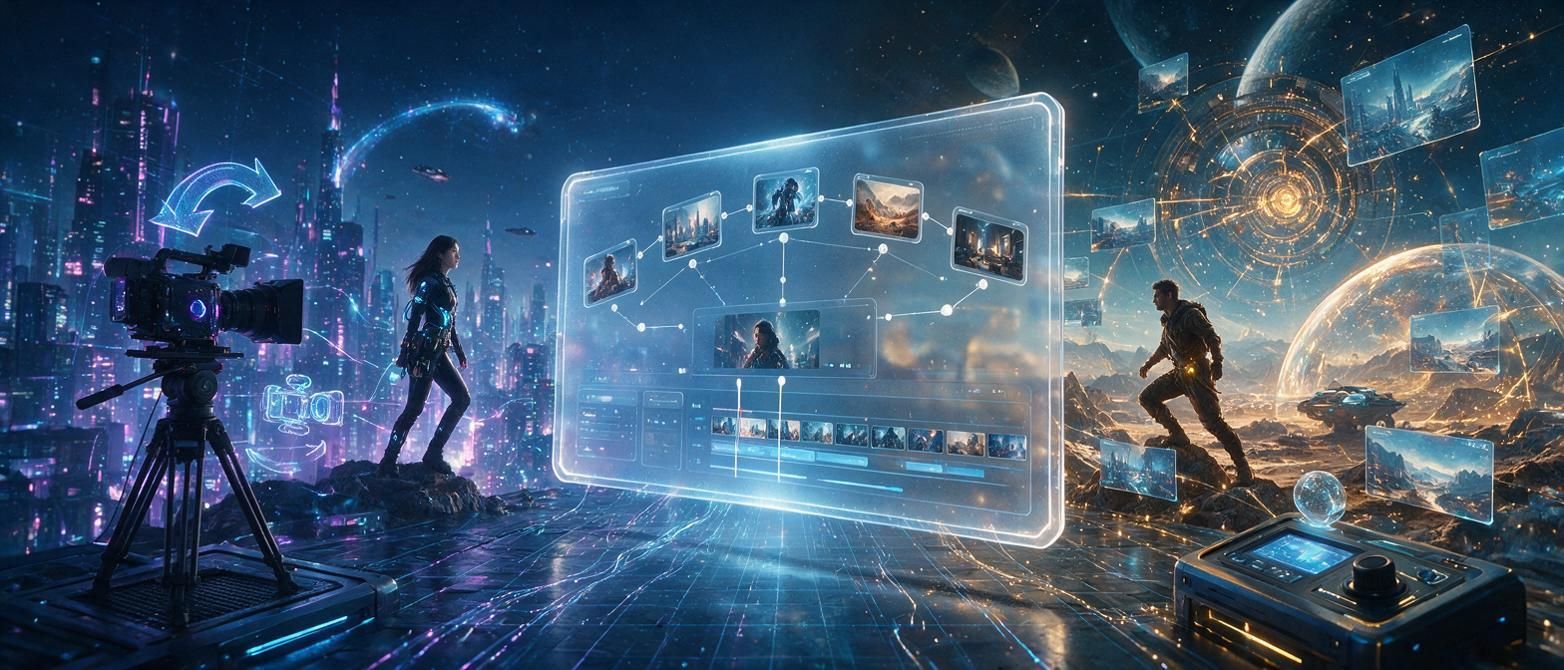
Discover how GPT Image 2 powers AI-driven image-to-video creation with ImgToVid AI, turning static visuals into dynamic, engaging clips in minutes.
Try it now
ImgToVid AI Team
8 min read
If you’ve ever spent hours editing a short social media clip from a single static image, or struggled to turn a concept sketch into a dynamic preview, you know how time-consuming even simple video creation can be. Traditional editing tools require manual keyframing, motion design, and timing adjustments that can turn a 30-second project into a half-day of work. Today, generative AI is changing that: models like GPT Image 2 are making it possible to transform static visuals into polished, moving clips in just a few clicks. When paired with tools built for this specific use case like ImgToVid AI, the result is a faster, more accessible workflow for everyone from content creators to small business owners.
What Is GPT Image 2, and How Does It Work for Video?
GPT Image 2 is the latest iteration of OpenAI’s generative image model, built to create high-quality, detailed visuals from text prompts, and now expand that capability to power motion generation. Unlike earlier image models that only output static files, GPT Image 2 is trained on millions of paired image and video sequences, which means it understands how real-world objects move, how light changes across a scene, and how to add natural motion that doesn’t look distorted or artificial.
At its core, the model uses a diffusion-based framework that starts with your input image and gradually generates motion frames that extend the original scene. It doesn’t just pan and zoom across your image (though that’s an option for simple clips); it can infer logical movement based on the content of your image. If you upload a photo of a waterfall, for example, GPT Image 2 can generate continuous flowing motion for the water. If you upload a illustration of a person walking down a city street, it can add subtle movement to their stride and the background traffic.
Key Capabilities That Set It Apart From Older Tools
What makes GPT Image 2 stand out from earlier AI image-to-video models? A few key features make it particularly useful for casual and professional creators alike:
Better semantic understanding: Because GPT Image 2 is built on the same large language model architecture that powers GPT-4, it can interpret natural text prompts to adjust motion. If you upload a landscape photo and type “add slow clouds moving across the sky and gentle waves lapping at the shore”, it understands exactly what you want, instead of adding random, unrelated motion.
Consistent output: Earlier AI video models often struggled with inconsistent subject movement, where a person’s face would warp or a building would change shape across frames. GPT Image 2 retains the core identity of your original image far better, so your final clip matches the visual style and composition you started with.
Support for a wide range of image types: It works just as well with photographs, digital illustrations, concept art, AI-generated images, and even hand-drawn sketches. Whether you’re working with a professional product photo or a rough sketch of your next marketing campaign, it can generate natural motion that fits the source material.
Common Use Cases for GPT Image 2 in Content Creation
You don’t have to be a professional video editor to benefit from GPT Image 2. Its accessibility has opened up image-to-video creation for a huge range of use cases across industries and creator types. Here are some of the most popular ways people are using the model today:
Social Media Content for Brands and Creators
Social media platforms prioritize video content, but creating fresh video clips consistently can drain a creator’s time and budget. With GPT Image 2, you can turn any existing static photo, graphic, or product shot into a 15–60 second clip perfect for Instagram Reels, TikTok, YouTube Shorts, or LinkedIn. A food blogger can turn a static photo of a chocolate cake into a clip with steam rising and slow camera movement to make the image more mouthwatering. A small business can turn a product photo of a new sweater into a subtle panning clip for an Instagram ad without hiring a videographer.
Even if you already have a library of static images from past campaigns, you can repurpose them into video content in minutes, extending the value of content you’ve already created. ImgToVid AI leverages this capability to let creators export clips in the exact aspect ratio they need for any platform, so you don’t have to spend extra time cropping or resizing after generation.
Concept and Pre-Visualization for Projects
If you’re a filmmaker, game designer, or marketer working on a larger production, pre-visualization (or pre-vis) is a critical step to share your vision with a team before full production begins. GPT Image 2 lets you turn a single concept sketch or storyboard frame into a short animated clip that shows how the scene will move, helping stakeholders understand the flow and mood of the final project.
For example, an independent filmmaker can turn a storyboard sketch of a dialogue scene into a 30-second pre-vis clip that shows camera movement and character blocking, instead of describing the scene in text. A game developer can turn a concept art piece of a new game environment into a slow walkthrough clip to share with the art team. This cuts down on miscommunication and reduces the time spent revising concepts early in the project.
Marketing and Advertising Assets
Small and medium businesses often don’t have the budget to create custom video content for every campaign or product launch. GPT Image 2 changes that: you can turn a product photo or brand graphic into a polished video ad in minutes, without any editing experience. E-commerce sellers can add motion to product photos for product pages, which has been shown to increase conversion rates by giving customers a better sense of the product. Real estate agents can turn static listing photos into slow panning clips for social media, making listings more engaging than static images.
How to Get the Best Results From GPT Image 2 for Image-to-Video
Like any generative AI tool, GPT Image 2 works best when you start with good input and follow a few simple best practices. Even if you’re using a streamlined tool like ImgToVid AI to generate your video, these tips will help you get a final clip that matches your vision:
Start With a High-Quality Input Image
The output of GPT Image 2 is only as good as the image you upload. If you upload a blurry, low-resolution image with lots of compression artifacts, the model will struggle to generate clean, smooth motion. Aim for an input image that’s at least 1024px on the longest edge, and avoid heavily compressed JPEGs if you can. If you’re working with a sketch or illustration, make sure the main subject is clearly defined and not hidden behind too much overlapping texture.
It’s also important to leave a little extra padding around your main subject if you plan to add camera motion. If your subject fills the entire frame, panning or zooming will cut off part of the subject, which can look jarring. Leaving 10–15% extra space around the edges gives the model room to create natural movement without cropping your subject.
Write Clear, Specific Motion Prompts
One of GPT Image 2’s biggest advantages is its ability to follow natural language prompts for motion, but vague prompts will give you vague results. Instead of typing “add motion”, be specific about what you want. For example, if you have an image of a coffee shop, a good prompt would be “slow pan across the counter, steam rising from the coffee cups, people walking gently in the background” instead of just “make it move”. This gives the model clear guidance, so it doesn’t add unintended motion that distracts from your main subject.
You can also specify what you don’t want to change. For example, adding “keep the main product centered, do not change the color of the background” will help the model retain the core elements of your original image that matter most to you.
Adjust Length and Motion Speed for Your Use Case
Most image-to-video clips generated with GPT Image 2 are between 10 seconds and 1 minute long, which is perfect for most social media and marketing use cases. If you’re creating a clip for a short-form platform like TikTok or Reels, stick to 15–30 seconds, and use slow, subtle motion instead of fast, erratic movement. Subtle motion is more engaging for viewers and looks more natural than over-the-top movement that can feel distracting.
If you need a longer clip, you can generate multiple short segments from the same image and stitch them together in a free editor like Canva or CapCut, or use a tool that extends the clip automatically while retaining consistent motion.
Retain Your Original Style
A common mistake new users make is letting the AI change the core style of their original image. If you uploaded a hand-drawn illustration with a specific watercolor style, add a line to your prompt that says “retain the original watercolor style, do not change the texture of the image”. This will help GPT Image 2 focus on adding motion instead of altering the visual style you worked hard to create.
The Future of AI-Powered Image-to-Video Creation
GPT Image 2 is just one step forward in a rapidly evolving space, but it’s already made image-to-video creation accessible to people who never would have been able to create it before. Just a few years ago, turning a static image into a dynamic video required specialized software and hours of manual work. Today, you can go from upload to finished clip in less than five minutes, with tools that fit any budget.
As models improve, we can expect even longer clips, more consistent motion, and more control over specific elements like camera movement and object animation. For now, tools that combine GPT Image 2’s generative power with a streamlined user experience like ImgToVid AI make it easy for anyone to experiment with image-to-video creation without a steep learning curve.
Whether you’re a creator looking to boost your social media output, a small business owner needing affordable marketing assets, or a designer pre-visualizing a new project, GPT Image 2 simplifies the video creation process, letting you focus on your idea instead of the technical details of editing.
ImgToVid AI Team
The ImgToVid AI team builds accessible AI tools to streamline creative video production for all content creators.
Iron Goddess AI: A New Video Model Worth Watching?
Explore the Iron Goddess AI video model rumors, its visual style, possible links to ByteDance Seedance, and what we know about its origins.
Kling 4.0 vs Seedance 2.5: AI Video Generation Comparison