Generatore di immagini a ritaglio di carta IA
Carica una foto per ottenere subito un’arte a ritaglio di carta IA sorprendente. Trasforma le immagini in scene di carta stratificate con un clic.
Carica e genera
Risultati
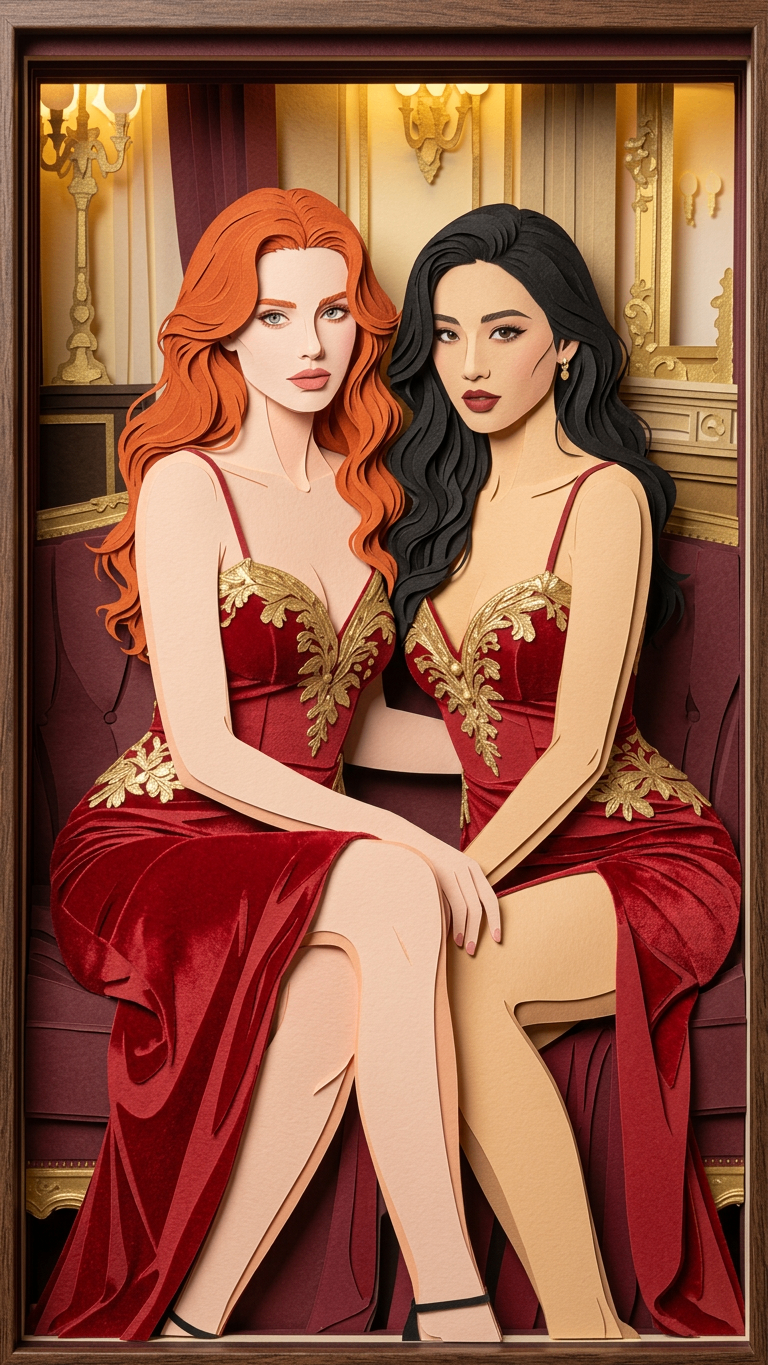
La generazione continua in Create Studio
Scenari d’uso del generatore a ritaglio di carta IA
Fumetti e storyboard
Carica bozze per generare subito tavole d’apertura e inquadrature reazione in stile ritaglio di carta IA. Perfetto per un ritmo visivo distintivo e pianificare il flusso narrativo.
Libri illustrati e illustrazione
Trasforma foto reali in illustrazioni morbide e stratificate per lettori piccoli. Il generatore a ritaglio di carta IA semplifica immagini complesse in visual chiari ed emotivi, con calore artigianale.
Character design e test di silhouette
Carica ritratti per definire silhouette forti e ancore di outfit. Usa l’effetto ad alto contrasto ritaglio di carta IA per anteprare forma e palette in formato artistico stilizzato.
Staging d’animazione e pianificazione della profondità
Carica riferimenti di scena per creare inquadrature con primo piano e sfondo ben separati. Lo stratificamento ritaglio di carta IA aiuta registi e animatori a pianificare messa in scena, sensazione ottica e profondità negli animatic.
Marketing e branding coerenti
Carica visual chiave o foto prodotto per generare set coerenti di poster e miniature. Mantieni un look di marca artistico uniforme su tutte le piattaforme con una sola direzione stile ritaglio di carta IA.
Perché scegliere il nostro generatore a ritaglio di carta IA?
Identità artistica coerente
Carica le immagini nel generatore a ritaglio di carta IA per un’identità visiva unificata. Varie foto diventano un’estetica ritaglio di carta coerente, come un unico progetto.
Snellisci la produzione: da foto ad arte
Salta schizzi complessi: carica foto reali o bozze per generare subito asset ritaglio di carta IA di alta qualità. La composizione originale resta, con texture artigianale professionale.
Iterazione rapida senza perdere la direzione
Prova look diversi caricando riferimenti nel pannello ritaglio di carta IA. Itera i concetti mantenendo l’intento narrativo e riducendo il lavoro manuale di stile.
Cosa dicono gli utenti del generatore a ritaglio di carta IA
Come usare il generatore di immagini a ritaglio di carta IA
Carica la tua foto
Carica una foto o uno schizzo per avviare la trasformazione IA.
Genera ritaglio di carta IA
Clicca Genera: il generatore a ritaglio di carta IA ricostruisce l’immagine in un capolavoro stratificato.
Salva e crea
Scarica l’arte stratificata ad alta qualità per fumetti, libri o scene di storia!
FAQ
Cos’è un generatore a ritaglio di carta IA?
Uno strumento creativo che trasforma idee o immagini in opere con estetica stratificata. Simula texture, ombre e spessore della carta per visual perfetti in fumetti, libri illustrati, storyboard di giochi e concept di personaggi.
Come converto le foto in arte a ritaglio?
Semplice: carica foto o bozza. Il generatore a ritaglio di carta IA analizza composizione e contorni e ricostruisce subito un’opera multistrato con luce e ombra delicate, senza editing manuale.
Le immagini si possono usare per fumetti commerciali o progetti professionali?
Sì. Progettato per flussi reali dei creator: alta risoluzione e bordi netti, ideale per riferimenti storyboard, illustrazioni di libri, copertine poster e concept art ambienti per giochi.
Perché questo stile è ideale per narrazione e scenografia?
Lo stile ritaglio di carta dà naturalmente profondità spaziale e sensazione artigianale. Il generatore a ritaglio di carta IA separa chiaramente primo piano, piano medio e sfondo con profondità d’ombra, aggiungendo tensione artistica e atmosfera calda a tavole e scene.