Welcome to ImgToVid AI

or
🎁Get 50 free credits after sign in

AI 페이퍼컷 이미지 생성기

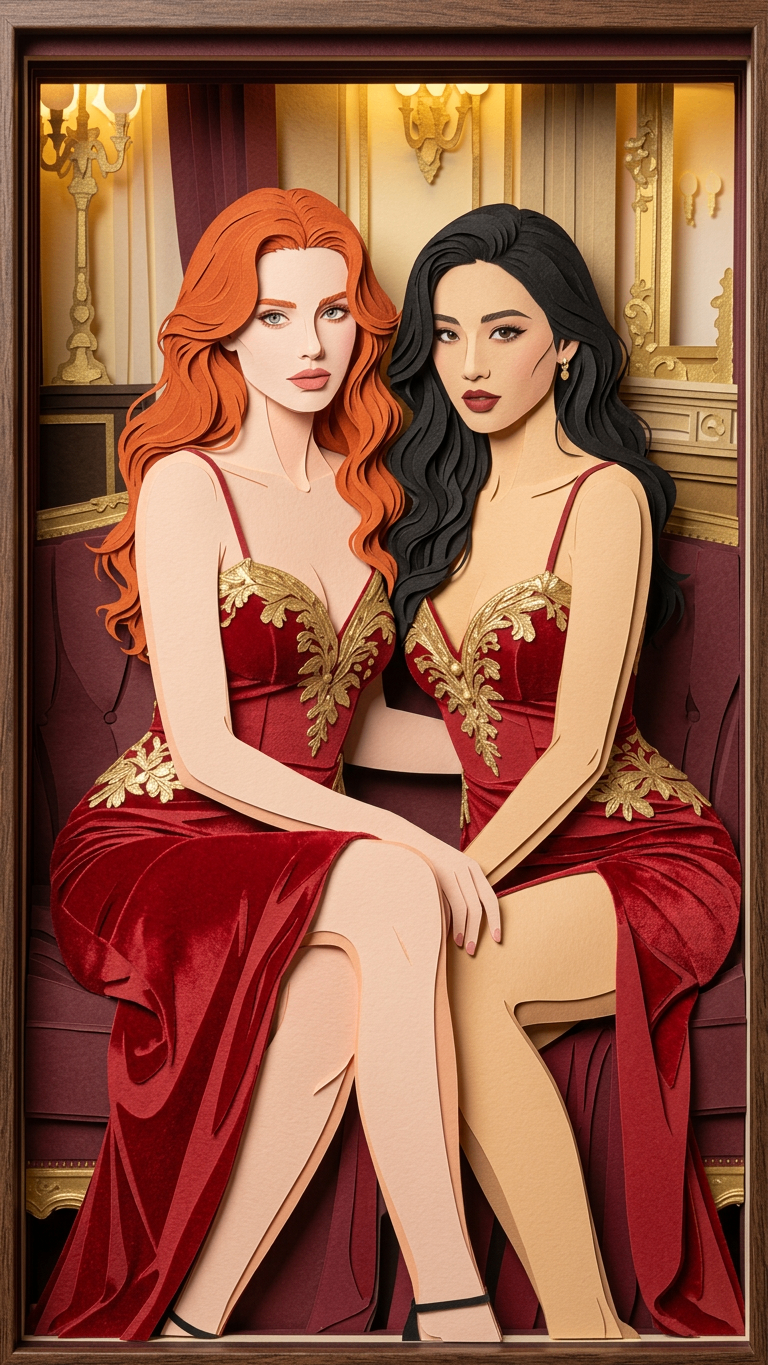
사진을 업로드하면 즉시 인상적인 AI 페이퍼컷 아트를 받으세요. 한 번의 클릭으로 이미지를 레이어감 있는 종이 장면으로 바꿉니다.

업로드 및 생성

AI 페이퍼컷 아트 생성기

Image 1

최대 1장까지 업로드

결과

SeedDance-image-ai-1

No Generation History

Enter a prompt and click "Generate Image" to start creating! Your artwork will be displayed here.

AI 페이퍼컷 생성기 활용 시나리오

만화·스토리보드

러프 스케치를 올려 AI 페이퍼컷 스타일의 오프닝 컷과 리액션 샷을 즉시 생성합니다. 독특한 시각 리듬을 잡고 시퀀스 확정 전 내러티브 흐름을 계획하기에 좋습니다.

그림책·일러스트

실제 사진을 어린 독자를 위한 부드럽고 레이어감 있는 일러스트로 바꿉니다. AI 페이퍼컷 생성기는 복잡한 이미지를 명확하고 감정이 닿는 비주얼로 단순화해 손맛 있는 따뜻함을 더합니다.

캐릭터 디자인·실루엣 테스트

캐릭터 초상을 업로드해 강한 실루엣과 의상 앵커를 정의하세요. 고대비 AI 페이퍼컷 효과로 형태와 색 팔레트가 스타일화된 예술 형식으로 어떻게 보일지 미리 확인합니다.

애니메이션 스테이징·깊이 설계

장면 레퍼런스를 올려 전경과 배경이 뚜렷이 구분된 프레임을 만듭니다. AI 페이퍼컷 레이어링은 애니매틱에서 스테이징, 렌즈 느낌, 깊이 계획을 돕습니다.

일관된 마케팅·브랜딩

키 비주얼이나 제품 사진을 업로드해 통일된 포스터와 썸네일 세트를 생성하세요. 하나의 AI 페이퍼컷 스타일 방향으로 모든 플랫폼에서 예술적이고 일관된 브랜드 룩을 유지합니다.

AI 페이퍼컷 생성기를 선택하는 이유

일관된 예술적 아이덴티티

이미지를 AI 페이퍼컷 생성기에 넣어 통일된 비주얼 아이덴티티를 확보하세요. 다양한 사진 업로드를 한 프로젝트에 속하는 듯한 페이퍼컷 미학으로 맞춥니다.

사진→아트로 제작 간소화

복잡한 스케치를 건너뛰고 실사나 초안을 업로드해 고품질 AI 페이퍼컷 에셋을 즉시 생성합니다. 원본 구도는 살리고 전문적인 손맛 텍스처를 더합니다.

방향을 잃지 않는 빠른 반복

레퍼런스를 AI 페이퍼컷 대시보드에 올려 다양한 룩을 빠르게 시험하세요. 스토리 의도는 유지하면서 컨셉을 반복하고 수동 스타일 작업을 줄입니다.

사용자가 말하는 AI 페이퍼컷 생성기

Review

David K.

The AI Paper Cut generator is absolutely insane! I uploaded a single photo from my last vacation, and suddenly it’s a high-level paper art piece. The way it handles the shadow depth and the layered thickness of the paper edges feels so authentic.

Verified
Review

@creative_artist

As an illustrator, I’m impressed by the technical accuracy. This AI Paper Cut tool doesn't just apply a flat filter; it actually reconstructs the image into realistic physical layers. It’s perfect for creating unique, high-contrast content for my followers.

Verified
Review

@pixel_master

I’ve tried other artistic AI tools, but this is the best AI Paper Cut generator for single-photo conversion. The layering is crisp, and it doesn't blur the fine details even in complex backgrounds. The HD output is professional grade.

Verified
Review

Li Wei

The processing speed is top-notch. I had a full handcrafted-style masterpiece ready in under two minutes. For an SEO specialist looking to generate viral AI visual content quickly, this tool is a total productivity hack.

Verified
Review

Sophie Moore

I used a Ghibli-style character portrait, and the AI Paper Cut generator maintained the artistic aesthetic perfectly while adding that beautiful 3D stacked-paper effect. It’s rare to find a tool that respects the original art style this well during transformation.

Verified
Review

@design_vibe

Super user-friendly! No need for complex Photoshop layers. Just one clear photo, and the AI transforms it into a blockbuster-style paper-cut scene. It’s the easiest way to turn any portrait into high-end gallery art for social media.

Verified
Review

David K.

The AI Paper Cut generator is absolutely insane! I uploaded a single photo from my last vacation, and suddenly it’s a high-level paper art piece. The way it handles the shadow depth and the layered thickness of the paper edges feels so authentic.

Verified
Review

@creative_artist

As an illustrator, I’m impressed by the technical accuracy. This AI Paper Cut tool doesn't just apply a flat filter; it actually reconstructs the image into realistic physical layers. It’s perfect for creating unique, high-contrast content for my followers.

Verified
Review

@pixel_master

I’ve tried other artistic AI tools, but this is the best AI Paper Cut generator for single-photo conversion. The layering is crisp, and it doesn't blur the fine details even in complex backgrounds. The HD output is professional grade.

Verified
Review

Li Wei

The processing speed is top-notch. I had a full handcrafted-style masterpiece ready in under two minutes. For an SEO specialist looking to generate viral AI visual content quickly, this tool is a total productivity hack.

Verified
Review

Sophie Moore

I used a Ghibli-style character portrait, and the AI Paper Cut generator maintained the artistic aesthetic perfectly while adding that beautiful 3D stacked-paper effect. It’s rare to find a tool that respects the original art style this well during transformation.

Verified
Review

@design_vibe

Super user-friendly! No need for complex Photoshop layers. Just one clear photo, and the AI transforms it into a blockbuster-style paper-cut scene. It’s the easiest way to turn any portrait into high-end gallery art for social media.

Verified

AI 페이퍼컷 이미지 생성기 사용법

1

사진 업로드

사진이나 스케치를 업로드해 AI 변환을 시작하세요.

2

AI 페이퍼컷 생성

생성을 누르면 AI 페이퍼컷 생성기가 이미지를 레이어 구조의 작품으로 재구성합니다.

3

저장하고 창작

고품질 레이어 아트를 내려받아 만화, 책, 스토리 장면에 활용하세요!

자주 묻는 질문

AI 페이퍼컷 생성기란?

아이디어나 이미지를 독특한 ‘레이어’ 미학의 작품으로 바꾸는 강력한 창작 도구입니다. 실제 종이의 질감·그림자·두께를 시뮬레이션해 만화, 그림책, 게임 스토리보드, 캐릭터 컨셉에 적합한 비주얼을 만듭니다.

사진을 페이퍼컷 아트로 바꾸려면?

사진이나 스케치만 업로드하면 됩니다. AI 페이퍼컷 생성기가 구도와 윤곽을 자동 분석하고 고급 알고리즘으로 섬세한 명암의 다층 작품으로 즉시 재구성합니다. 수동 편집이 필요 없습니다.

생성 이미지를 상업 만화나 프로젝트에 쓸 수 있나요?

네. 실제 크리에이터 워크플로에 맞춰 설계되었으며 고해상도와 선명한 가장자리를 제공합니다. 스토리보드 레퍼런스, 도서 일러스트, 포스터 커버, 게임 환경 컨셉 아트에 적합합니다.

이 스타일이 스토리텔링·씬 디자인에 왜 잘 맞나요?

페이퍼컷 스타일은 공간적 깊이와 손맛을 자연스럽게 줍니다. AI 페이퍼컷 생성기는 그림자 깊이로 전경·중경·배경을 분명히 나누어 만화 패널이나 스토리 씬에 독특한 예술적 긴장과 따뜻한 분위기를 더합니다.