MiniMax H3 Image AI Image Generator
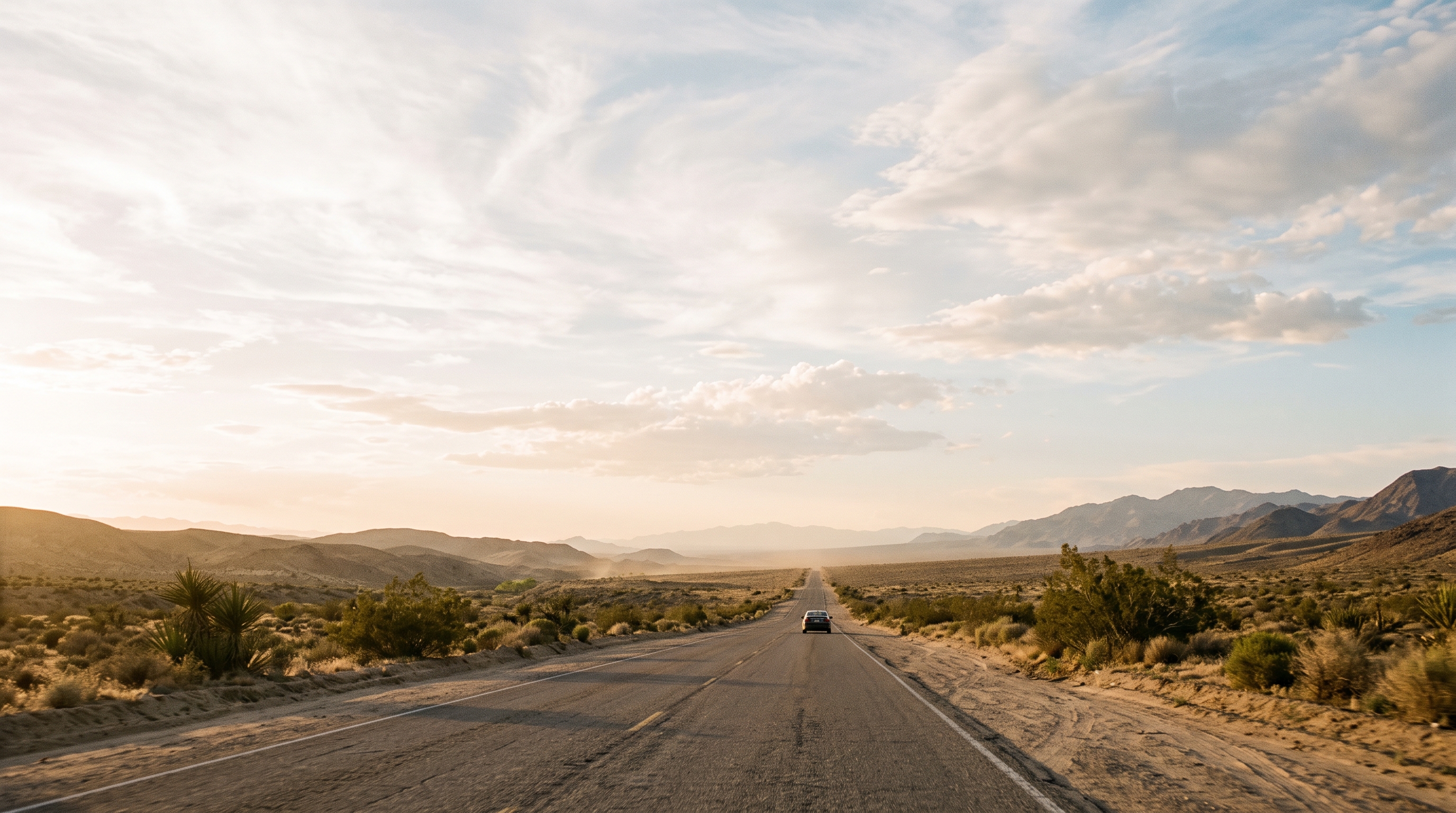
MiniMax-H3-Image 是 MiniMax H3 系列的開源圖像模型。同一個檢查點同時做文生圖和圖像編輯:公開比例下约 1600 万像素,從 4096×4096(1:1)到 6272×2688(21:9),不另接放大模型。檢查點蒸馏為 6 步采樣,不使用 classifier-free guidance,最多 16 張參考圖。在 ImgToVid 上用 MiniMax H3 Image 生成和編輯。
01 — 核心能力
MiniMax 對 MiniMax H3 Image 公布的規格
下面是 MiniMax 為 MiniMax H3 Image 公布、並在 ImgToVid 上使用的規格。

01
约 16MP,不經放大模型
MiniMax 列出原生约 1600 万像素,包括 4096×4096,以及 21:9 的 6272×2688。
02
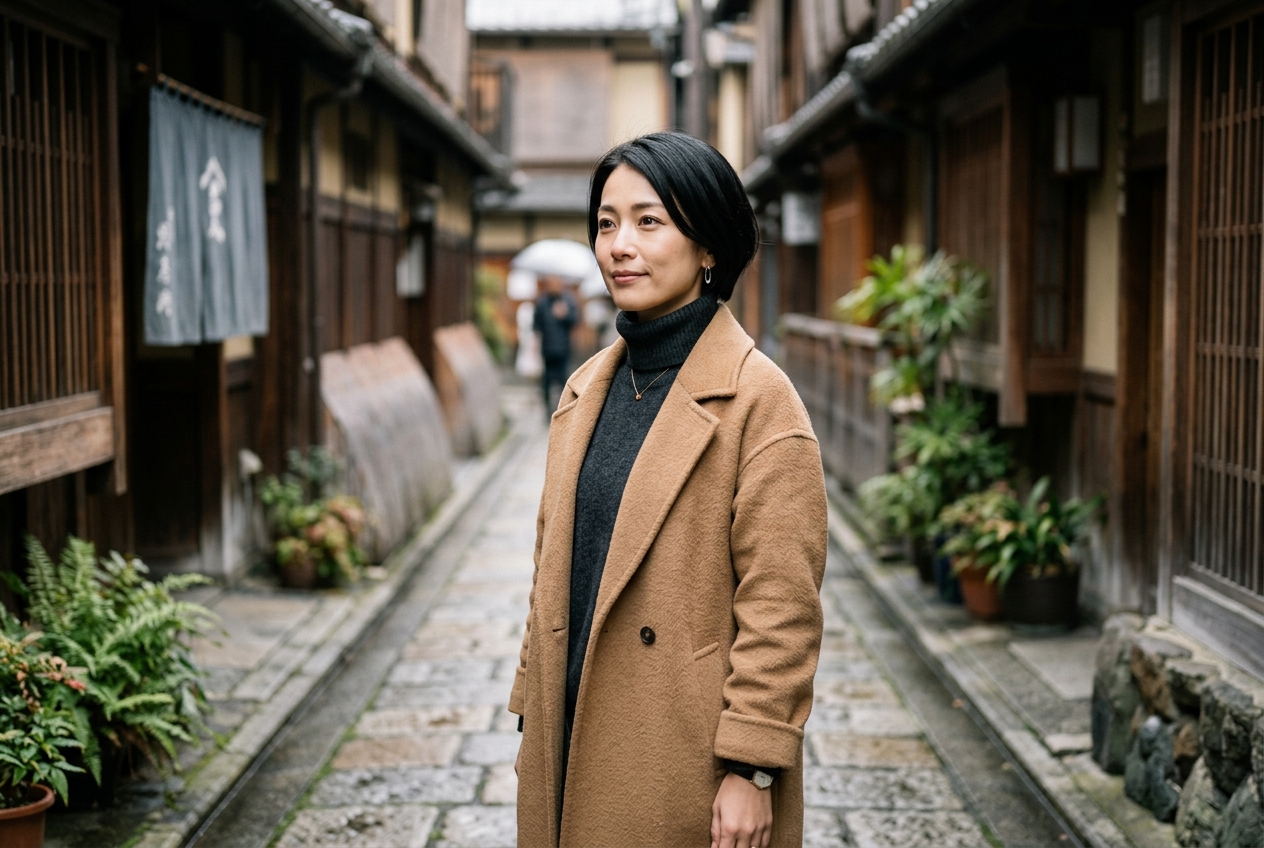
6 步采樣,不用 CFG
發布的檢查點蒸馏為 6 步(6 NFE),不使用 classifier-free guidance。
03
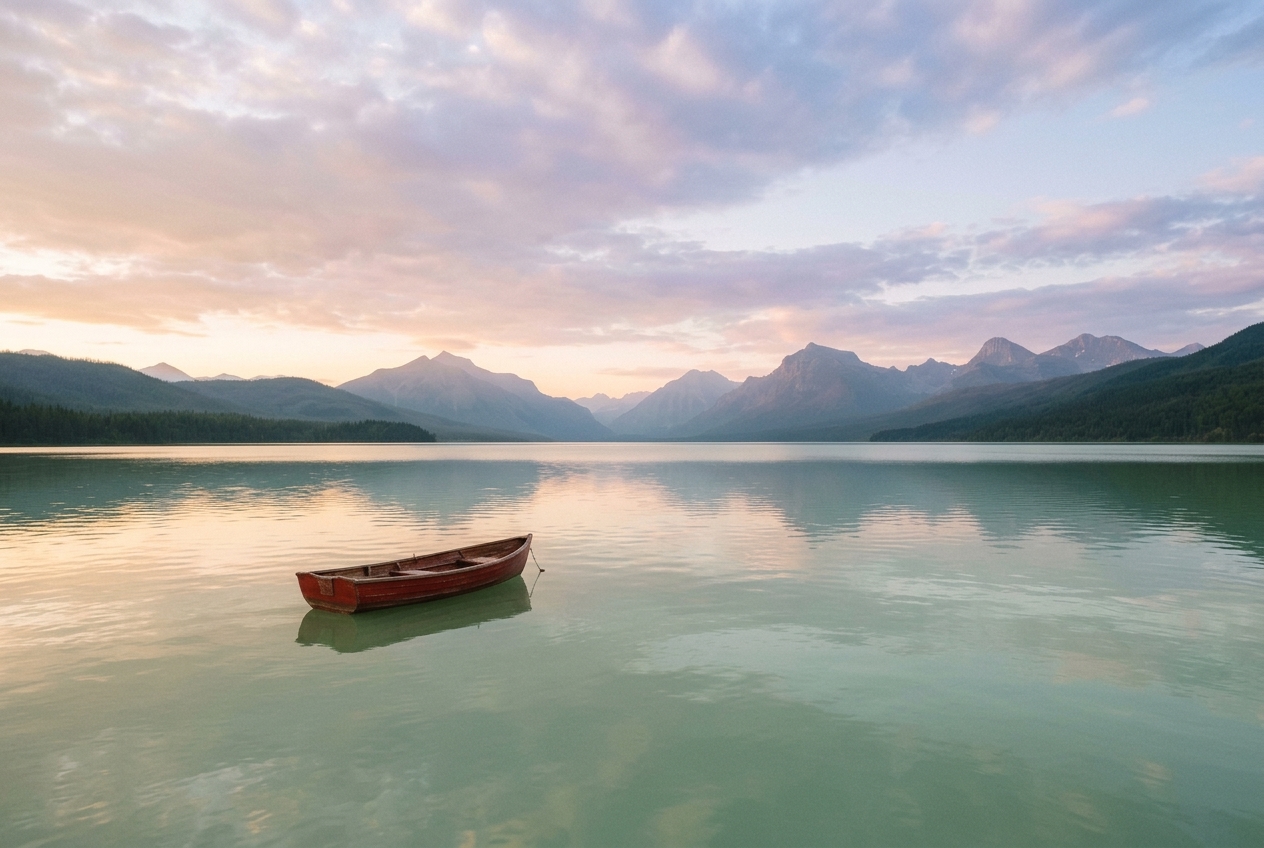
文生圖和編輯在同一個模型
同一個檢查點既可以從提示詞生成,也可以編輯一張或多張參考圖。MiniMax 列出最多 16 張參考圖。
04
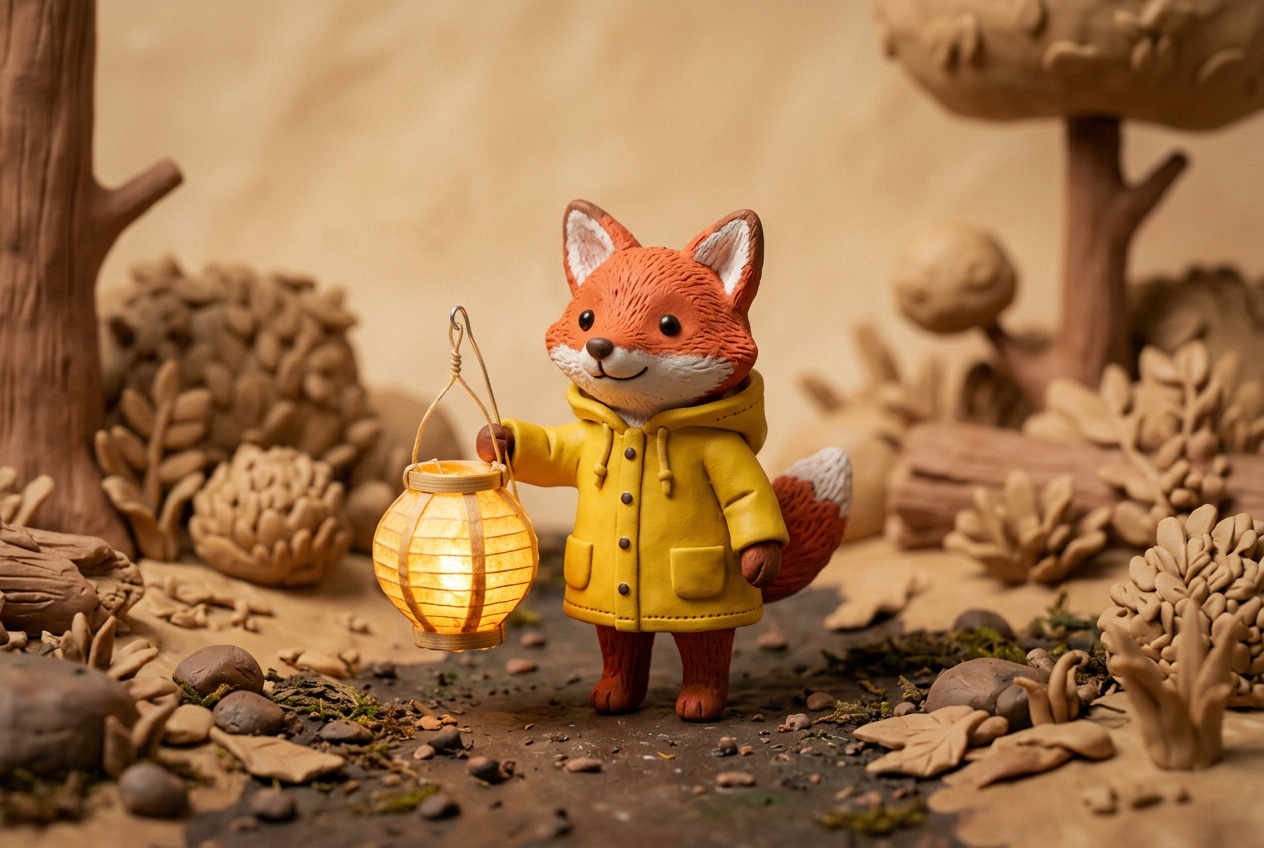
去掉音頻支路的 H3 Transformer
擴散 Transformer 是去掉音頻層的 H3 結构:331 億參数,文本編碼器沿用 MiniMax-H3,沒有改動。
02 — 提示詞與成片
和上面畫面一致的提示詞
每條提示詞描述對應卡片裡的畫面。“使用此提示詞”會在 Create 裡用 MiniMax H3 Image 打開這段文字。
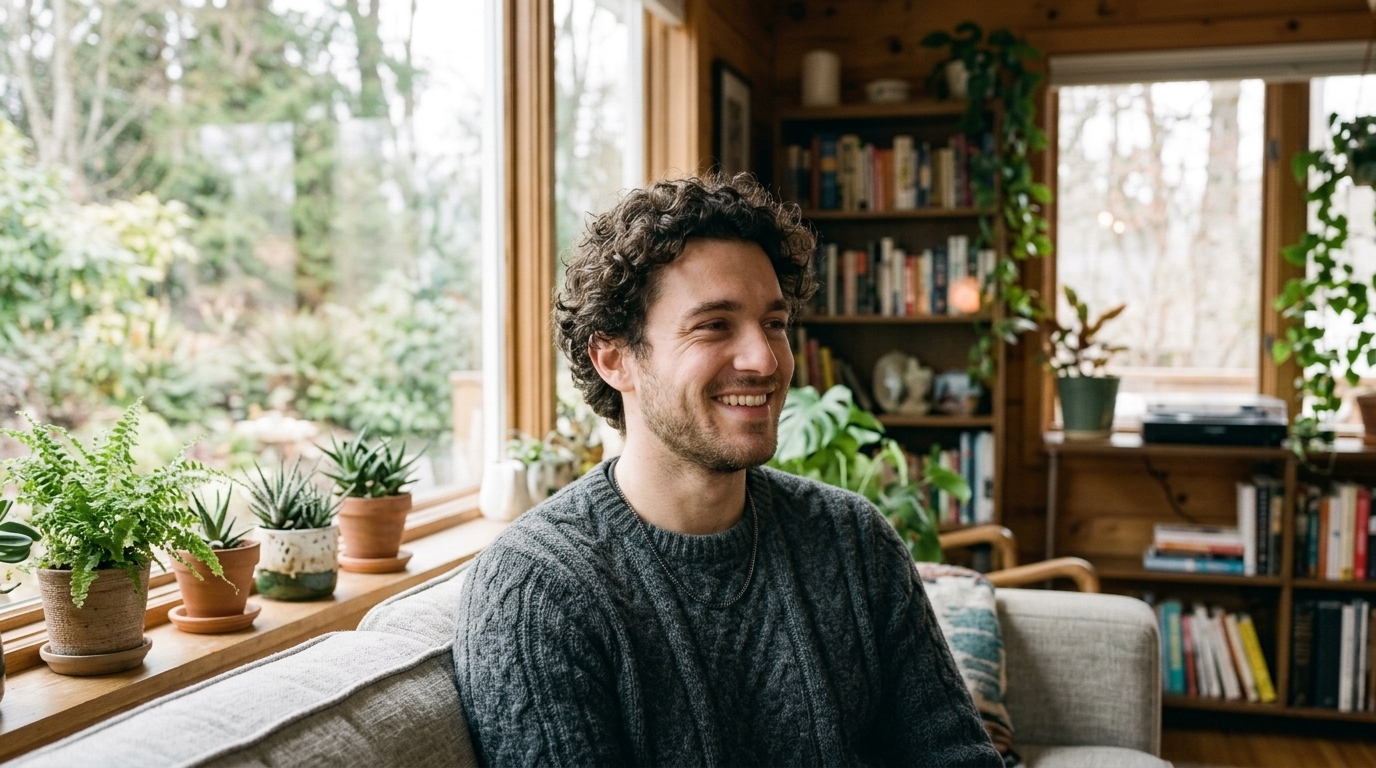 01 · 人像
提示詞Close photographic portrait of a young man with curly hair wearing a grey knit sweater, soft window light, he glances aside and smiles warmly, shallow depth of field.
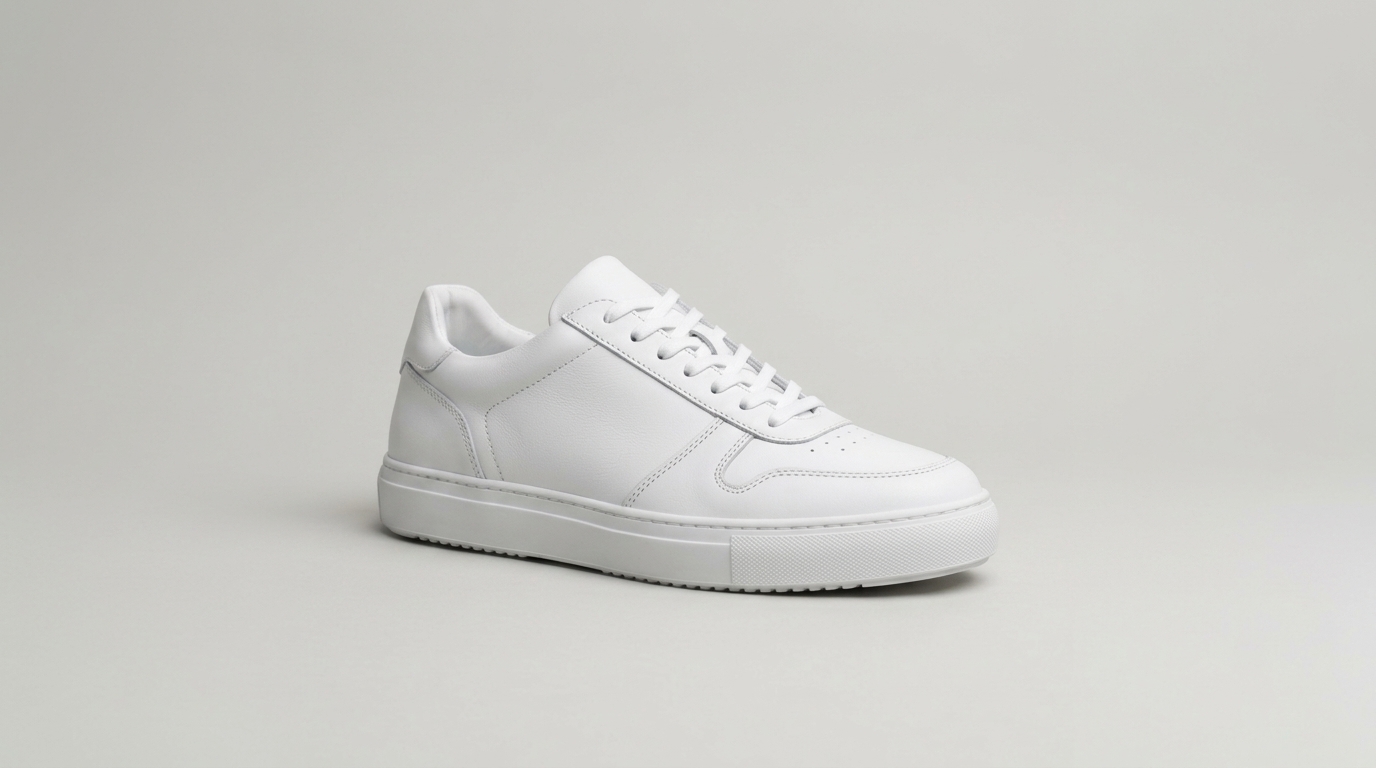 02 · 產品
提示詞A clean white leather sneaker on a pale grey seamless studio backdrop, soft diffused light, three-quarter view, crisp stitching, minimal commercial photograph.
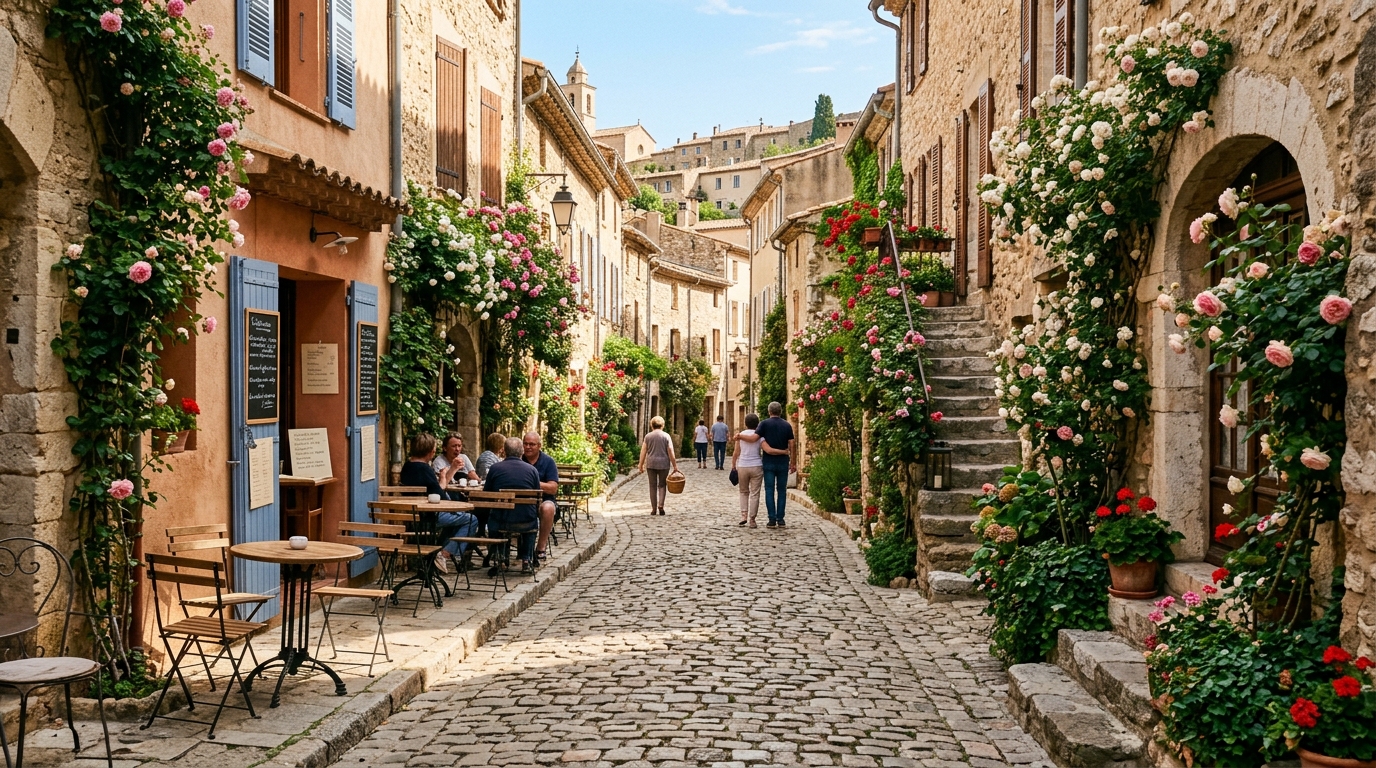 03 · 街道
提示詞Photographic view down a cobblestone lane in an old European village, climbing roses on stone walls, café tables in morning sun, a few people strolling in the distance.
 04 · 角色
提示詞Photograph of a young woman with shoulder-length brown hair in an olive t-shirt, golden late-afternoon light, she turns her head and looks into the distance, breeze in her hair.
03 — 適用場景
MiniMax 把 H3 Image 放在哪些任務上
適合高細節靜幀,以及按明確指令做的編輯。
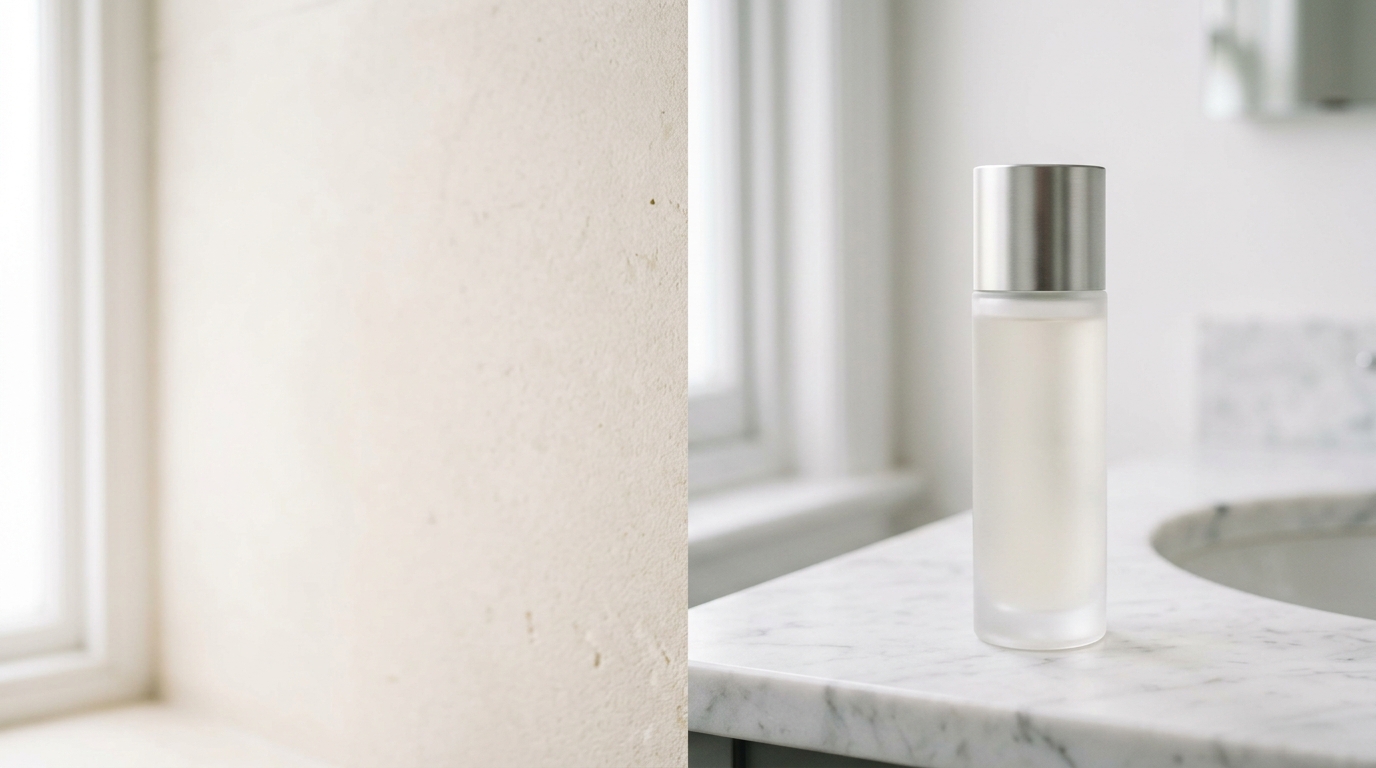
方圖到寬銀幕的大圖
MiniMax 列出约 16MP,從 1:1 到 21:9,直接生成,而不是事後放大。
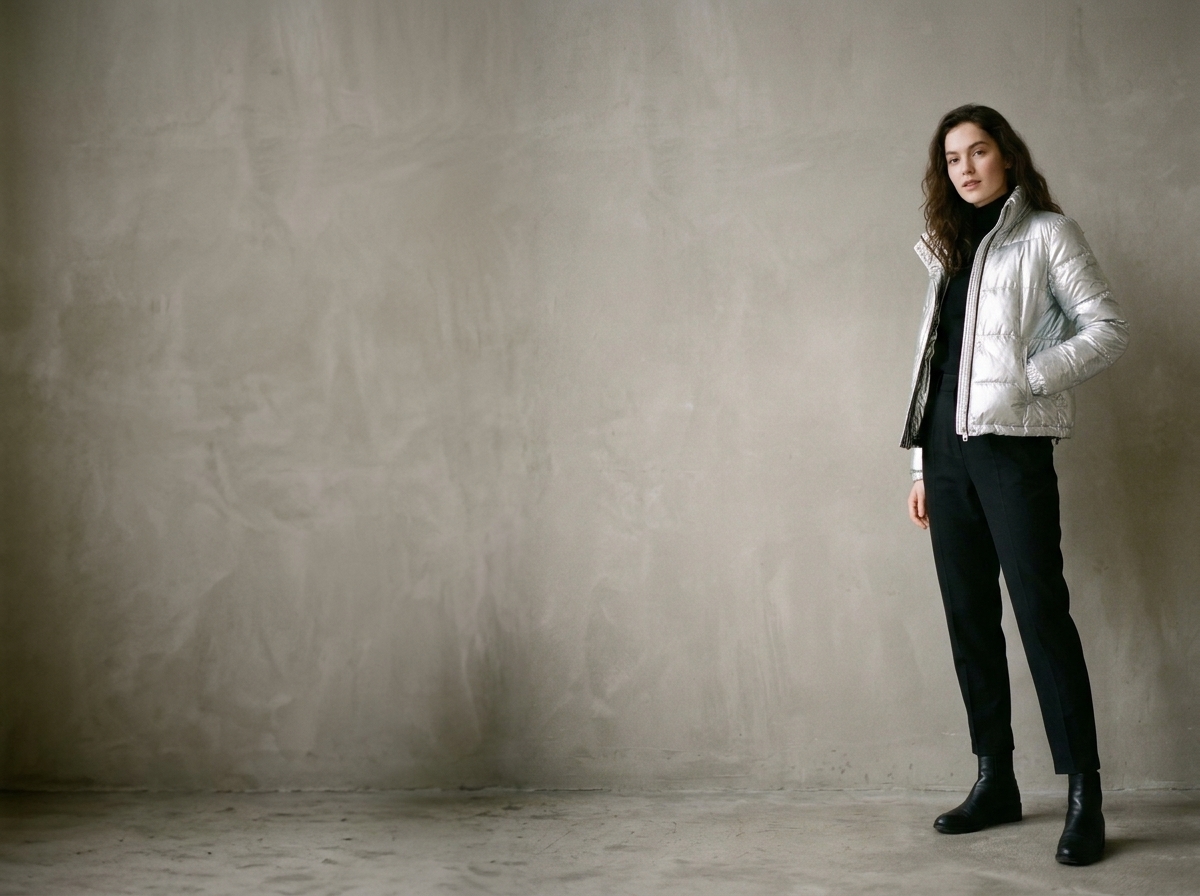
同時用上多張參考圖的編輯
一個檢查點同時覆蓋生成和編輯,最多 16 張參考圖。
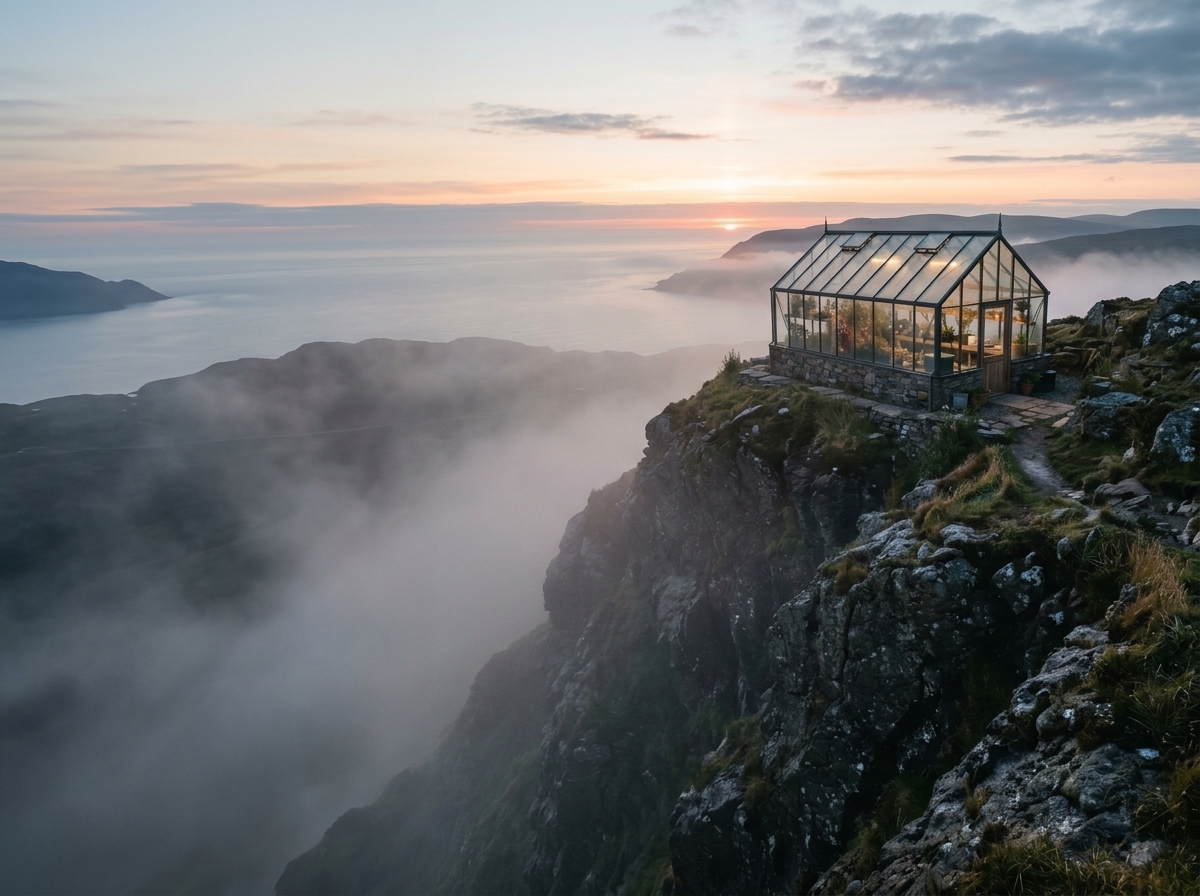
更輕的同站模型 P-H3-Image
Pruna 的 P-H3-Image 是 ImgToVid 上的另一個圖像模型,面向大约 8MP 的照片感畫面。
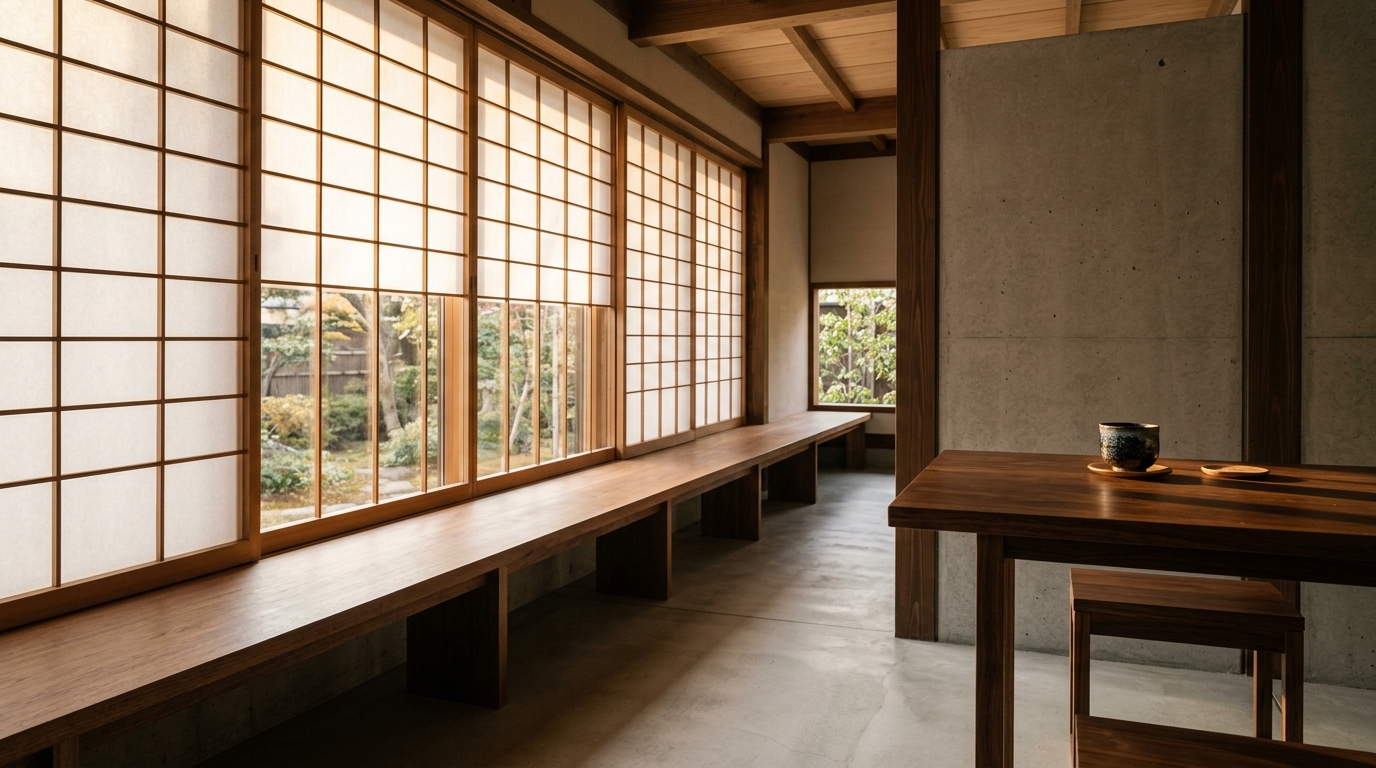
在 ImgToVid 上生成
在這裡寫畫面,到 Create 裡用 MiniMax H3 Image 生成。會員和積分在那裡檢查。
04 — 評價
MiniMax H3 Image 的長处和取捨
優勢
- 原生约 16MP,從 4096×4096(1:1)到 6272×2688(21:9),不另接放大
- 蒸馏為 6 步采樣,不使用 classifier-free guidance
- 文生圖和圖像編輯共用一個檢查點,最多 16 張參考圖
- 331 億參数的 H3 擴散 Transformer,文本編碼器沿用 MiniMax-H3
取捨
- 16MP 文件比常见的 1–4MP 圖更占空间,也更重
- 若自行部署開源權重,下載量很大:模型卡列出 68.65 GB 的 BF16 DiT,文本編碼器從 MiniMax-H3 加載
- 編輯指令含糊時,畫面裡沒點名要改的部分會留得比预期更多
05 — 橫向比較
MiniMax H3 Image、P-H3-Image 与 Seedream 5.0 Pro
H3 Image 和 P-H3-Image 的数字來自各自的公開模型卡。Seedream 5.0 Pro 是 ImgToVid 上已有的檔位。
06 — 使用步驟
在 ImgToVid 上開始一張靜幀
步驟 1
描述一張畫面
寫清主體、光線和畫幅。做編輯時說明改什么、保留什么。
步驟 2
用本頁的生成器
它會打開 Create 裡的 MiniMax H3 Image。提示詞和設置一起帶過去。
步驟 3
在 Create 裡生成
會員和積分在 MiniMax H3 Image 運行前檢查。
07 — 常見問題
MiniMax H3 Image 常见問題
MiniMax H3 Image 是什么?
MiniMax-H3-Image 是 MiniMax 的開源圖像模型,做文生圖和圖像編輯。它是 H3 系列裡的靜幀檢查點,不是 MiniMax H3 視頻模型。
圖有多大?
模型卡列出公開比例下约 1600 万像素,從 4096×4096(1:1)到 6272×2688(21:9),不另接放大模型。
一次編輯能用幾張參考圖?
MiniMax 列出最多 16 張參考圖。生成和編輯用同一個檢查點。
它和 P-H3-Image 有什么不同?
P-H3-Image 是 Pruna AI 基於 MiniMax-H3 另做的開源模型。其模型卡建议 8MP、8 步、1 至 8 張輸入圖。它不是 MiniMax H3 Image 這個檢查點。
能在 ImgToVid 上用 MiniMax H3 Image 生成吗?
可以。在本頁寫提示詞,到 Create 裡用 MiniMax H3 Image 生成。
生成結果可以商用吗?
在 ImgToVid 上生成的內容能否商用,取决於你的套餐。發布前請查看 Pricing 和 Terms,並確認提示詞和上傳內容不侵犯他人權利。
08 — 更多模型
其他 AI 圖像模型