Image to Video AI Generator
Image to motion · Text to creation · AI for your imagination.
What's new
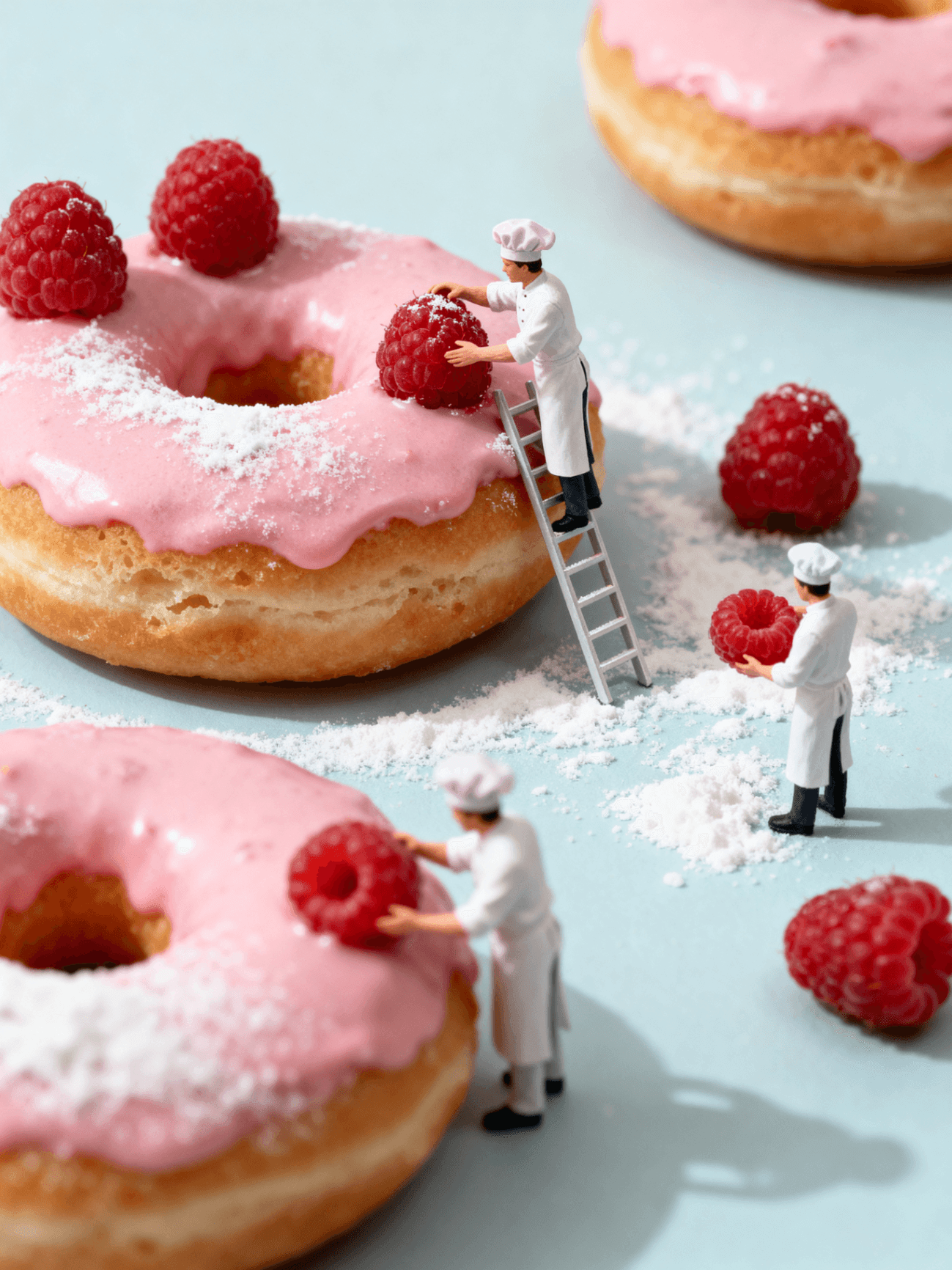 Video
VideoKling 2.6
Improved temporal consistency for cinematic motion
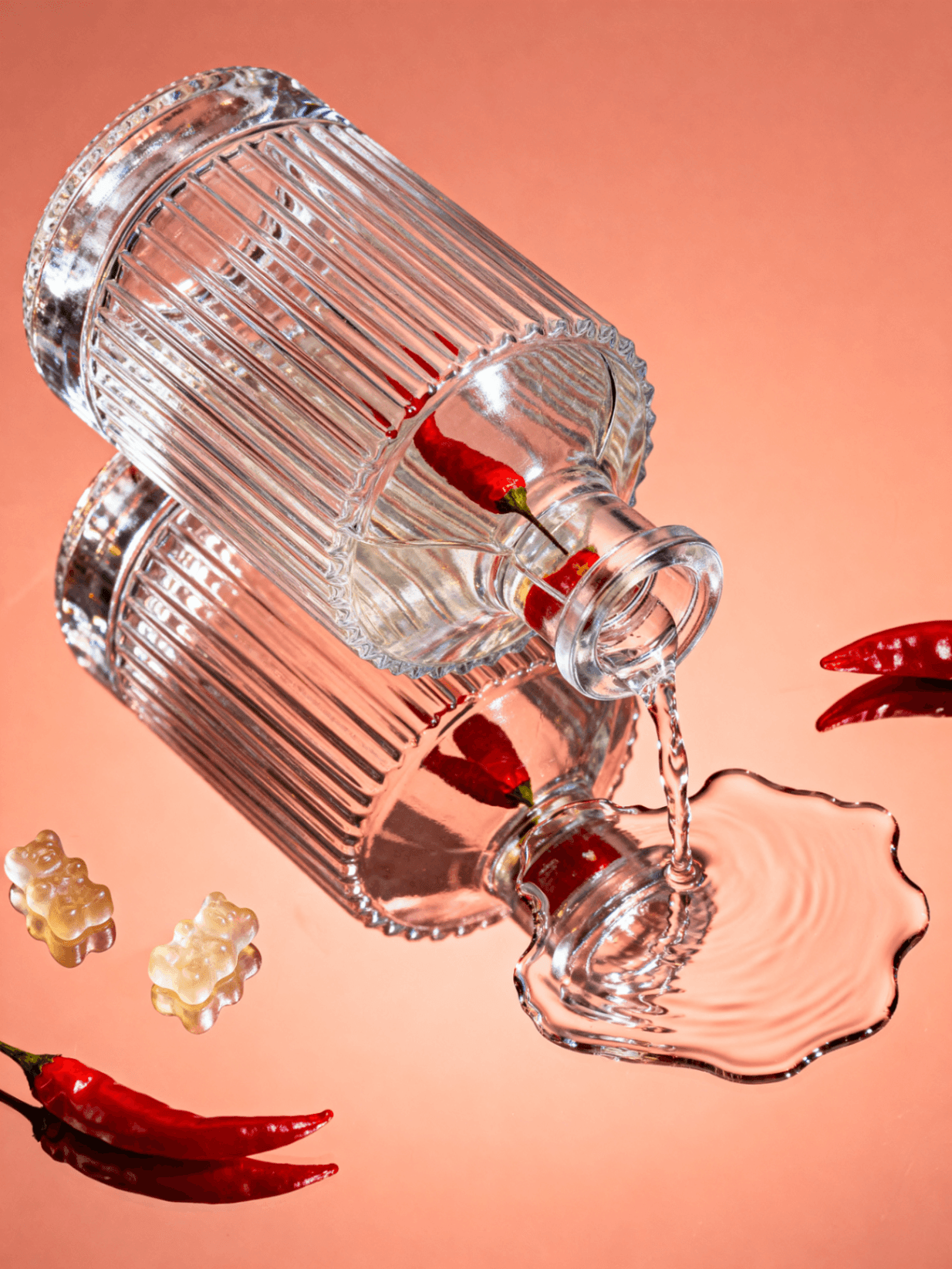 Image
ImageGPT Image 2
Photorealistic text-to-image with fine detail control
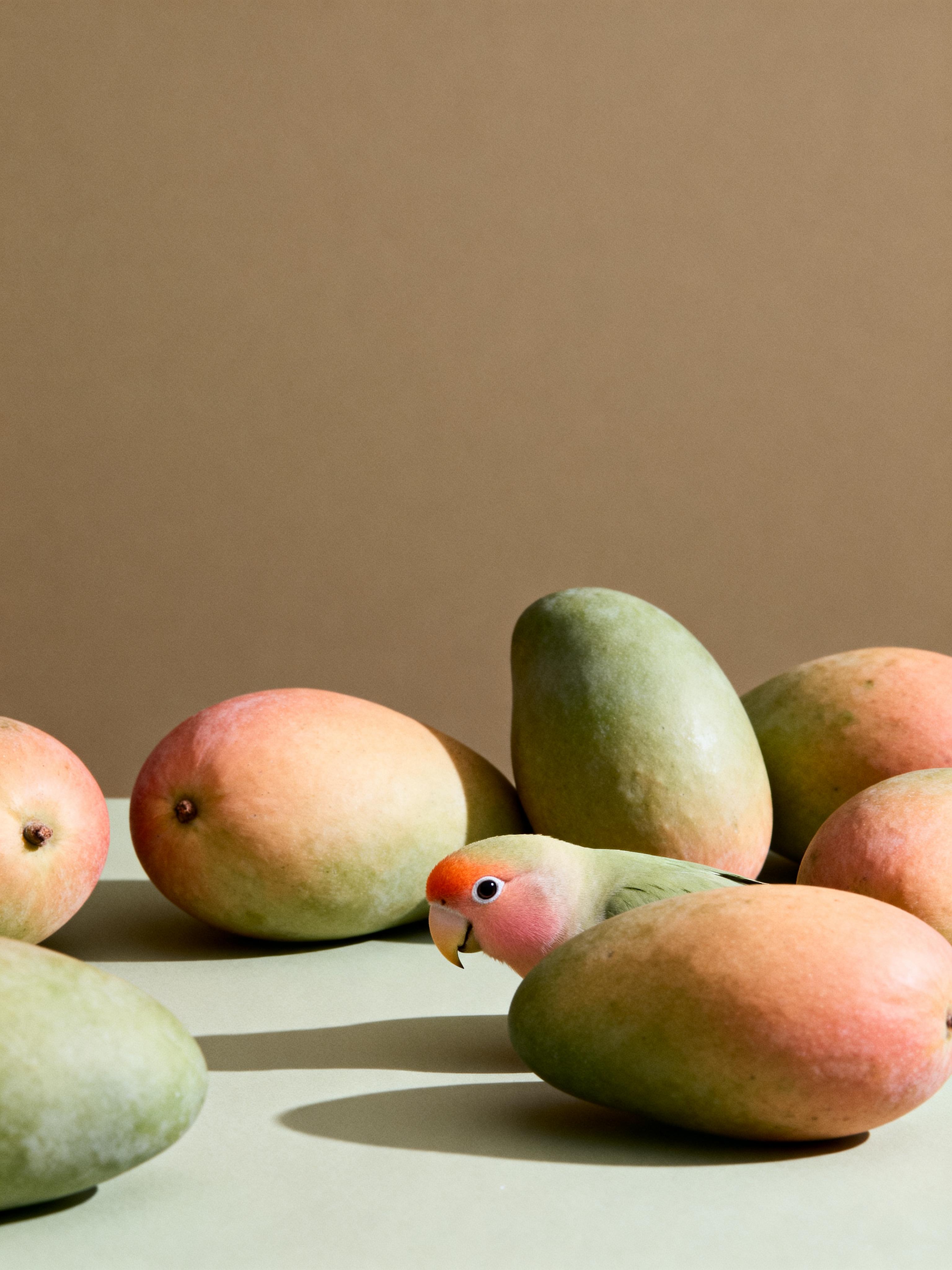 Video
VideoVeo 3.1
Google's latest model for natural scene motion
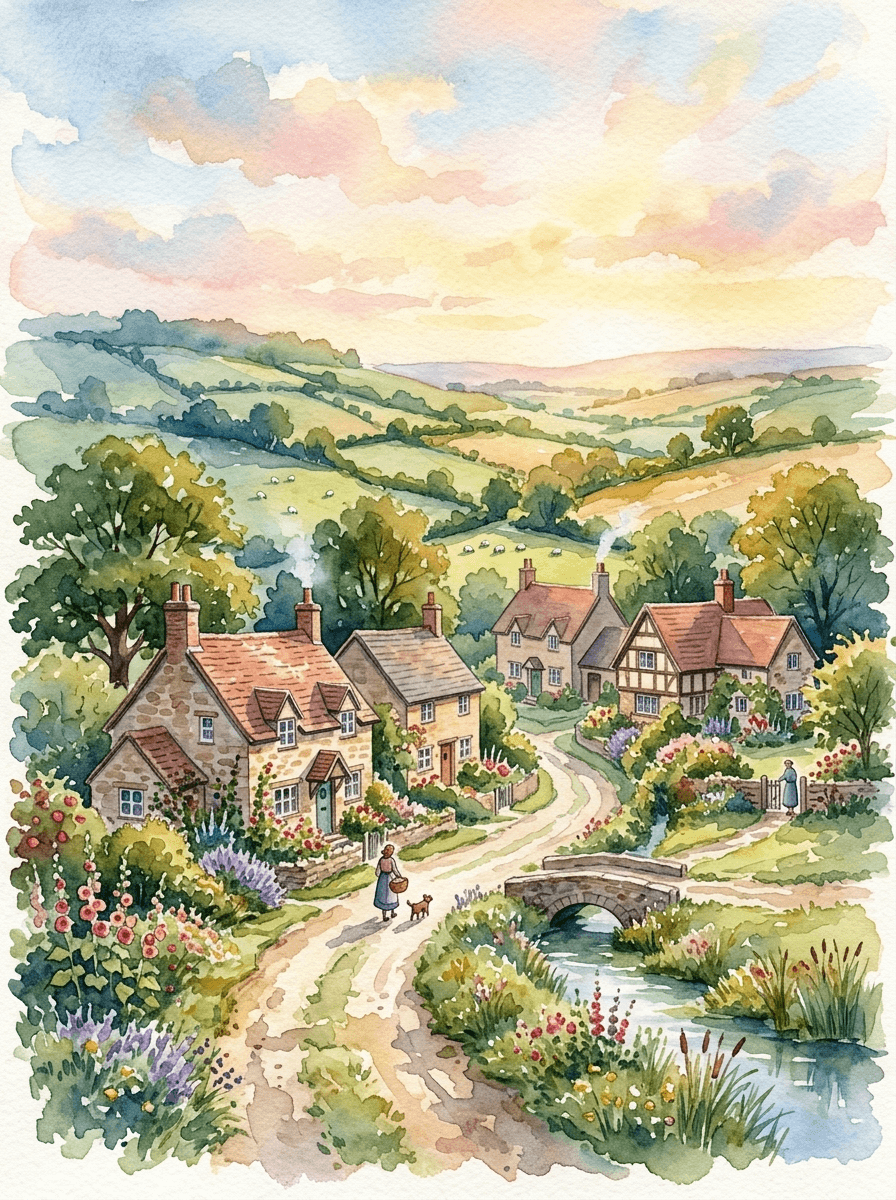 Editor
AI Video Editor
Restyle and extend clips without leaving the timeline
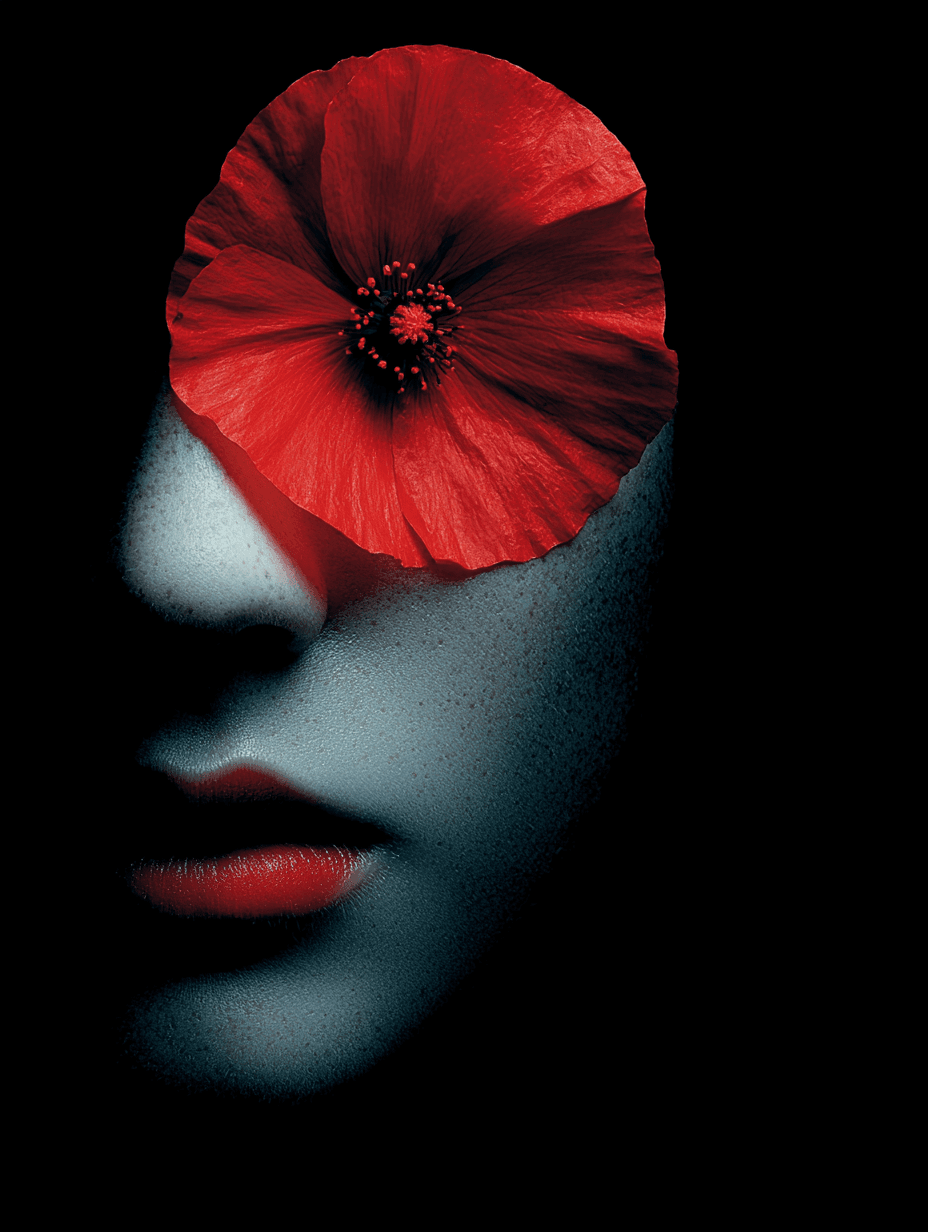 Image
ImageNano Banana Pro
Pro-tier image generation with sharper outputs
 Video
VideoWan 2.6
Fluid motion synthesis with scene-aware transitions
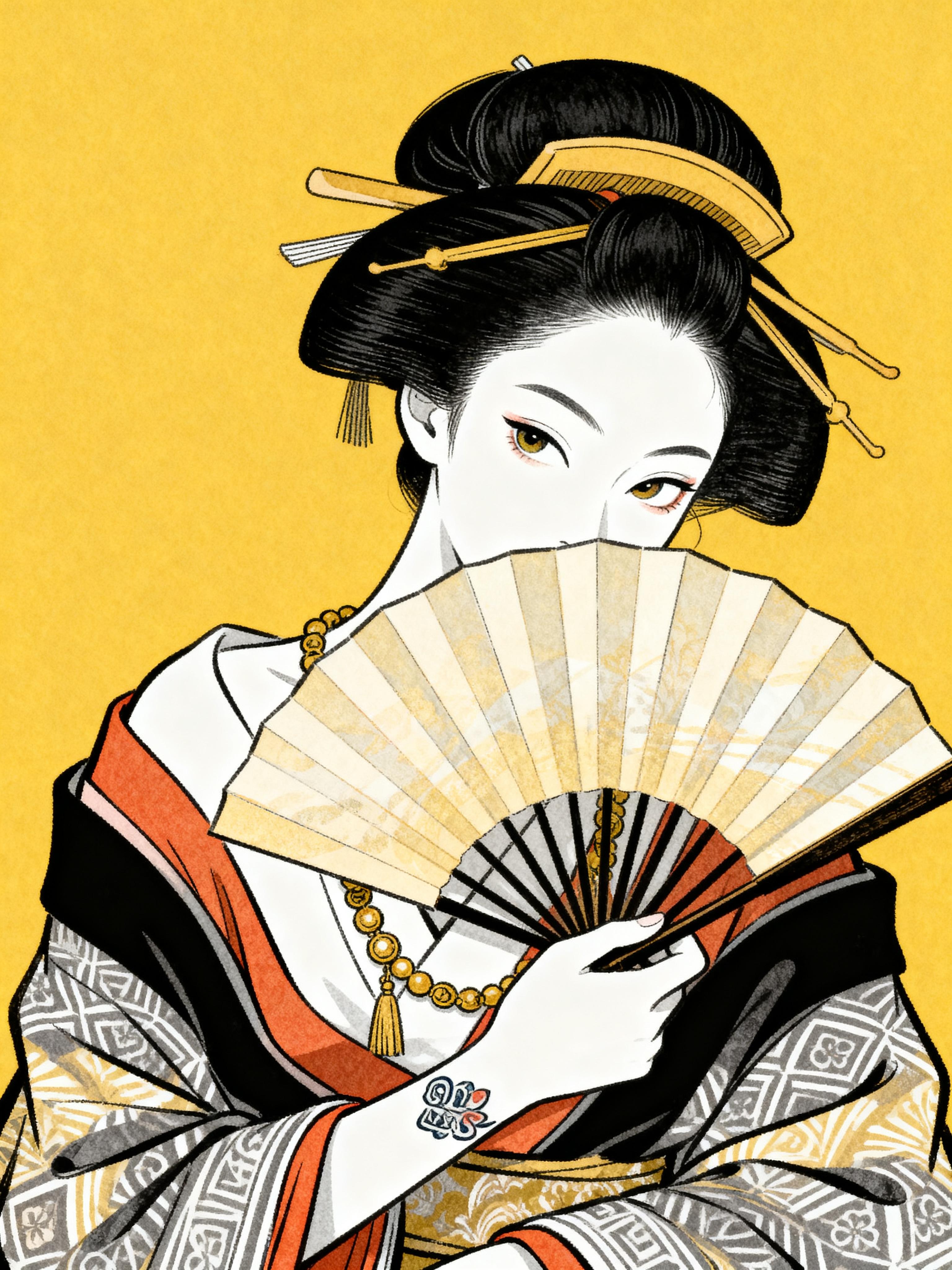 Image
ImageMidjourney
Artistic styles with rich composition control
Popular Tools
Explore featured AI video models


New AI Effect
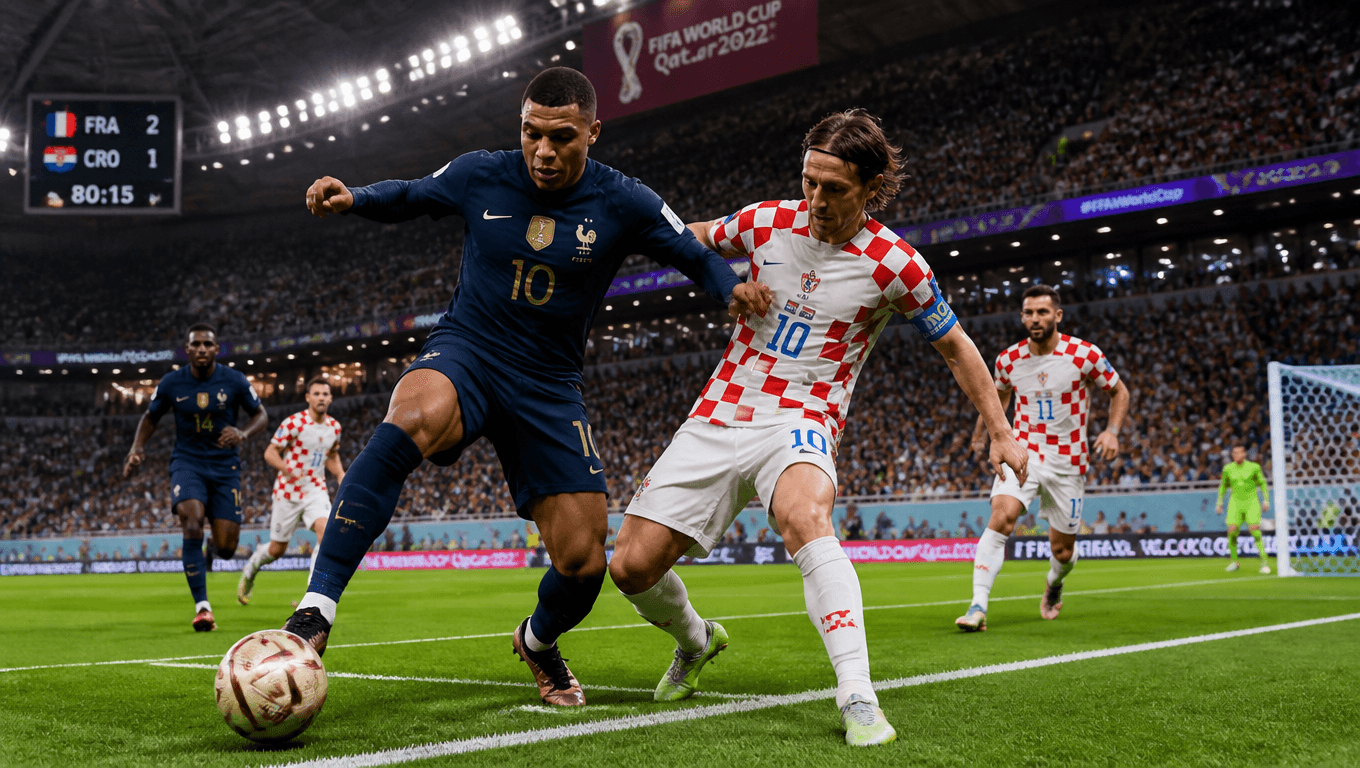
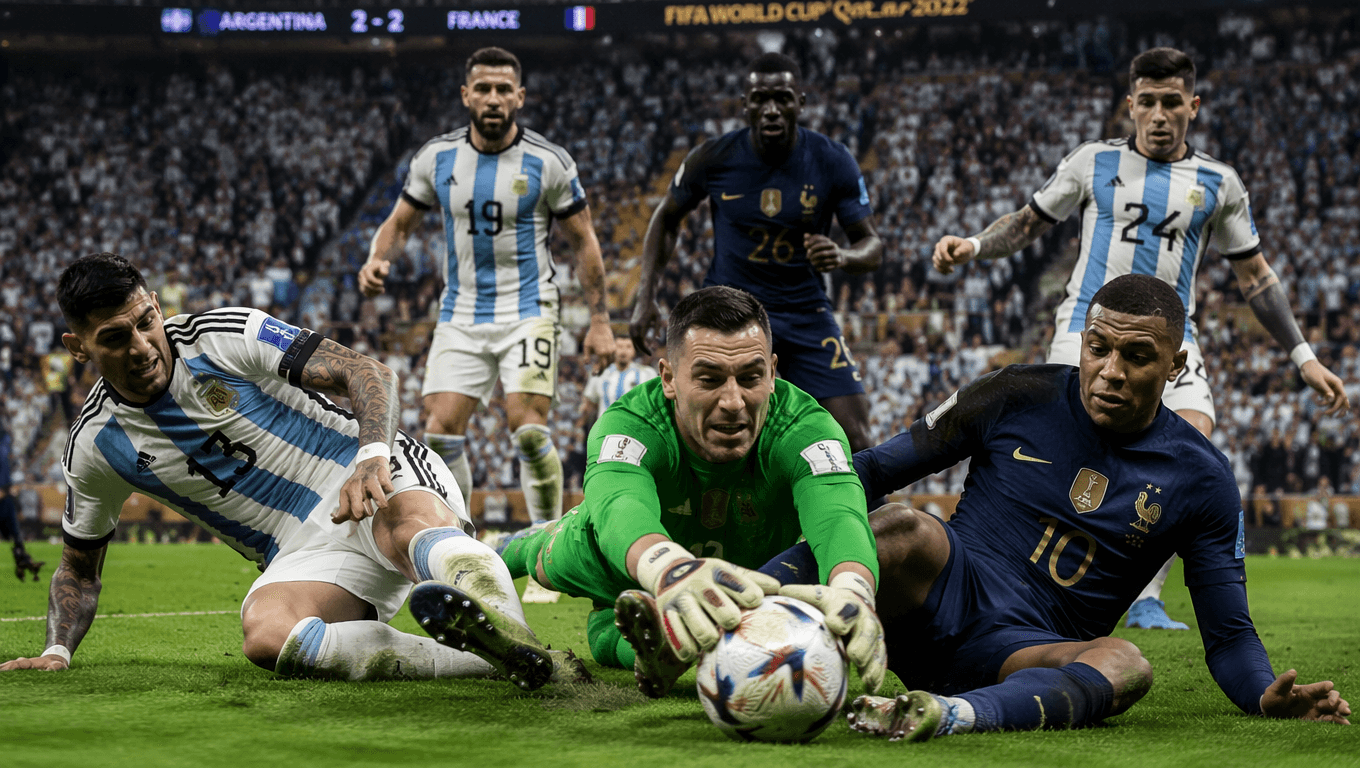
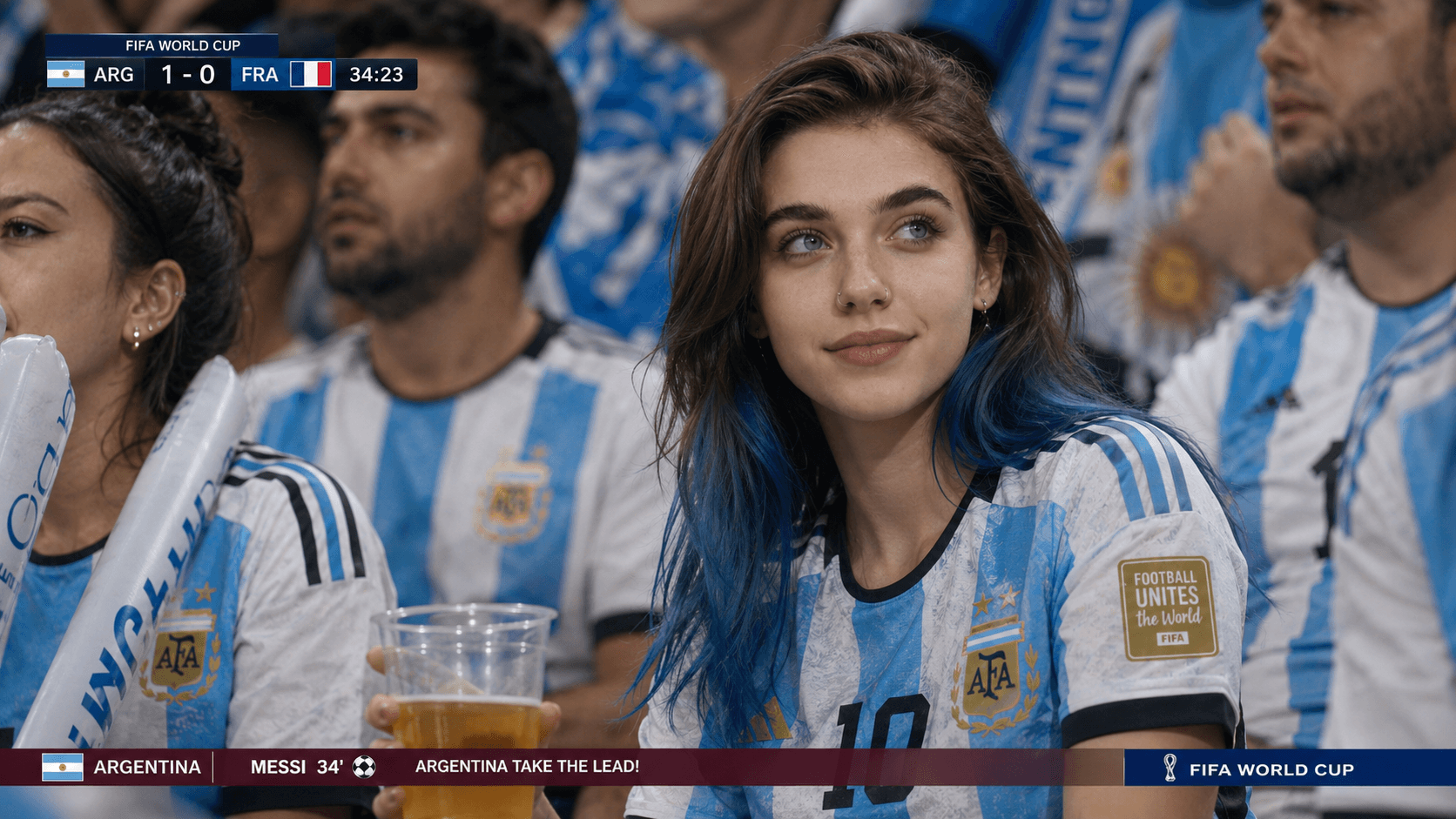
AI Football League
Turn any portrait into stadium-ready football action — team kits, dynamic camera sweeps, and crowd atmosphere in one tap.
Generate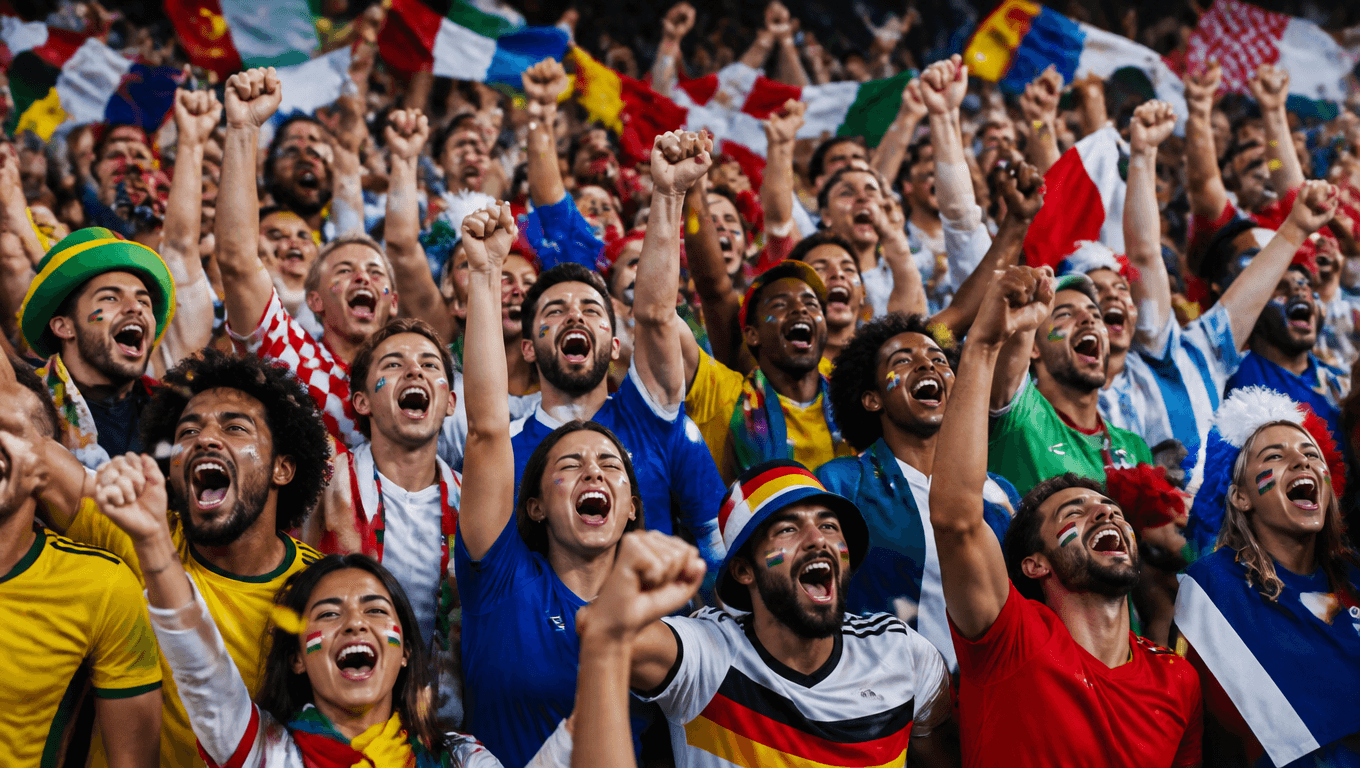
Inspiration Gallery
Discover fresh AI creation ideas, visual inspiration, and creative examples. We continuously update our gallery with new content to inspire your next project.
Platform overview
What Is ImgToVid AI?
ImgToVid AI is an AI-powered creative platform for turning images, ideas, and existing content into engaging visual content. Its core Image to Video AI Generator lets you transform photos, illustrations, characters, and product images into dynamic videos with AI.
Beyond Image to Video, ImgToVid AI also brings together Text to Video, AI Image Generation, AI Video Editing, AI Avatars, and creative effects, giving you flexible tools to create and refine visual content from a single starting point.
Why Use ImgToVid AI?
ImgToVid AI makes it easier to turn existing visuals and creative ideas into moving content. Instead of building every video from scratch, you can start with a photo, illustration, character, or product image and use AI to explore motion, camera movement, and different visual directions.
For Social & Content Creators
Turn photos, illustrations, and ideas into engaging short-form content for social platforms.
For Marketers & Brands
Create product visuals, promotional clips, campaign concepts, and other marketing assets.
For Designers & Visual Creators
Animate static designs, test motion concepts, and explore new visual directions.
For Storytellers & AI Creators
Develop characters, scenes, visual sequences, and AI-generated content using different creation tools.
Model library
Explore AI Video Models
ImgToVid AI supports multiple AI video models, giving you different ways to approach video generation.
Models can vary in areas such as motion behavior, visual consistency, generation style, resolution, and creative control. Choosing the right model can help you match the generation process to your source image and intended result.
- Seedance 2
- Kling 2.6
- Sora
- Wan 3.0
- MiniMax H3
- + more
What Else Can You Create with ImgToVid AI?
Image to Video is just one part of the creative workflow. Besides Image to Video, ImgToVid AI provides multiple AI creation tools for generating, editing, and transforming visual content based on different creative needs.
Text to Video
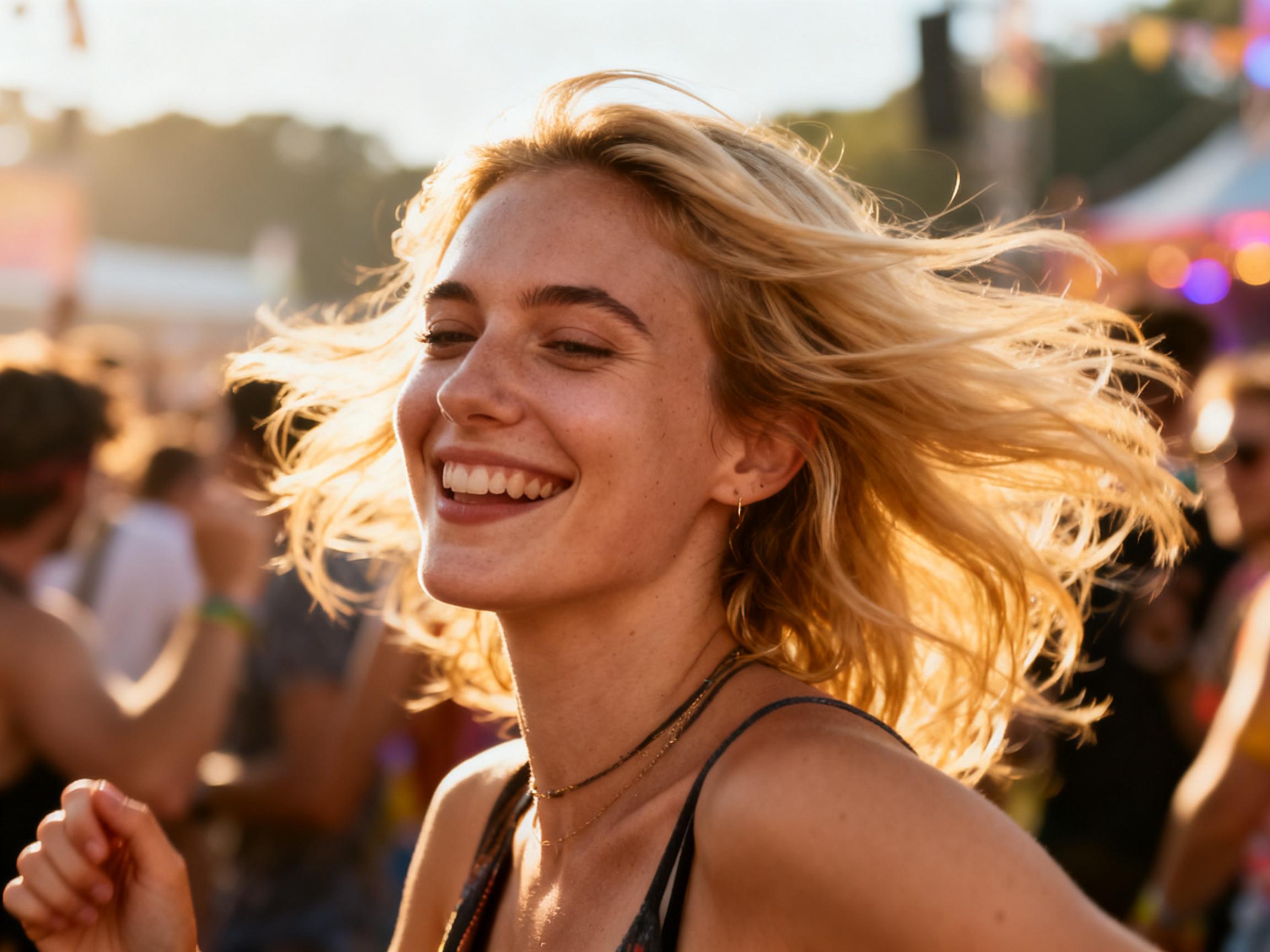
Use Text to Video to turn written ideas and scene descriptions into videos. Start with a simple concept and explore different visual expressions.
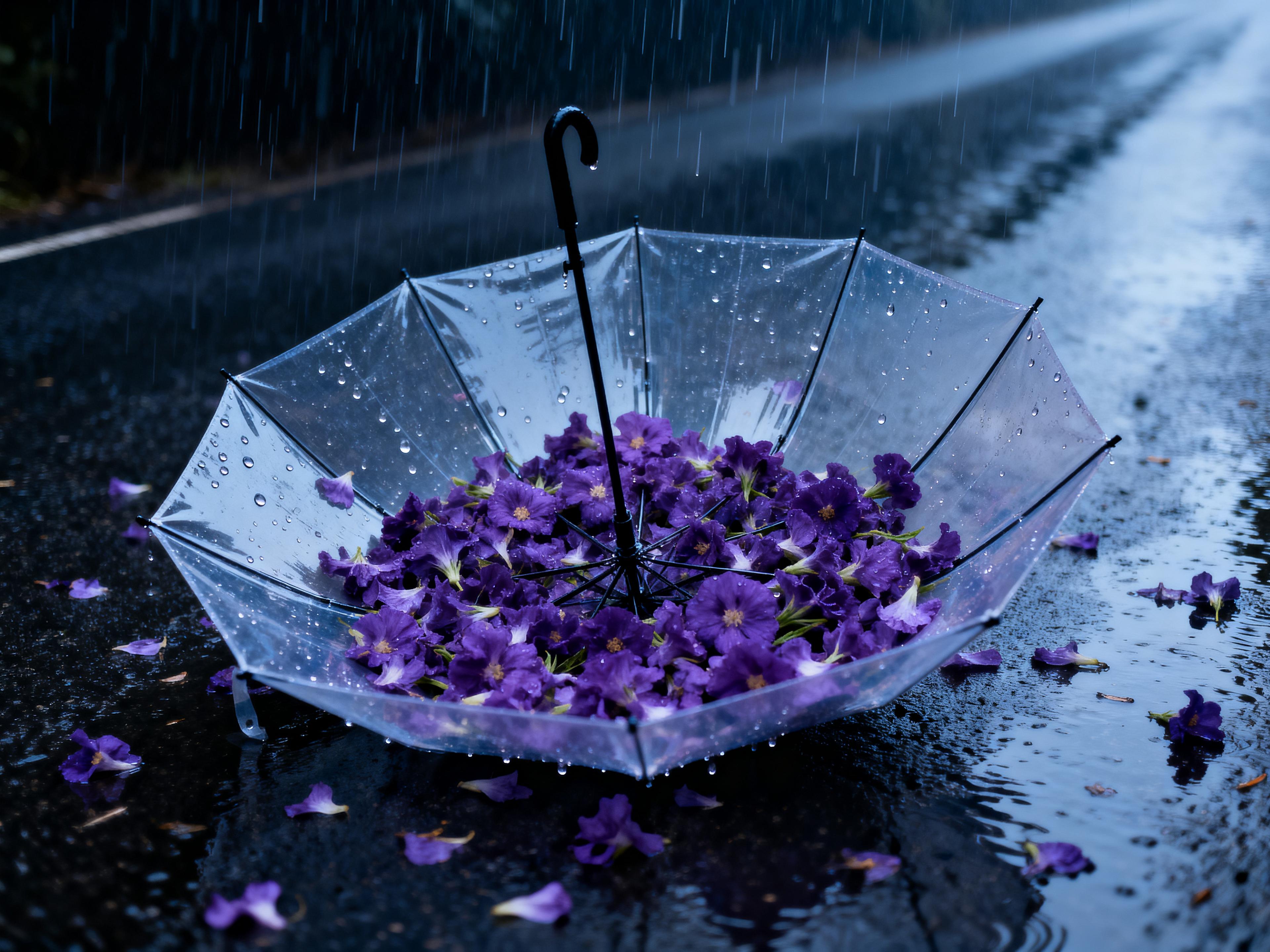
AI Image Generator
Use AI Image Generator to create images from text prompts and creative concepts. Generated images can then be used for Image to Video and other creative workflows.
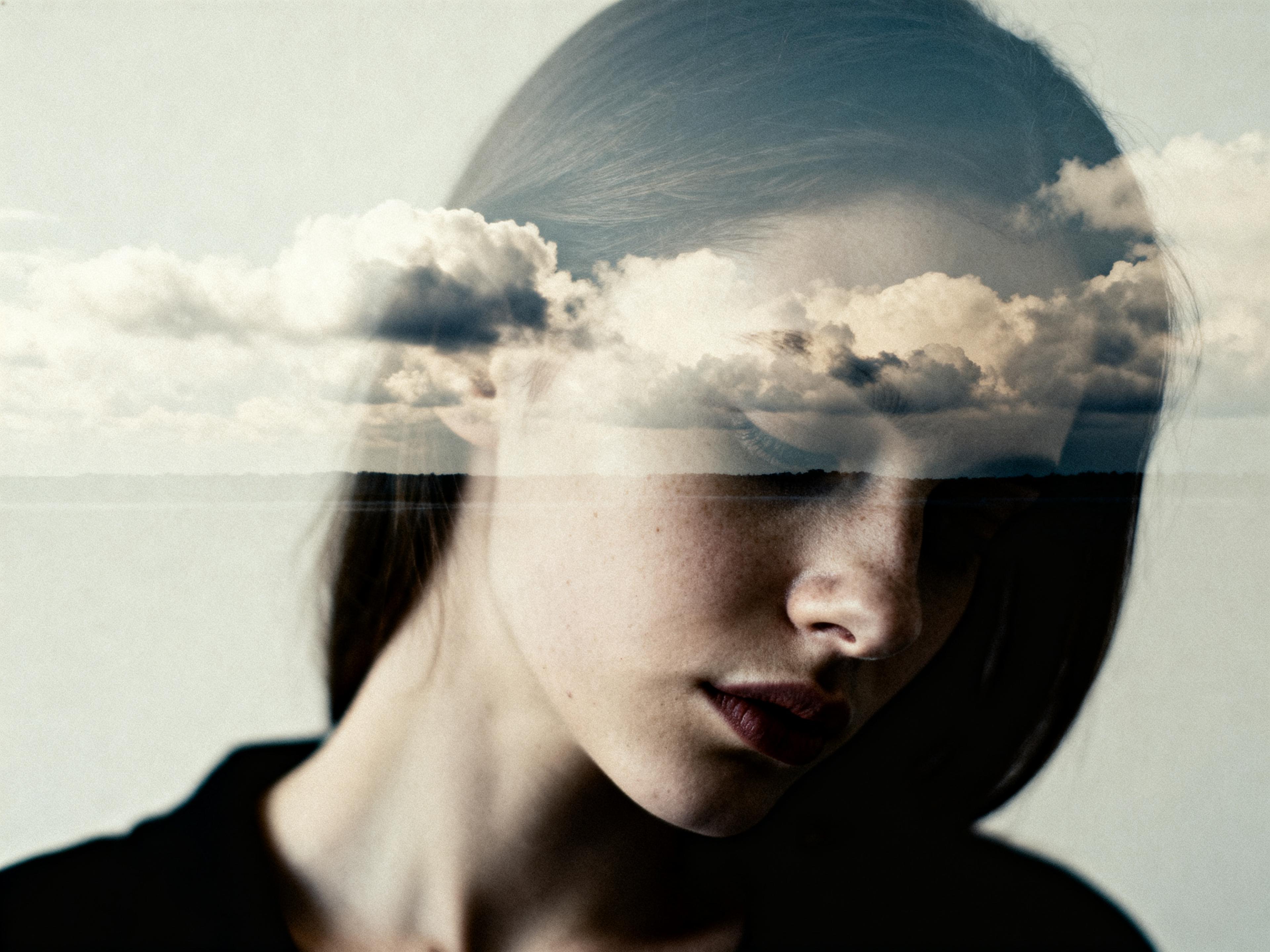
AI Video Editor
Use AI Video Editor to edit and refine existing or AI-generated videos so your content better fits its intended use.
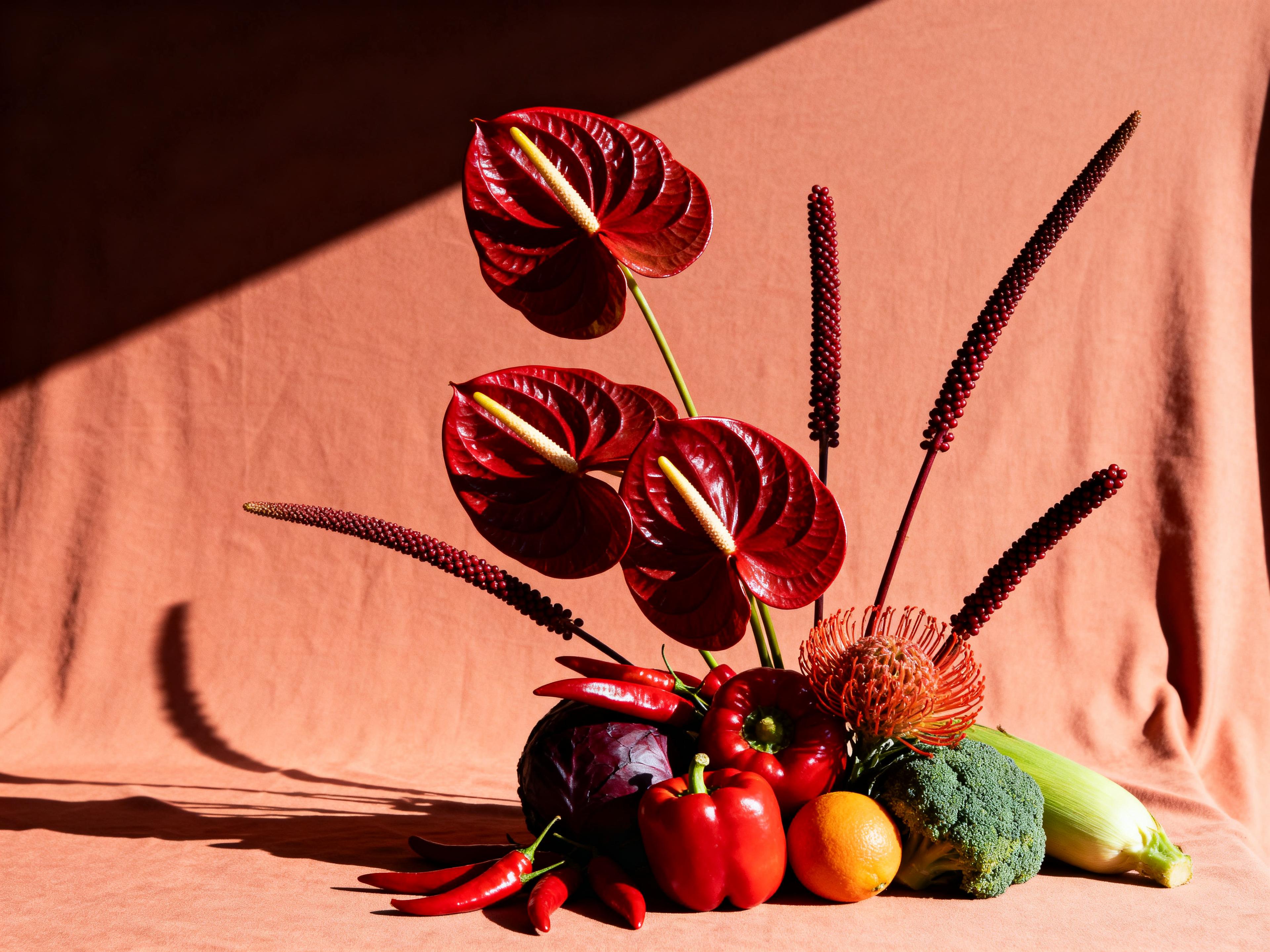
AI Avatar
Use AI Avatar to create AI-powered digital avatar content for different types of video projects.
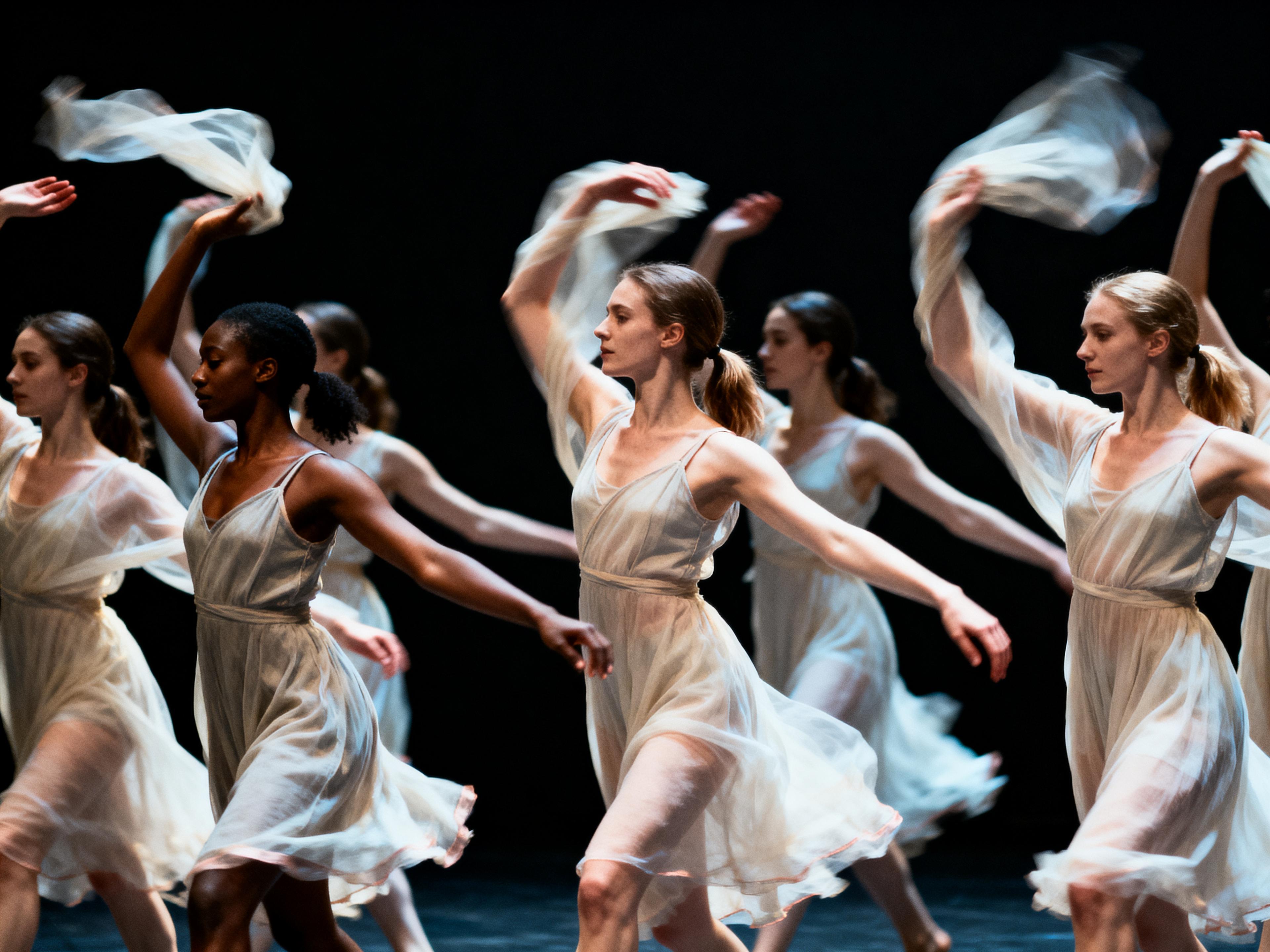
AI Effects
Use AI Effects to add creative effects to images and videos and explore different visual directions.
Combine tools for your project
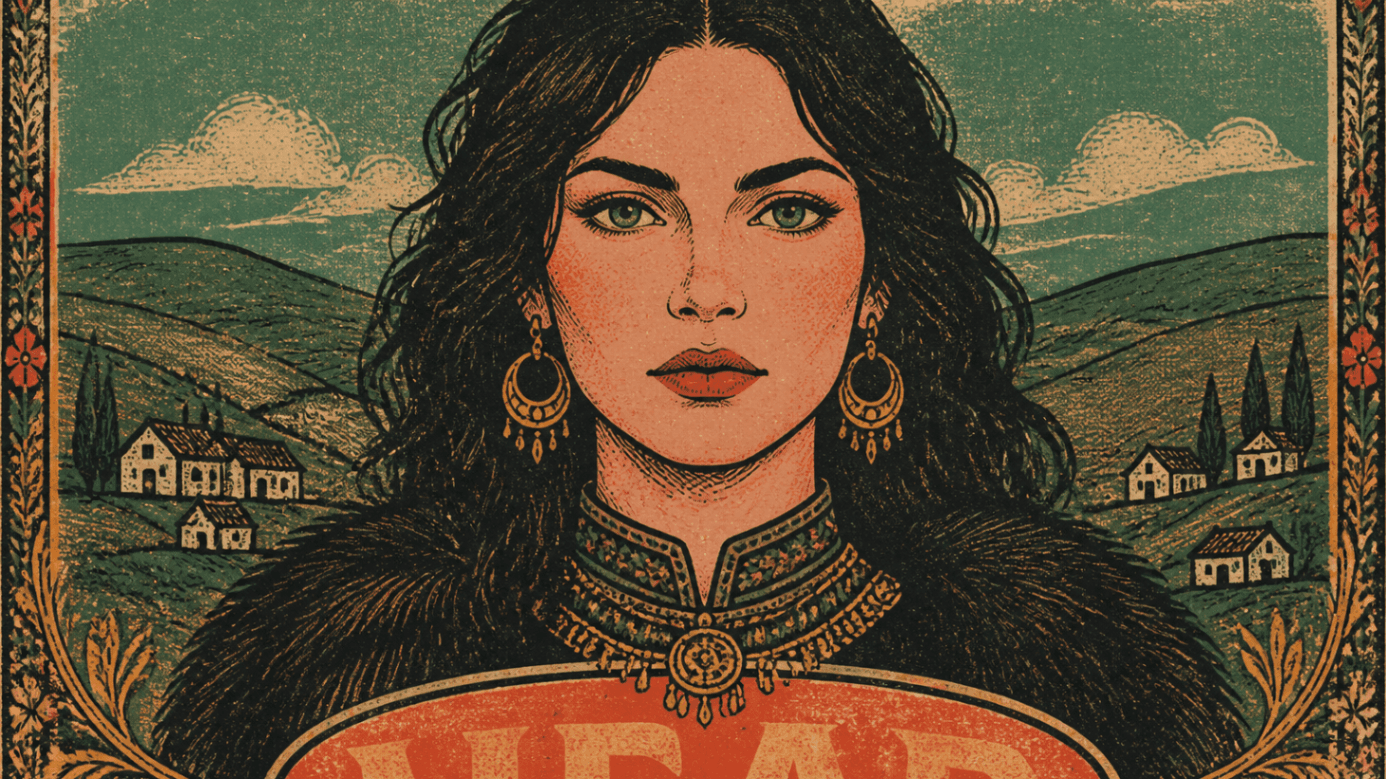 01Generate an image
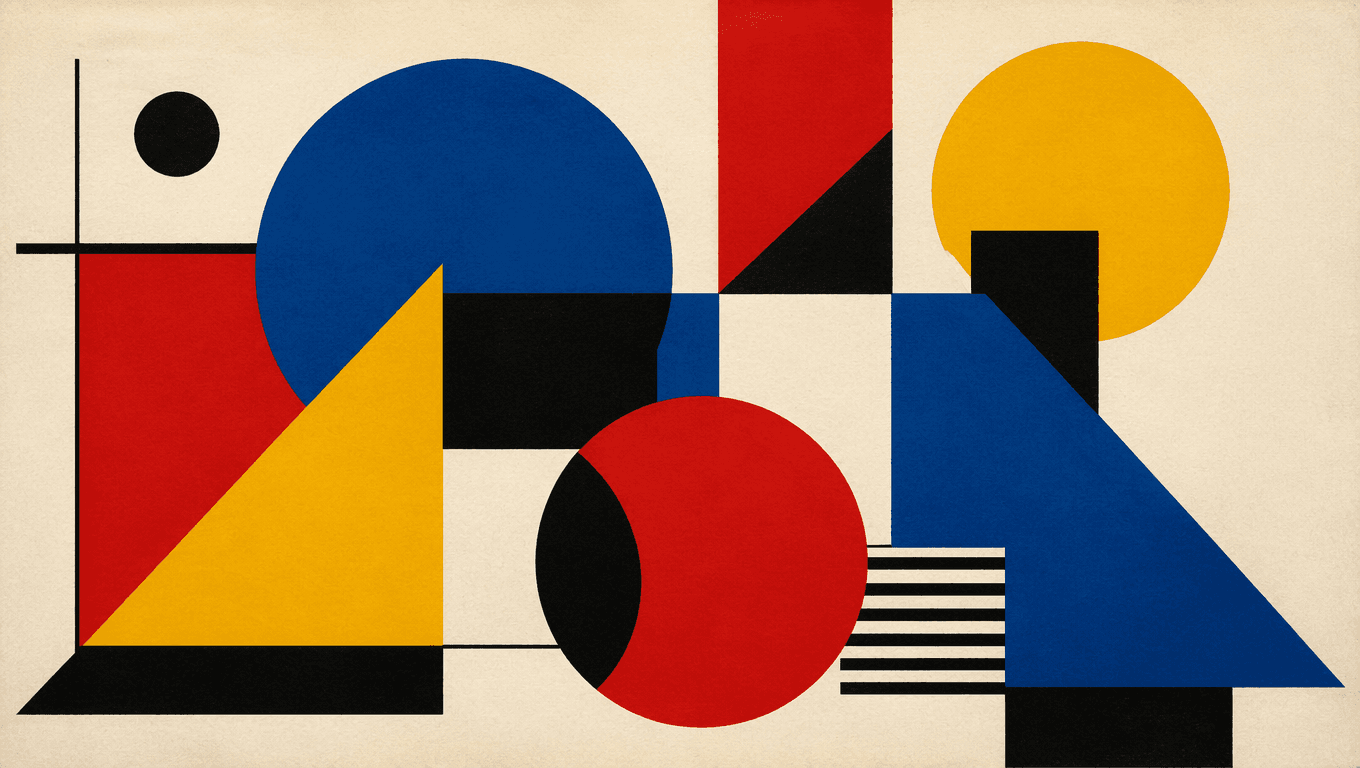 02Animate it
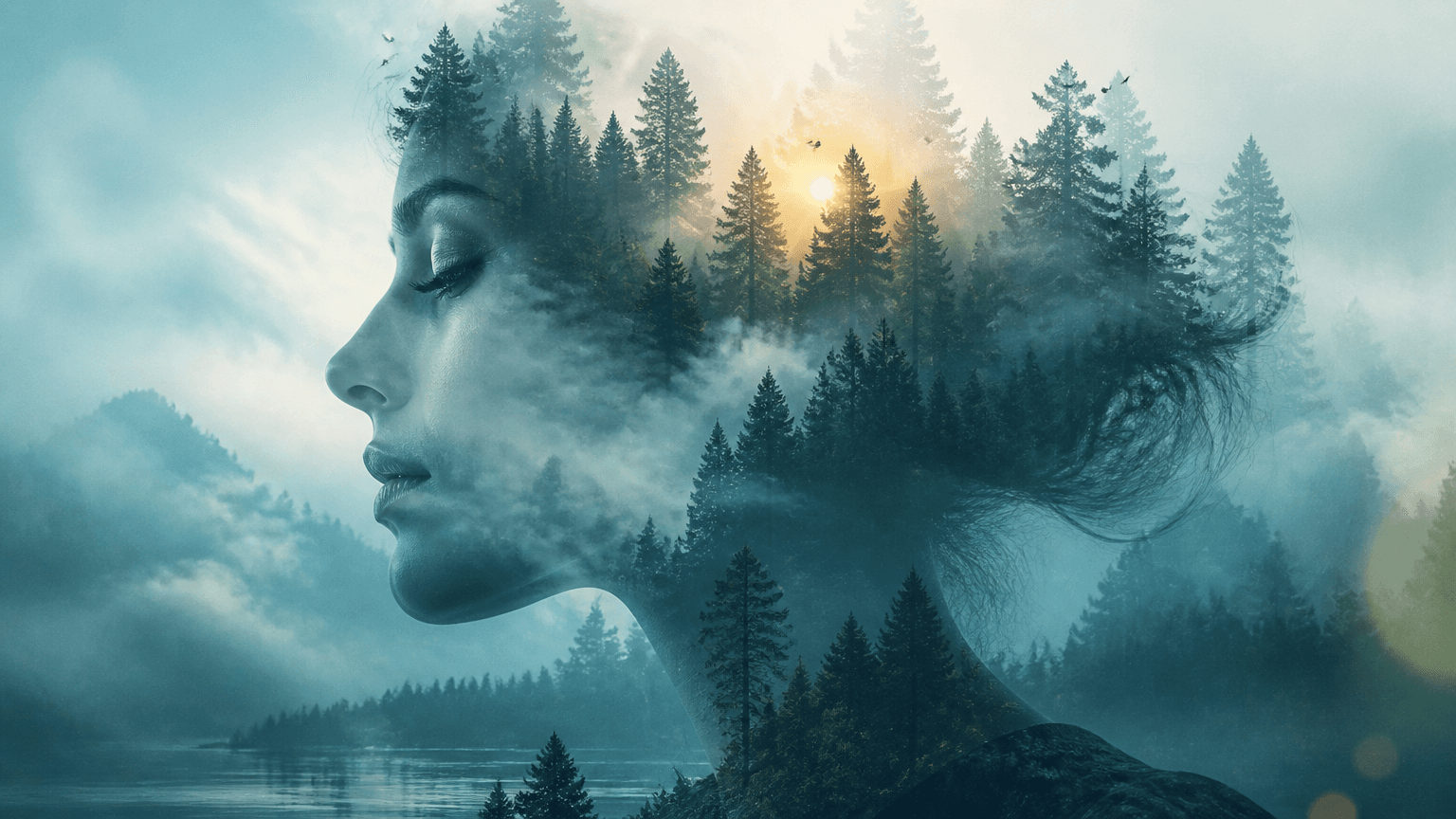 03Edit the video
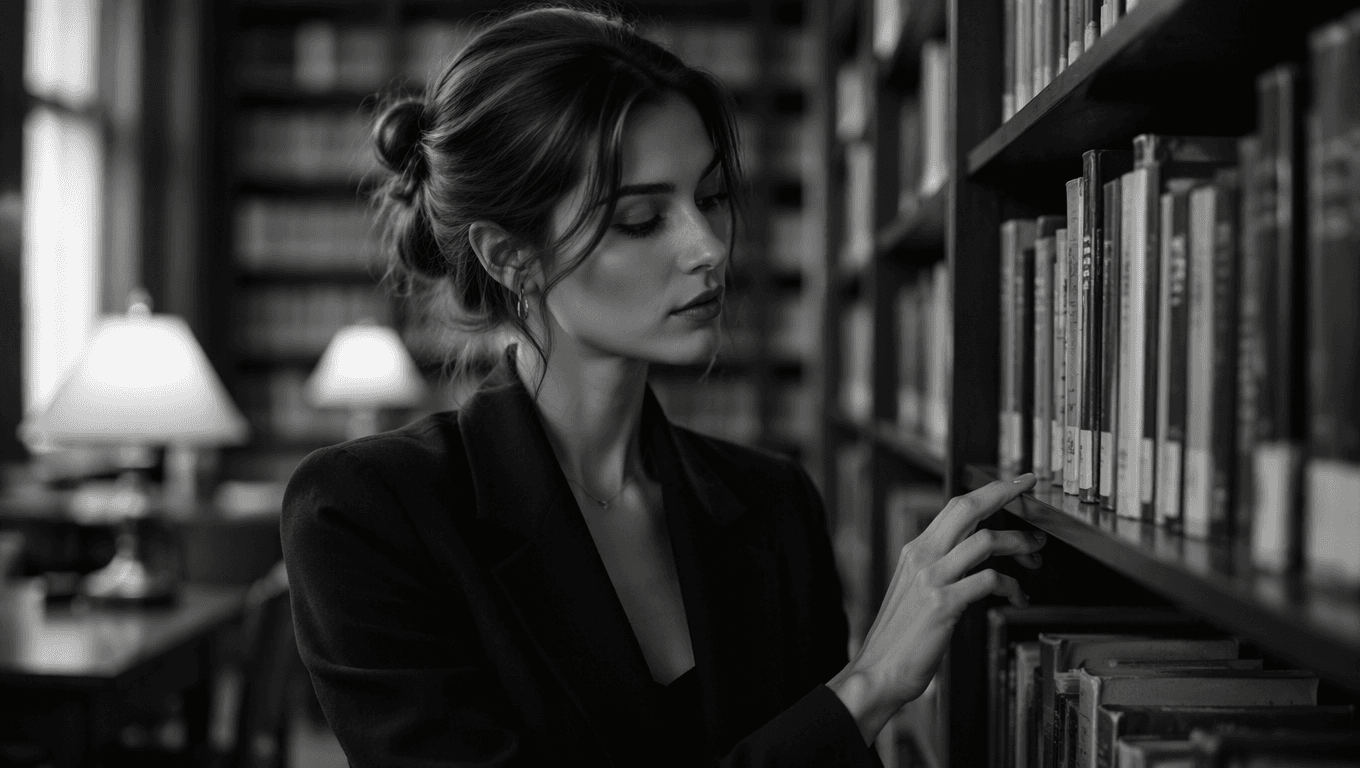 04Add effects
 05Final content
Start from existing assets or a simple text idea—switch between AI tools as your project grows.
Workflow
How to Use an Image to Video AI Generator
Creating a video with ImgToVid AI takes just a few simple steps.
Step 1
Upload an Image
Choose a photo, illustration, character image, product image, or another visual asset as the starting point for your video.
Step 2
Describe the Motion
Enter a prompt describing the actions, movement, camera motion, atmosphere, or other details you want to see in the video.
Step 3
Choose an AI Model
Select an AI video model based on the type of result and level of creative control you need.
Step 4
Generate and Refine
Generate your video and review the result. If needed, adjust your prompt or settings and create another version.
Step 5
Download and Continue Creating
Save your generated video and use it as part of a broader creative workflow, from social content and marketing assets to storytelling and visual exploration.
Frequently Asked Questions
Contact supportStart Creating with ImgToVid AI
Turn images into videos, develop creative ideas into visual content, and explore more ways to create with AI.