AI Sticker Generator
Create custom sticker art with AI. Simply upload your image and our AI will instantly transform it into a unique, high-quality sticker for you. No design skills needed
Upload & Generate
Results
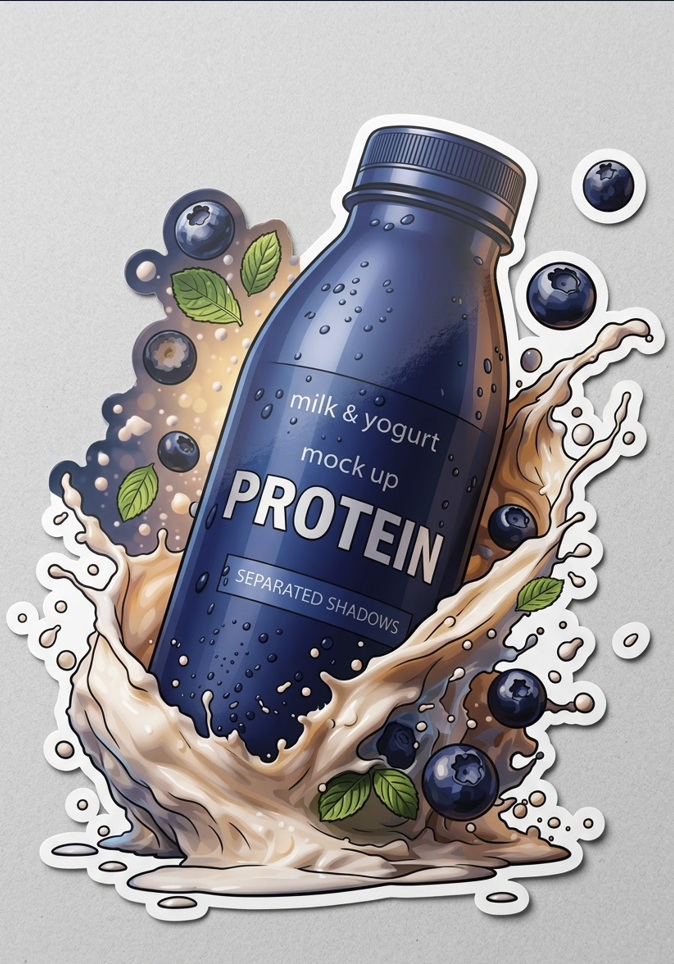
Generation continues in Create Studio
AI Sticker Generator real examples
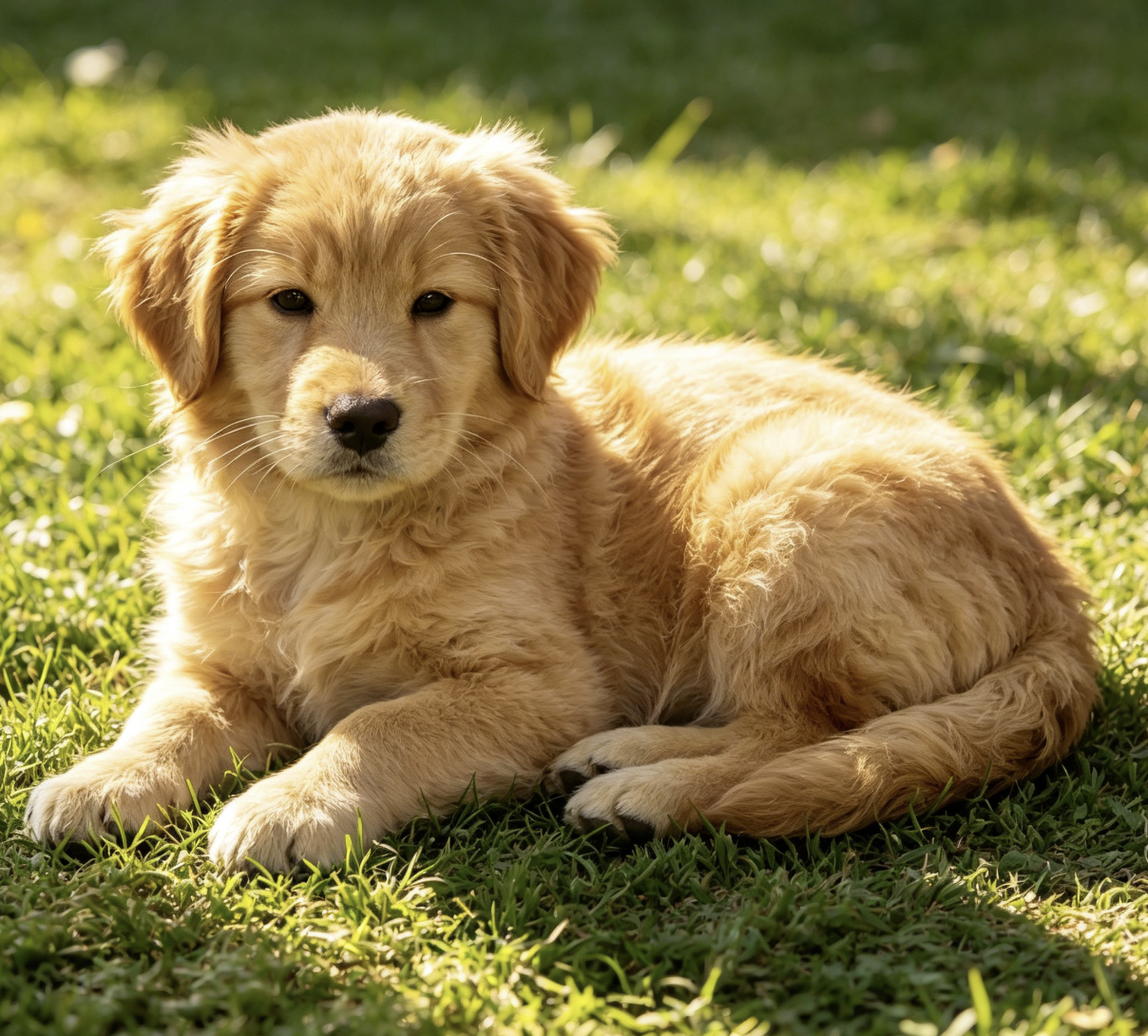
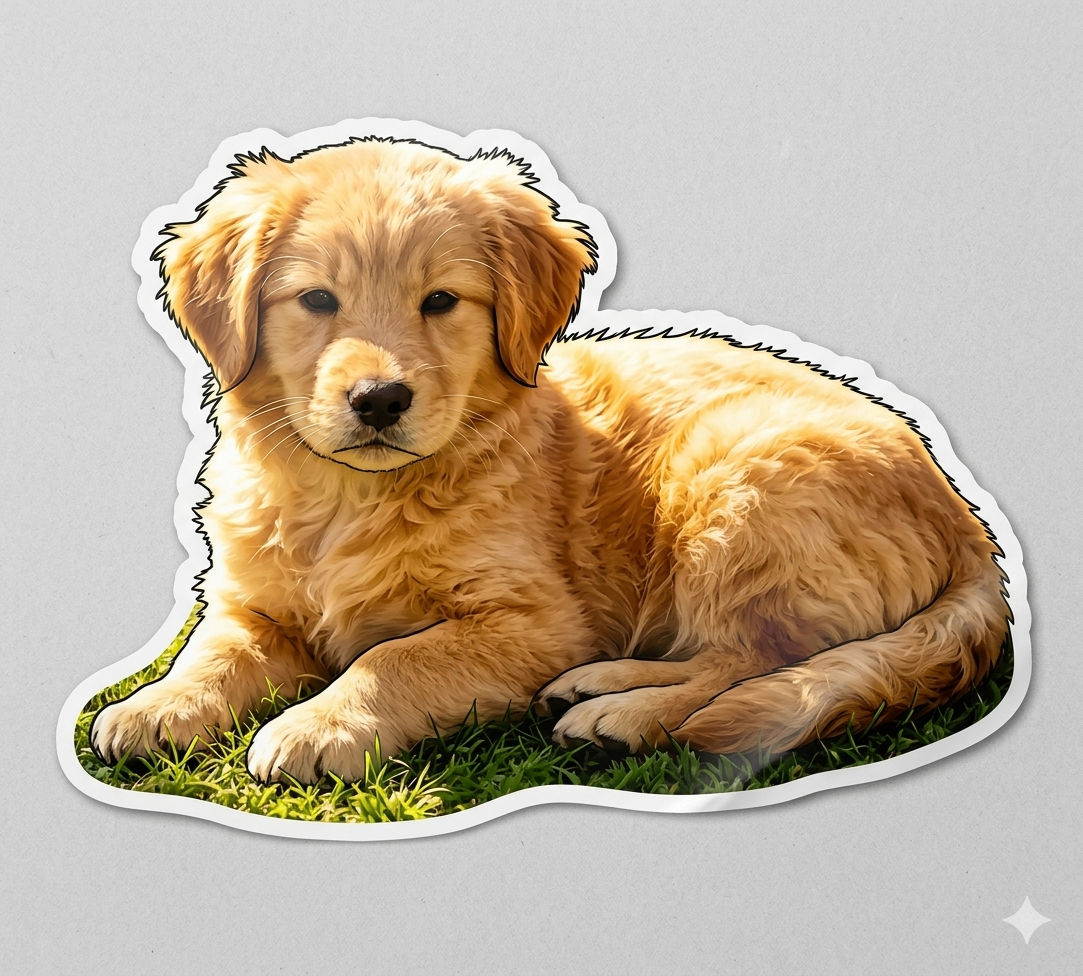
Social Media Personalization
Use the AI Sticker Generator to transform your selfies or brand logos into personalized stickers for any platform. Simply upload a photo, and our tool will instantly create high-quality, transparent background stickers that make your content stand out on Instagram, TikTok, and WhatsApp.
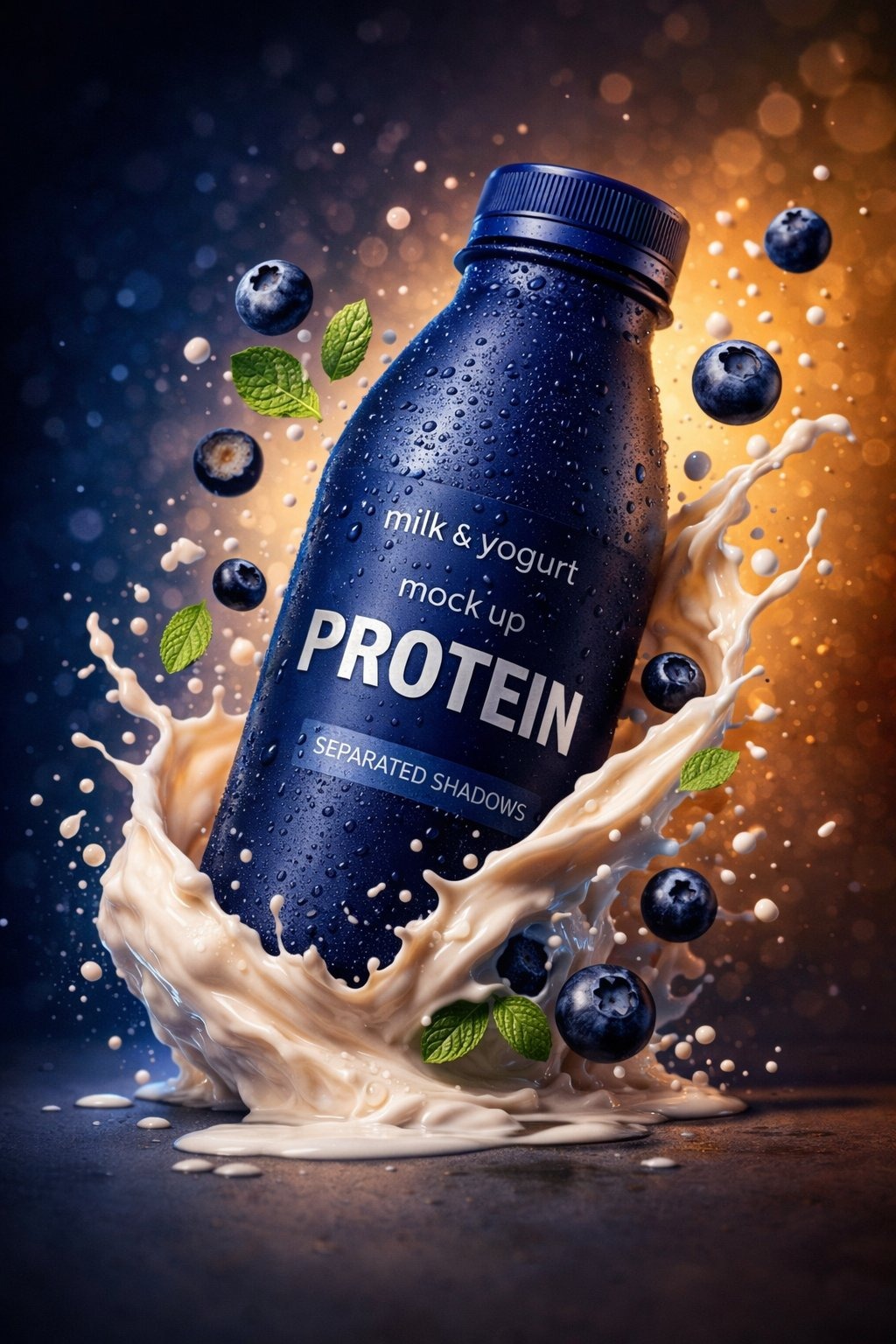
Custom Business Branding
Create professional brand stickers for product packaging and promotional materials with the AI Sticker Generator. By uploading your logo or product shots, you can quickly generate clean, die-cut labels that add a personalized, professional touch to every customer order.
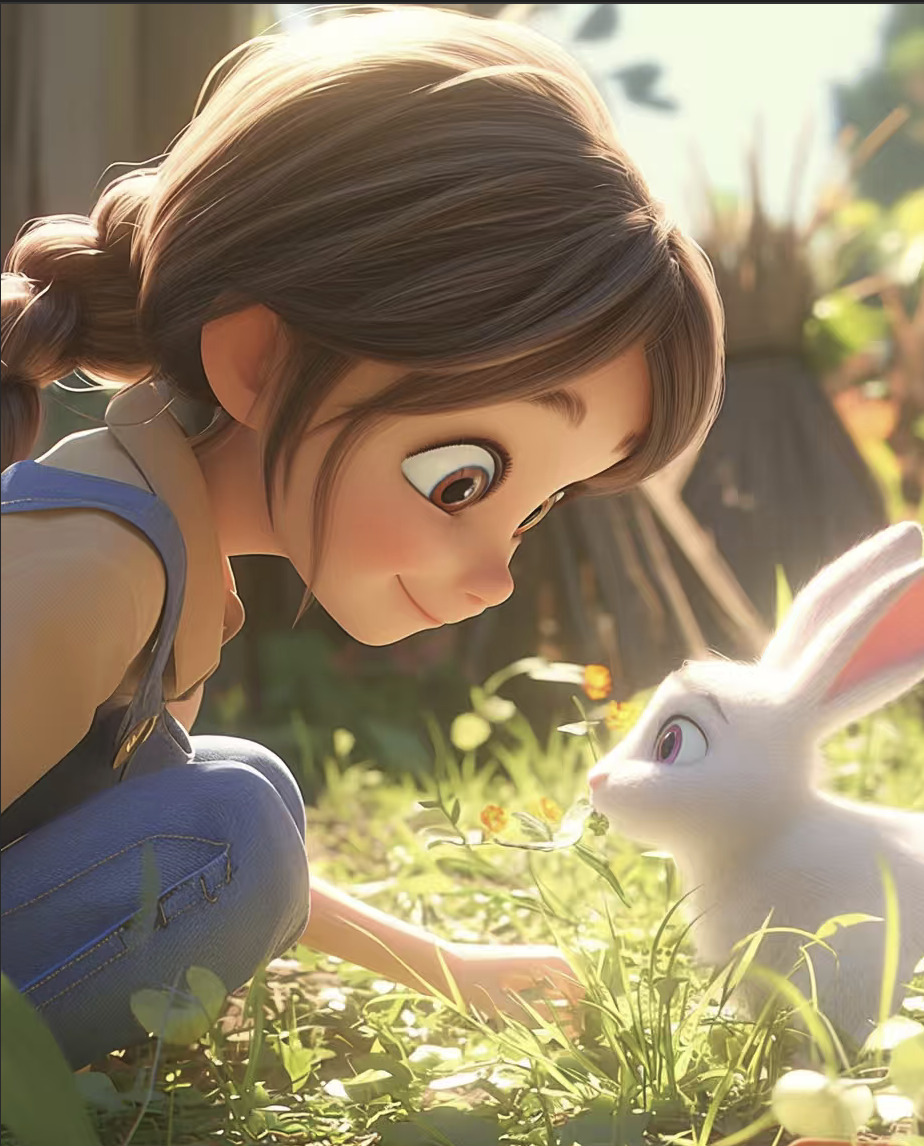
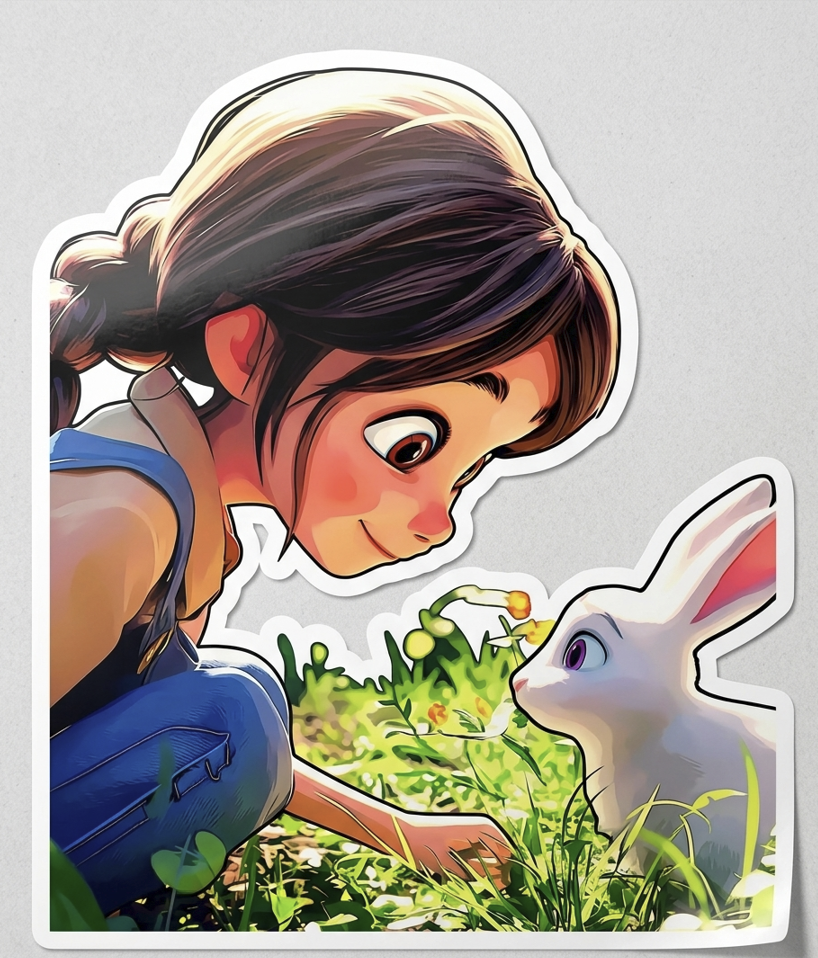
Digital Journaling & Planning
Turn memories into digital stickers for GoodNotes or Notion using the AI Sticker Generator. Just upload travel photos, pet pictures, or hand-drawn sketches to get perfectly cropped electronic stickers, making it easy to decorate your daily planners and digital journals.
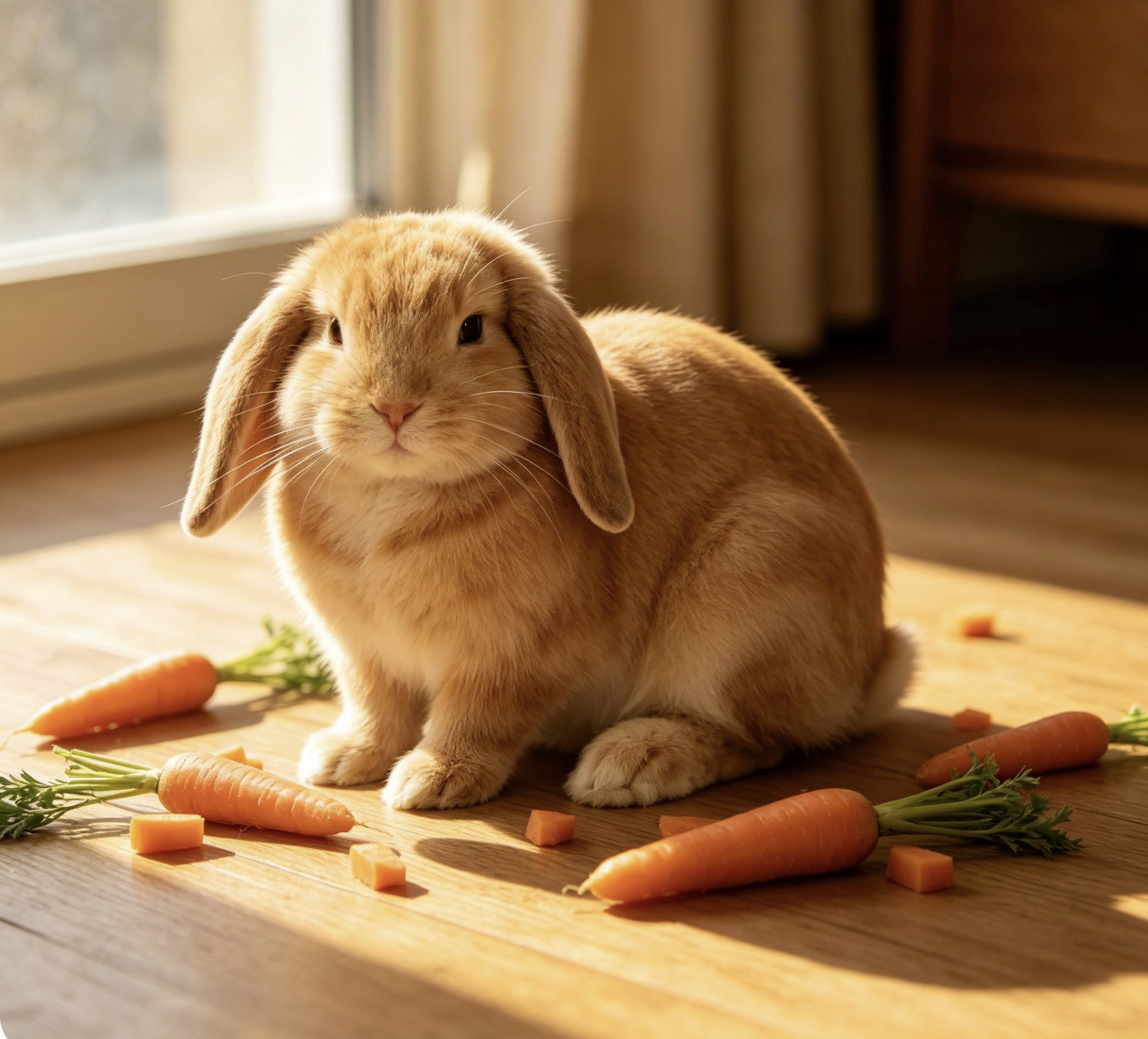
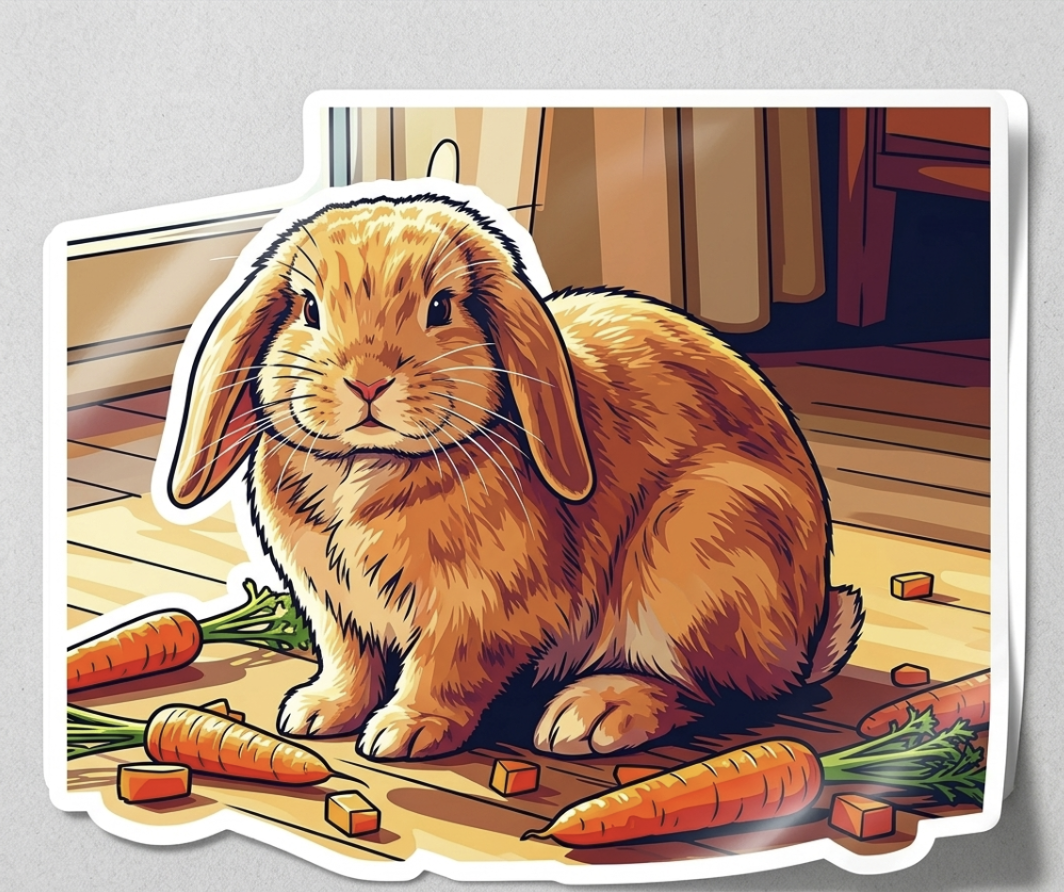
Personalized Gifts & Decorations
Design unique stickers for laptops, water bottles, and party favors with the help of the AI Sticker Generator. Upload photos of family or pets to create highly creative, high-quality stickers—perfect for decorating your laptop, gear, or personal items.
Why Choose Our AI Sticker Generator?
No Prompts, Just Pictures
Skip the complex descriptions. Our AI sticker generator is built for speed and simplicity—just upload any photo, and the AI handles the subject recognition and styling automatically.
Instant, Professional Cutouts
Get clean, precise edges every time. The AI sticker generator instantly removes backgrounds and adds a high-quality die-cut border, giving your photos a professional sticker look in seconds.
Perfect for Any Platform
All stickers created with our AI sticker generator are exported as high-resolution transparent PNGs. They are watermark-free and ready to use across WhatsApp, Telegram, Instagram, or even for physical printing.
How to Create AI Stickers Generator?
Upload your image
Simply upload the photo you want to turn into a sticker. Whether it’s a portrait of a pet, a person, or a unique object, our AI handles the identification automatically—no complex prompts or descriptions required.
Instant AI processing
Once uploaded, our AI sticker generator takes over. It instantly analyzes your image, removes the background with surgical precision, and adds a classic white sticker border to make your subject pop.
Download and use
In just a few seconds, your custom sticker is ready. Click Download to save your high-resolution, transparent PNG. It’s watermark-free and perfectly formatted for social media apps, digital planners, or physical printing.
FAQs
What is an AI Sticker Generator?
AI Sticker Generator is a cutting-edge artificial intelligence tool designed to instantly transform your photos into high-quality stickers. Unlike tools that require complex prompts, we have simplified the entire process, allowing anyone to complete a creation in just seconds.
Do I need to learn how to write prompts?
Not at all. We believe that creativity should not be hindered by complex instructions. Our AI sticker generator utilizes fully automated image recognition technology where you simply upload an image directly, and the system automatically handles subject identification, background removal, and the 'stickerification' process for you.
What kind of images should I upload for the best results?
To ensure the AI sticker generator performs at its best, we recommend using images with clear subjects (such as distinct people, pets, or objects), ample lighting to avoid dark or blurry results, and high resolution for more refined sticker edges.
What format are the generated stickers in?
To ensure you can use them anytime and anywhere, all generated stickers are exported in high-resolution transparent PNG format. This makes them perfectly compatible with social apps like WeChat, WhatsApp, and Telegram, or for direct use in your design projects.