GPT Image 2.6 AI Image Generator
GPT Image 2.6 is OpenAI’s newer stills pair — Flare (this page’s default) and Sunburst — with 1K / 2K / 4K resolution and a separate quality axis through low, medium, high, xhigh and max. Text-to-image can return PNG, JPEG, WebP, animated GIF or vector SVG; edits take up to 16 references plus an optional mask or markup image. One image per run. Write the still here; membership and credits are checked in Create.
01 — Capabilities
Flare or Sunburst, quality to max, GIF and SVG, not Image 2.5
This page opens GPT Image 2.6 Flare. Sunburst is on the family. It does not open GPT Image 2.5 or GPT Image 2 as the default.
01
1K / 2K / 4K × quality low–max
Five quality tiers on top of three resolution tiers, the same full axis on Flare and Sunburst.
02
Flare by default; Sunburst for tighter edits
OpenAI names Flare the everyday 2.6 and Sunburst the higher-fidelity 2.6. The picker is otherwise the same.
03
PNG, JPEG, WebP — plus GIF and SVG
On text-to-image you can return a looping GIF of 2–16 frames or a scalable SVG. GIF is priced as a still of the same quality; SVG adds credits.
04
Up to 16 edit references, mask or markup
Edit several references at once and point at the exact area with mask_image or markup_image.
02 — Prompt to output
Prompts that match the stills above
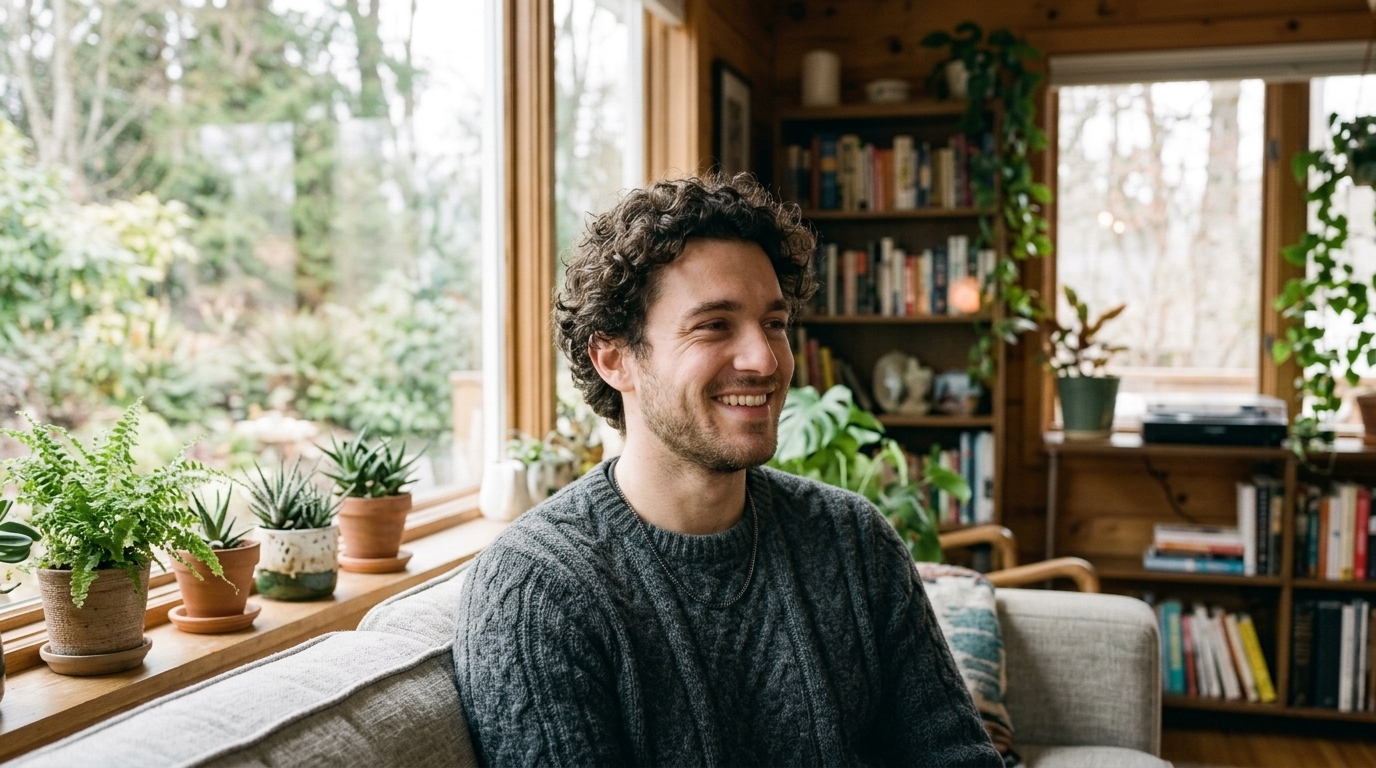
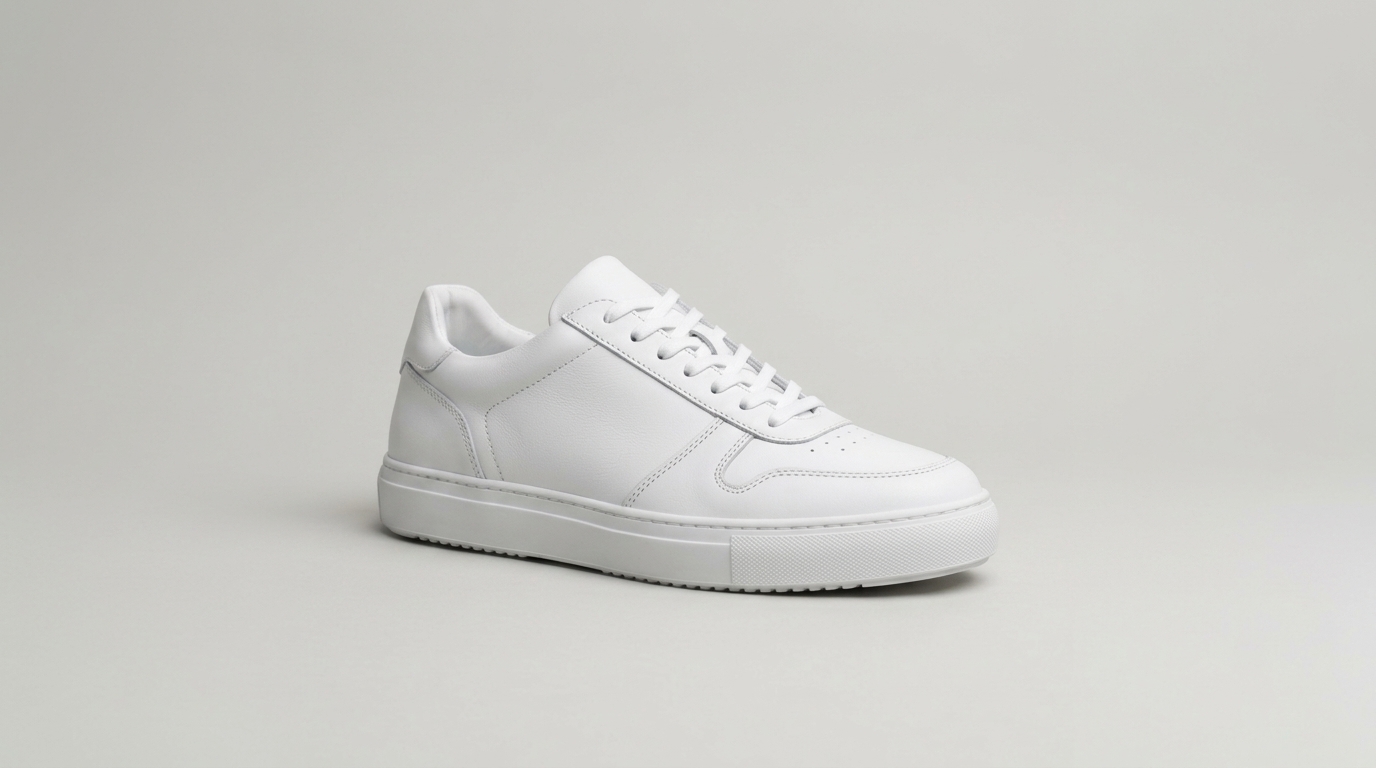
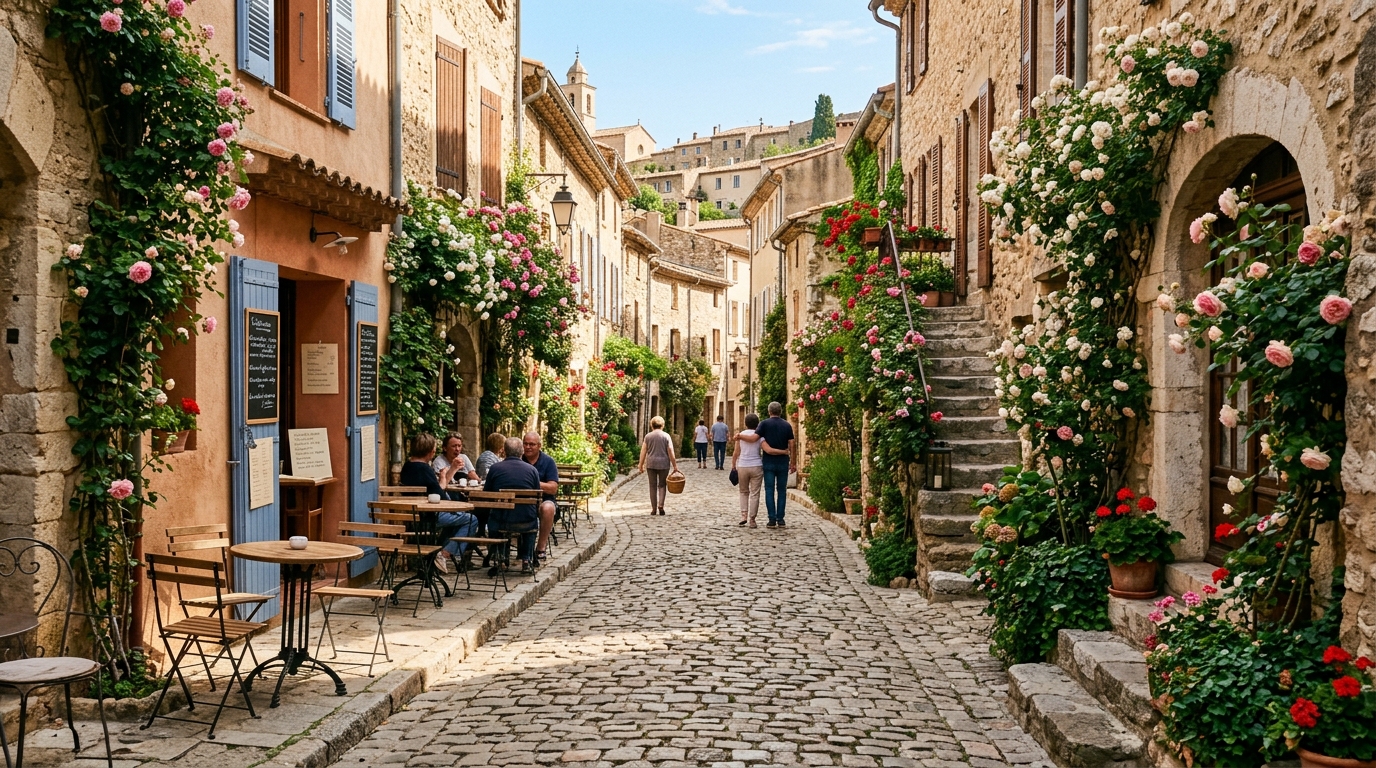
Each prompt describes the picture on its card. “Use this prompt” sends that text to Create. The generator on this page runs GPT Image 2.6 Flare.
 01 · Portrait
PromptClose photographic portrait of a young man with curly hair wearing a grey knit sweater, soft window light, he glances aside and smiles warmly, shallow depth of field.
 02 · Product
PromptA clean white leather sneaker on a pale grey seamless studio backdrop, soft diffused light, three-quarter view, crisp stitching, minimal commercial photograph.
 03 · Street
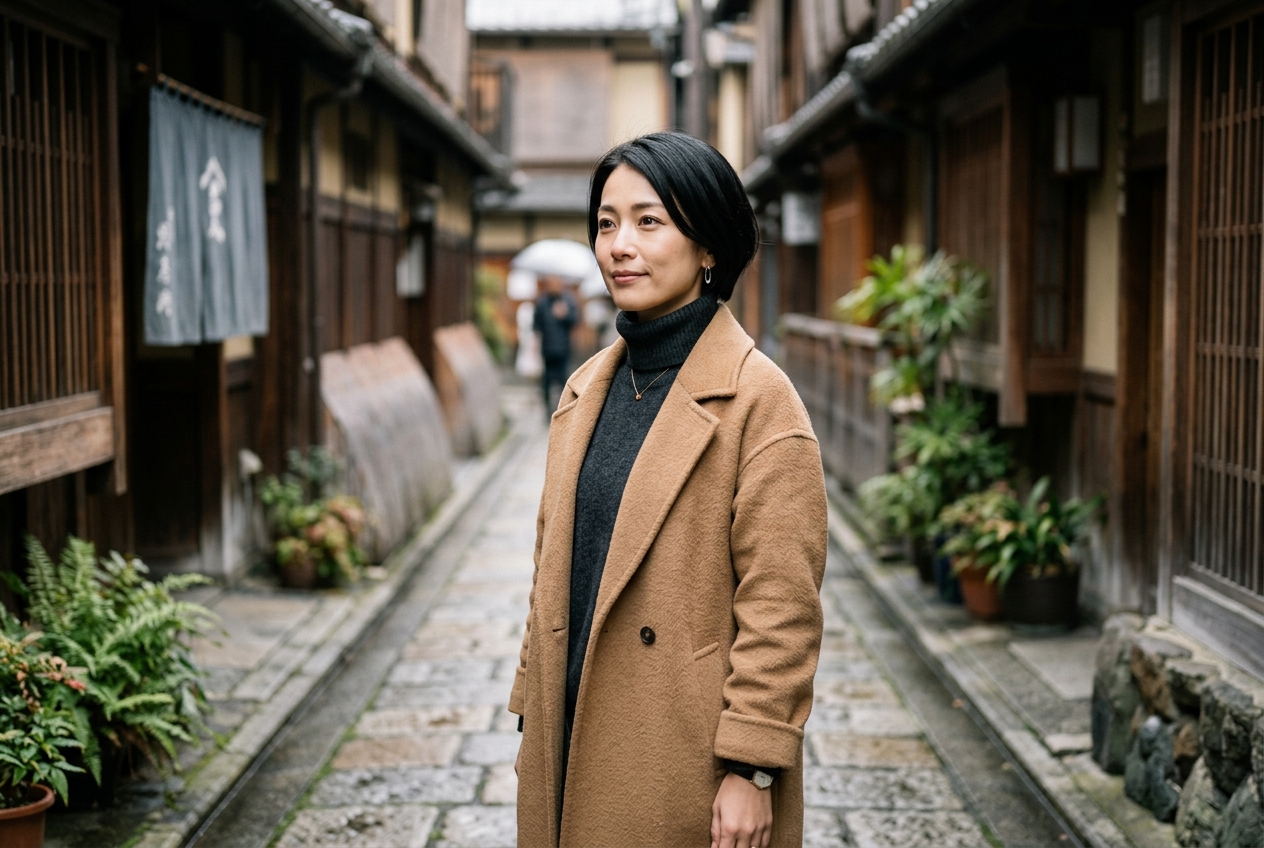
PromptPhotographic view down a cobblestone lane in an old European village, climbing roses on stone walls, café tables in morning sun, a few people strolling in the distance.
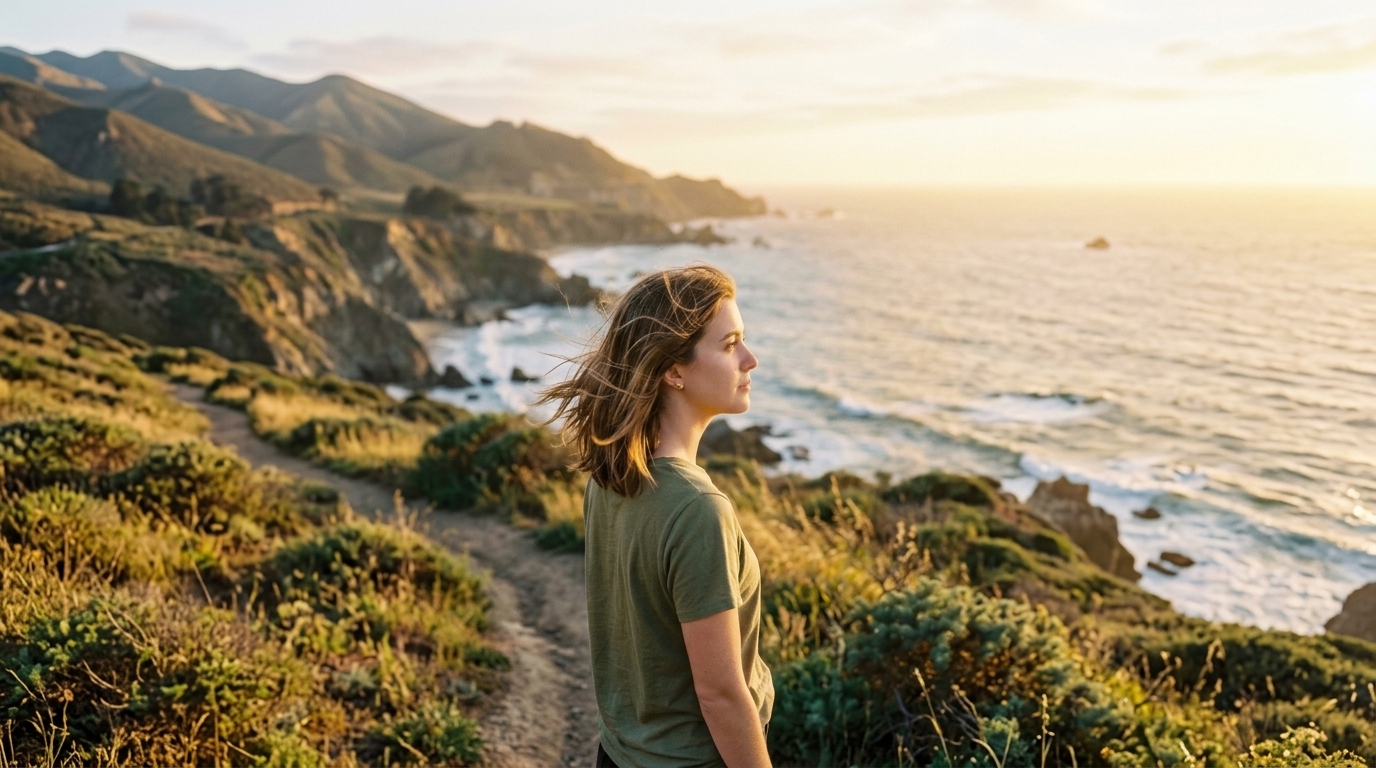 04 · Character
PromptPhotograph of a young woman with shoulder-length brown hair in an olive t-shirt, golden late-afternoon light, she turns her head and looks into the distance, breeze in her hair.
03 — Where it fits
Jobs GPT Image 2.6 is built for here
A 2.6 still with quality through max and a format picker, or a switch to Sunburst. This is not a batch picker and not Image 2’s quality-only line.
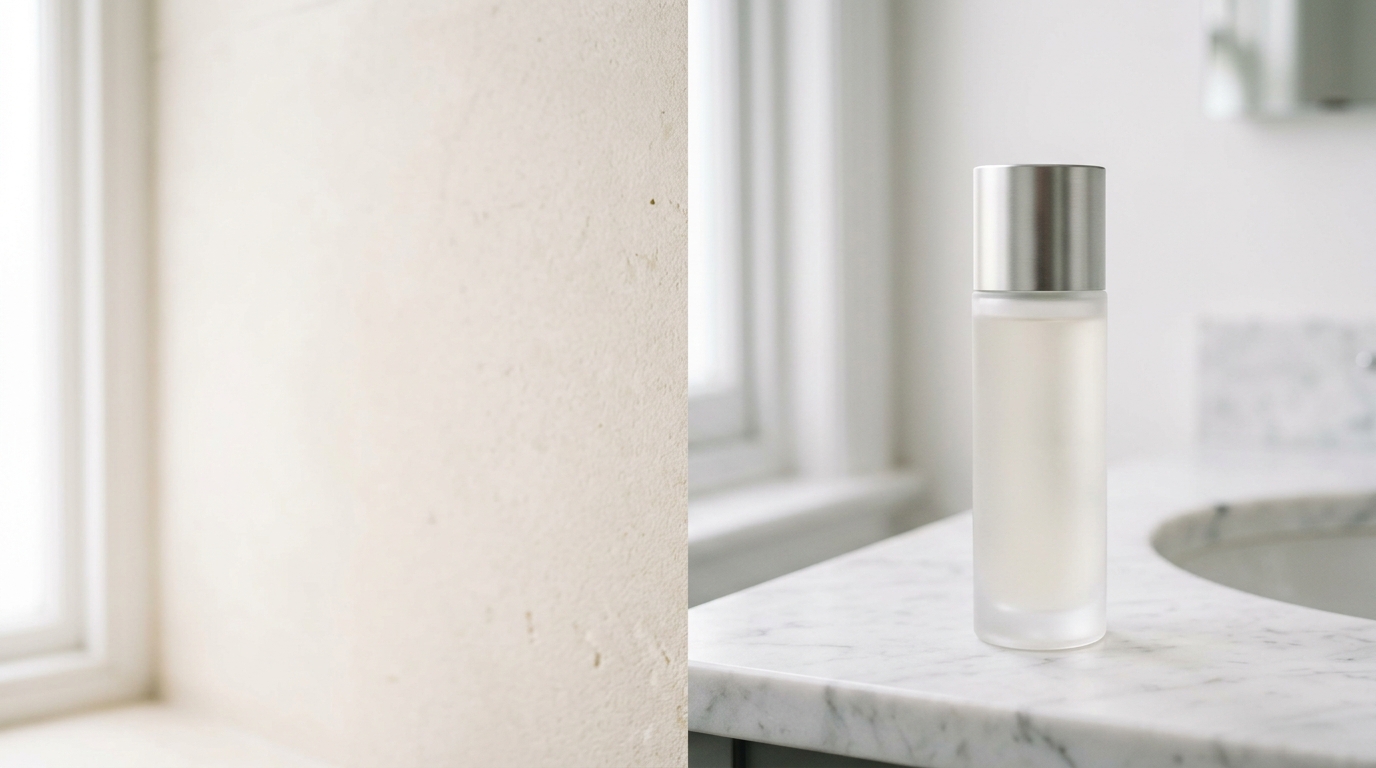
One 2.6 still at 1K / 2K / 4K plus a quality tier
That job is Flare on this page. Generate in Create.
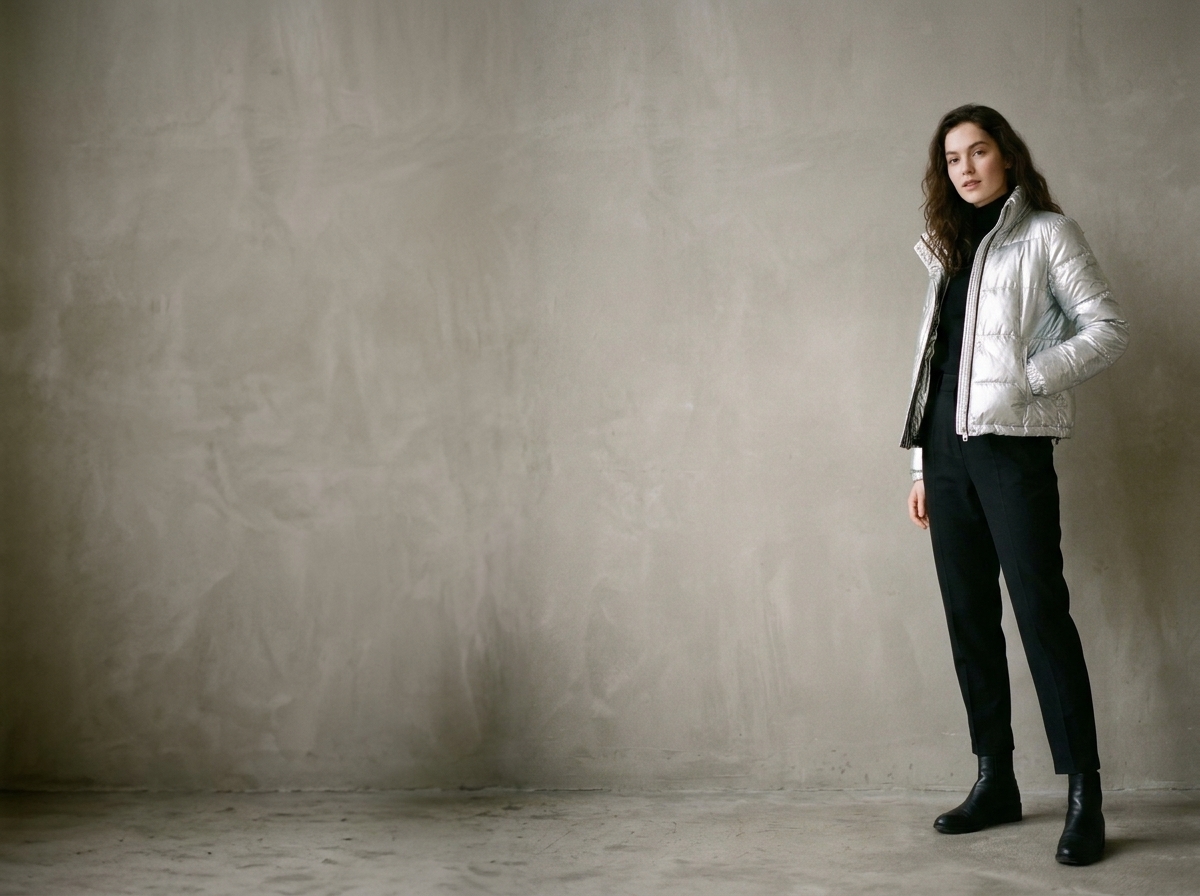
A looping GIF or a vector SVG
Choose GIF or SVG in Settings on text-to-image. GIF keeps the still price; SVG adds credits.
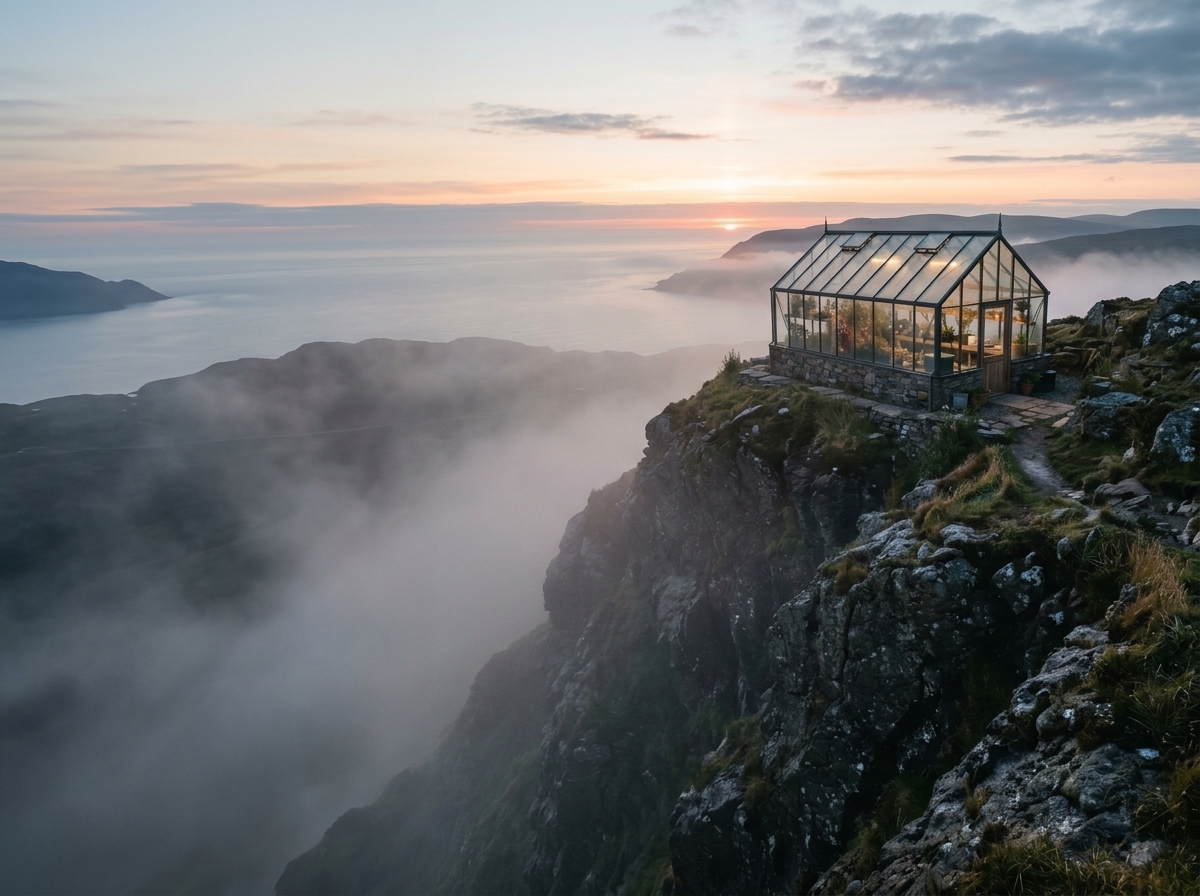
A tighter edit — switch to Sunburst
Same 2.6 limits. OpenAI names Sunburst for higher fidelity.
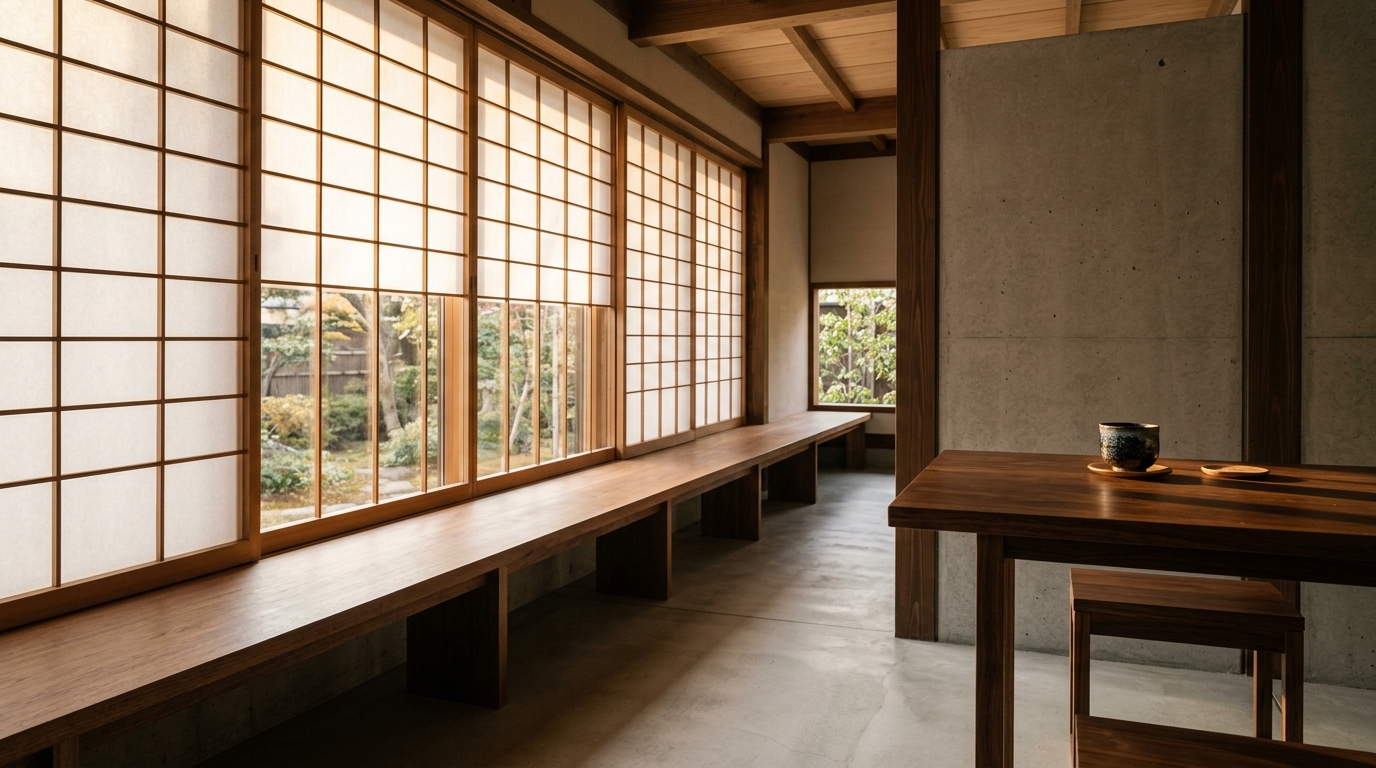
An edit across up to 16 references
Upload the references and add a mask or markup image when the change must land in an exact place.
04 — Verdict
What GPT Image 2.6 actually is here
Strengths
- OpenAI GPT Image 2.6 is available now — Flare default, Sunburst on family
- 1K / 2K / 4K with five quality tiers, low through max
- Text-to-image can return animated GIF or vector SVG
- Edit up to 16 references, with mask or markup targeting
Trade-offs
- One still per run on this site — no batch picker
- Edit output is PNG / JPEG / WebP only — no GIF or SVG
- SVG adds credits, and every extra edit reference costs credits
05 — Side by side
GPT Image 2.6, GPT Image 2.5 and GPT Image 2
GPT Image 2.6 is OpenAI’s newest Flare / Sunburst pair. The 2.5 and 2 numbers below come from those models on ImgToVid. 2.5 is the previous quality axis; Image 2 is the earlier quality-only line.
06 — How it works
Three steps to a GPT Image 2.6 still
Step 1
Keep GPT Image 2.6 Flare, or switch to Sunburst
Flare is this page’s default. Sunburst is the other 2.6 card on the family.
Step 2
Write the still and choose the output
Set 1K / 2K / 4K and a quality, then pick PNG, JPEG, WebP, GIF or SVG in Settings.
Step 3
Generate in Create
Membership and credits are checked there. Editing? Upload references and optional mask or markup.
07 — Versions
The series this page actually opens
Same prompt box in Create. Default is GPT Image 2.6 Flare.

08 — FAQ
GPT Image 2.6, in plain terms
What is GPT Image 2.6?
OpenAI’s newest stills pair: Flare and Sunburst. On ImgToVid this page defaults to Flare, with 1K / 2K / 4K and quality through max.
What resolution and quality can GPT Image 2.6 output here?
1K / 2K / 4K with quality low, medium, high, xhigh or max. Complexity is handled upstream and does not change the price.
How is Flare different from Sunburst?
OpenAI names Flare the faster everyday 2.6 and Sunburst the higher-fidelity 2.6. This site exposes the same resolution, quality and format picker on both.
Does GPT Image 2.6 support GIF and SVG?
Yes on text-to-image. GIF keeps the price of a still at the same quality and resolution; SVG adds credits. Editing returns PNG, JPEG or WebP only.
How do edits with mask or markup work?
Upload up to 16 reference images. Add mask_image to mark the area to edit, or markup_image with arrows or notes. Each extra reference, mask or markup adds credits.
Can I use the results commercially?
Commercial use of anything you generate on ImgToVid depends on your plan. Check Pricing and our Terms before you publish, and make sure prompts and uploads do not infringe someone else’s rights.
09 — Explore more
Other AI image models



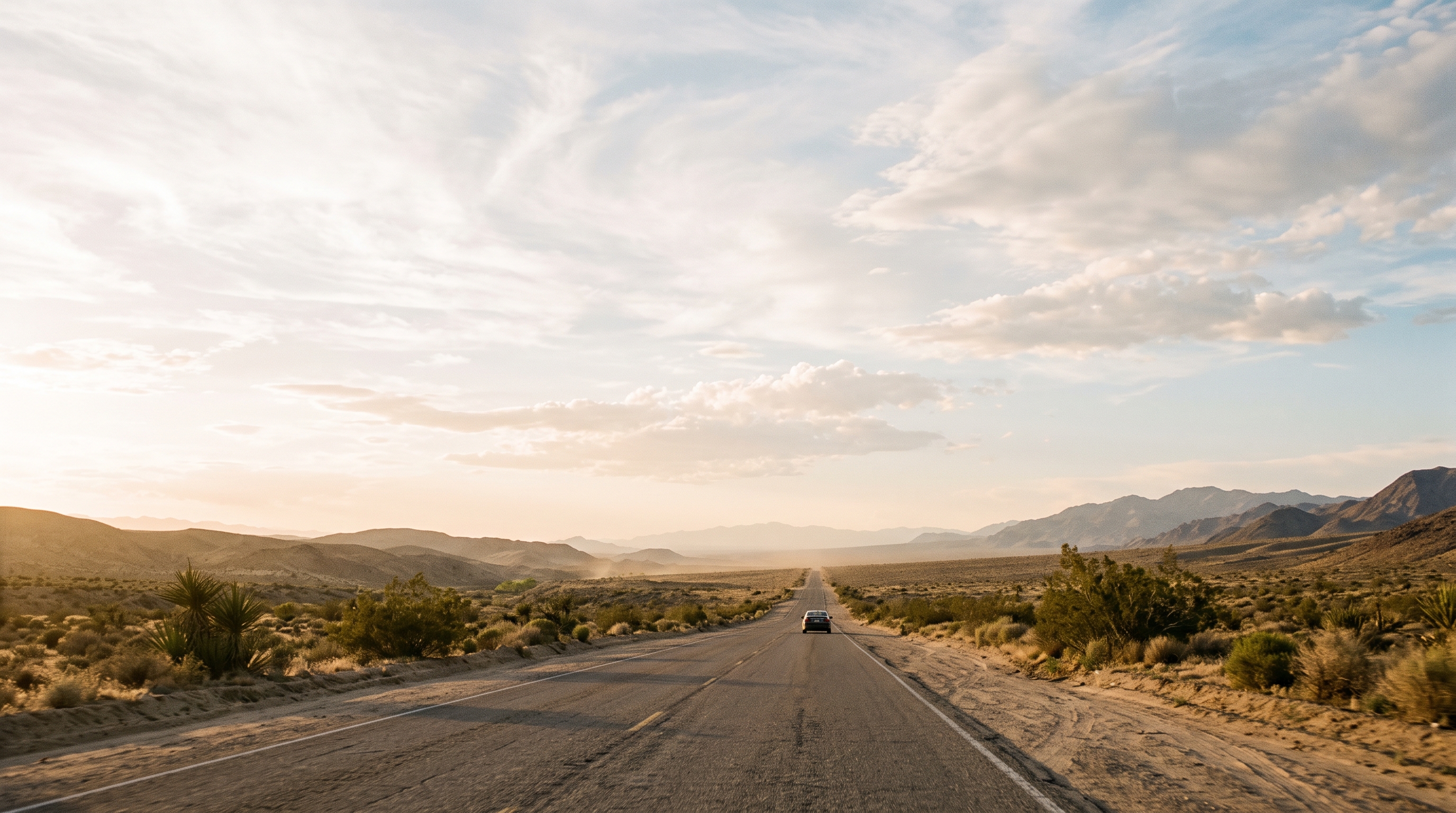
Generate GPT Image 2.6 Flare in Create
Write the still, keep Flare (or switch to Sunburst), and generate. The prompt you write here is the one that runs.
Start with GPT Image 2.6 Flare