P-H3-Image AI Image Generator
P-H3-Image is Pruna AI’s model for text-to-image and image editing, based on MiniMax-H3. It is aimed at photographic stills around 8 megapixels, and edits with 1 to 8 input images. Generate and edit with P-H3-Image on ImgToVid.
01 — Capabilities
What Pruna publishes for P-H3-Image
These are the specs Pruna publishes for P-H3-Image on ImgToVid.
01
8 MP is the recommended size
Text-to-image is aimed at 8 megapixels. The default frame on the card is 2912×2912. Edits can run at 4 MP or 8 MP.
02
8 steps, no classifier-free guidance
Sampling is 8 steps with no CFG and no negative prompt.
03
Edits with 1 to 8 images
The same pipeline generates from text or edits with one to eight input images.
04
A prompt upsampler is on by default
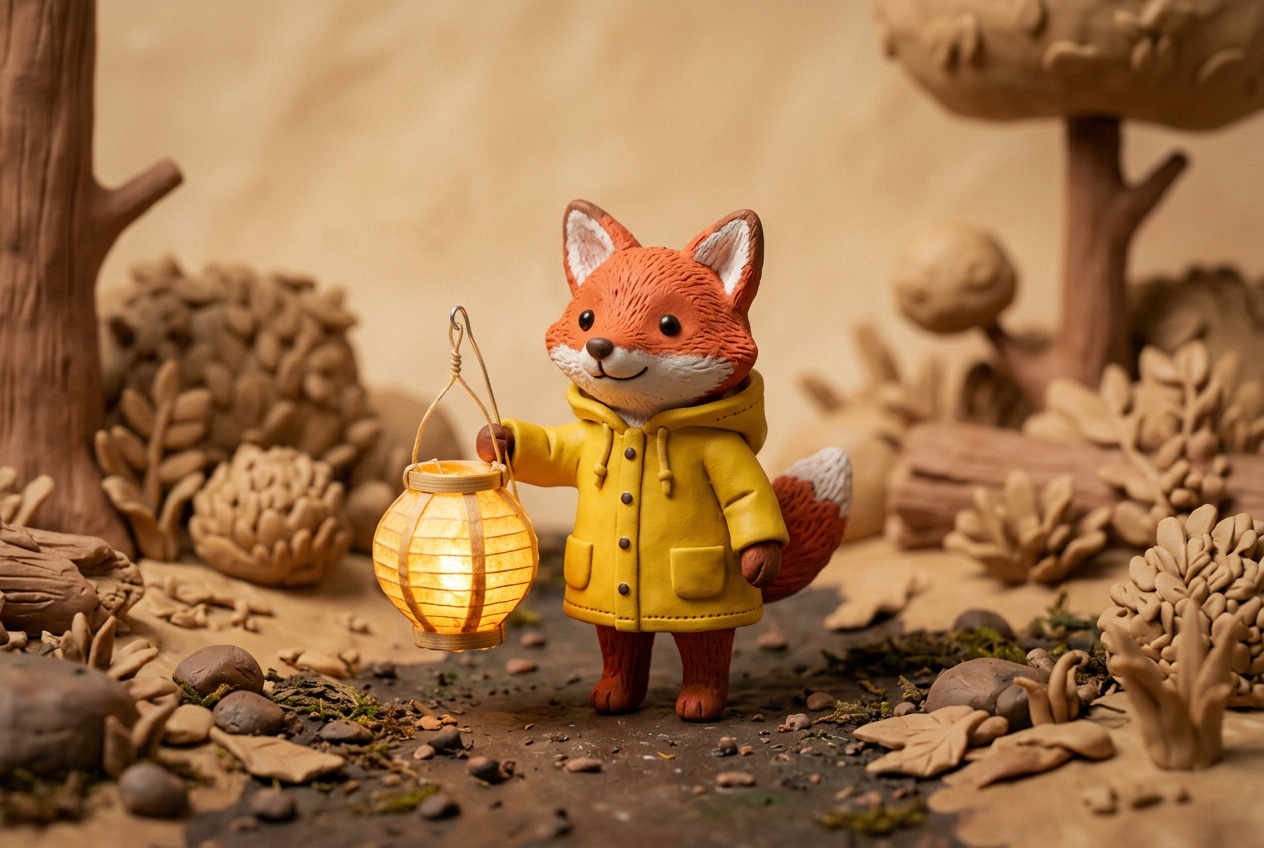
The included upsampler, based on Qwen3.5-9B, expands a short request into the longer prompt the model renders best. Short quoted text is where the card says lettering holds up.
02 — Prompt to output
Prompts that match the stills above
Each prompt describes the picture on its card. “Use this prompt” opens that text in Create with P-H3-Image.
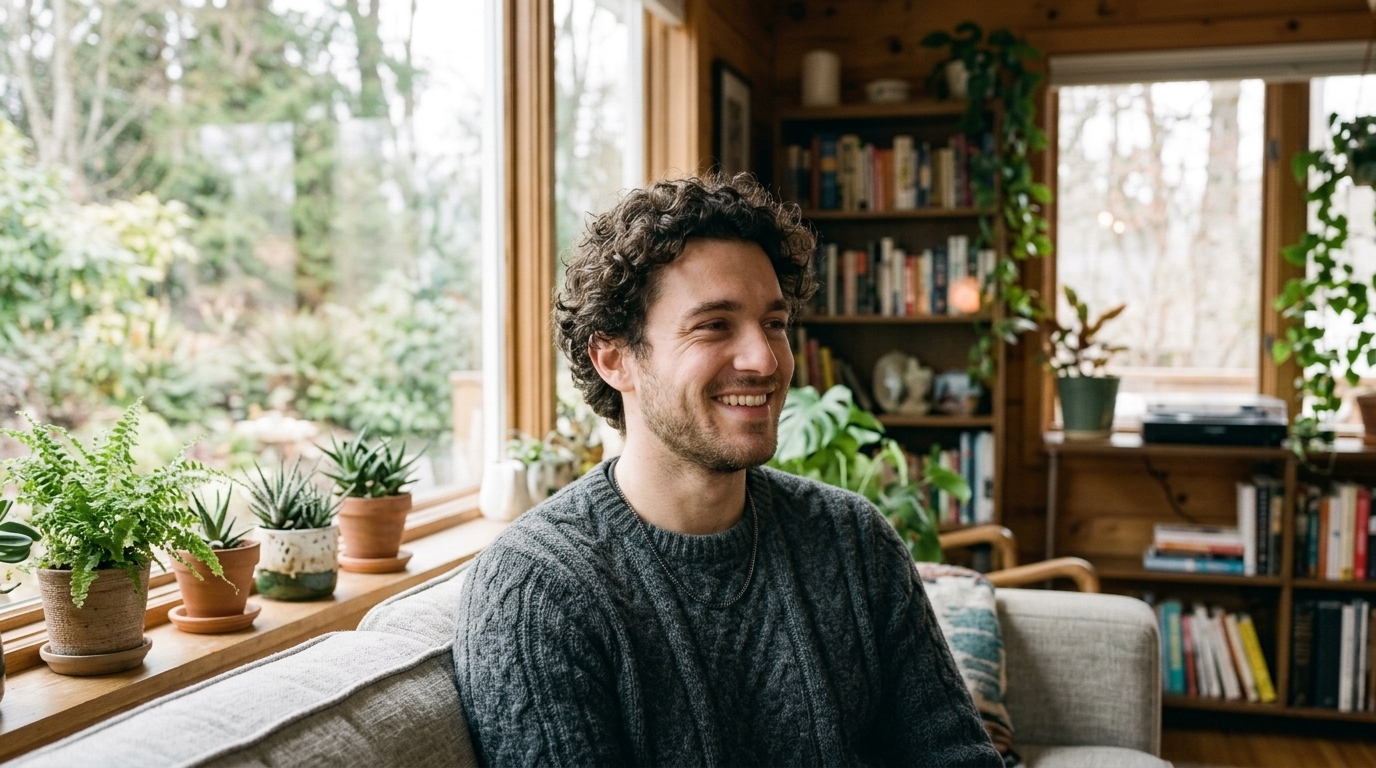 01 · Portrait
PromptClose photographic portrait of a young man with curly hair wearing a grey knit sweater, soft window light, he glances aside and smiles warmly, shallow depth of field.
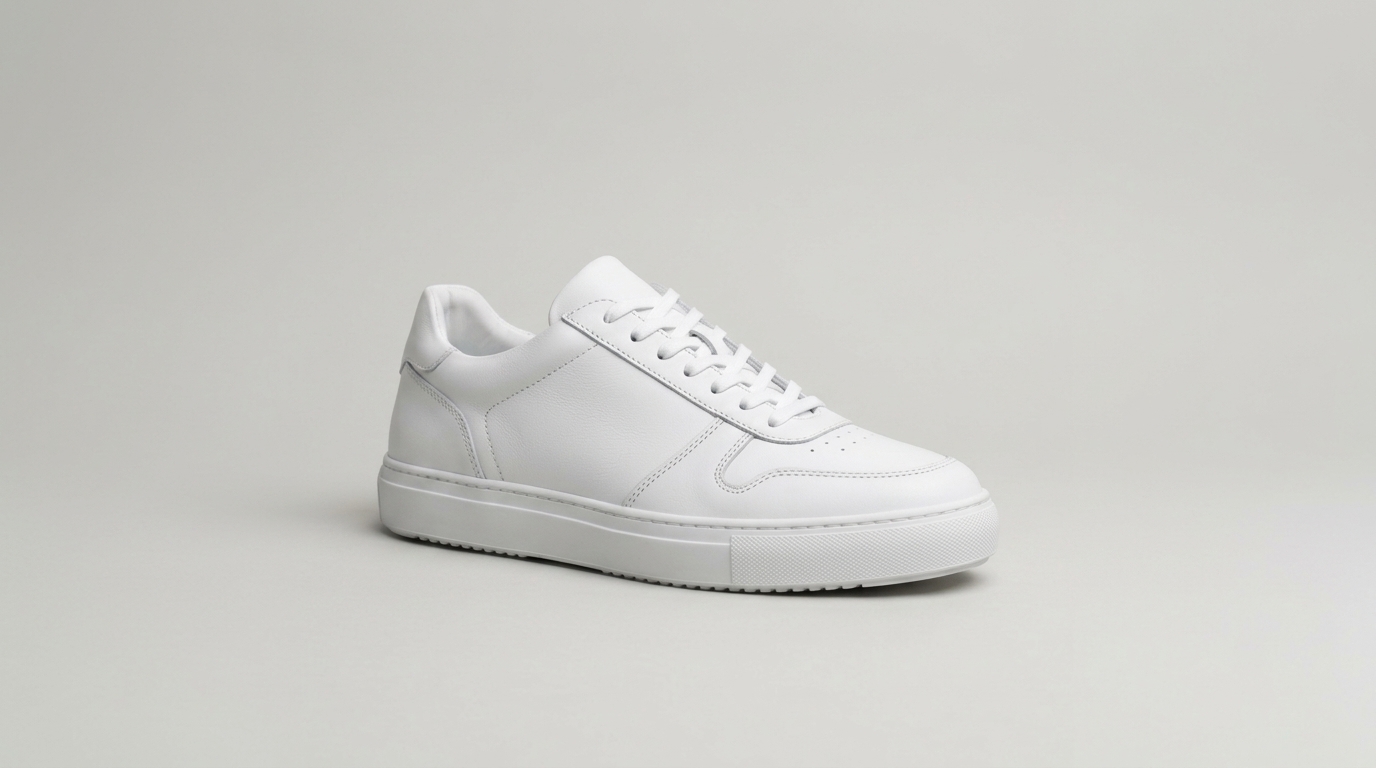 02 · Product
PromptA clean white leather sneaker on a pale grey seamless studio backdrop, soft diffused light, three-quarter view, crisp stitching, minimal commercial photograph.
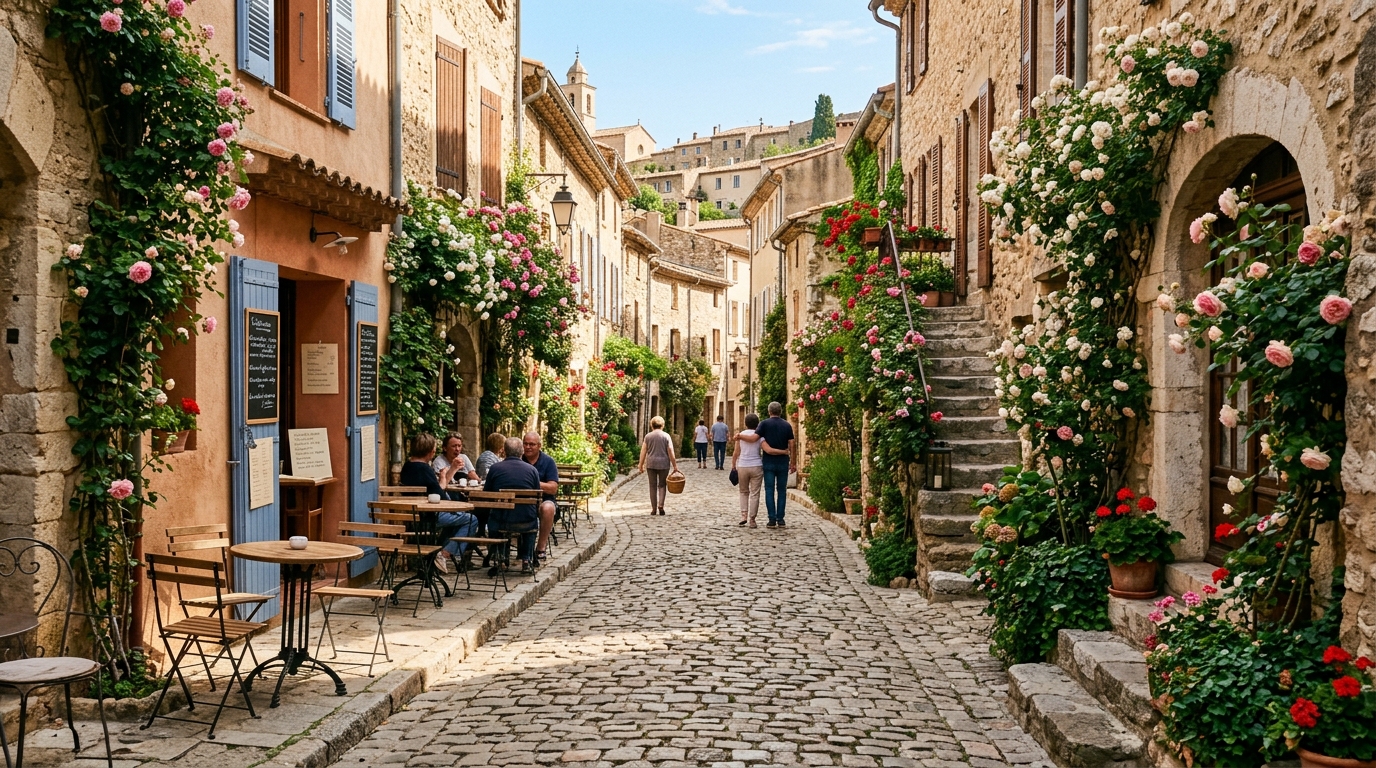 03 · Street
PromptPhotographic view down a cobblestone lane in an old European village, climbing roses on stone walls, café tables in morning sun, a few people strolling in the distance.
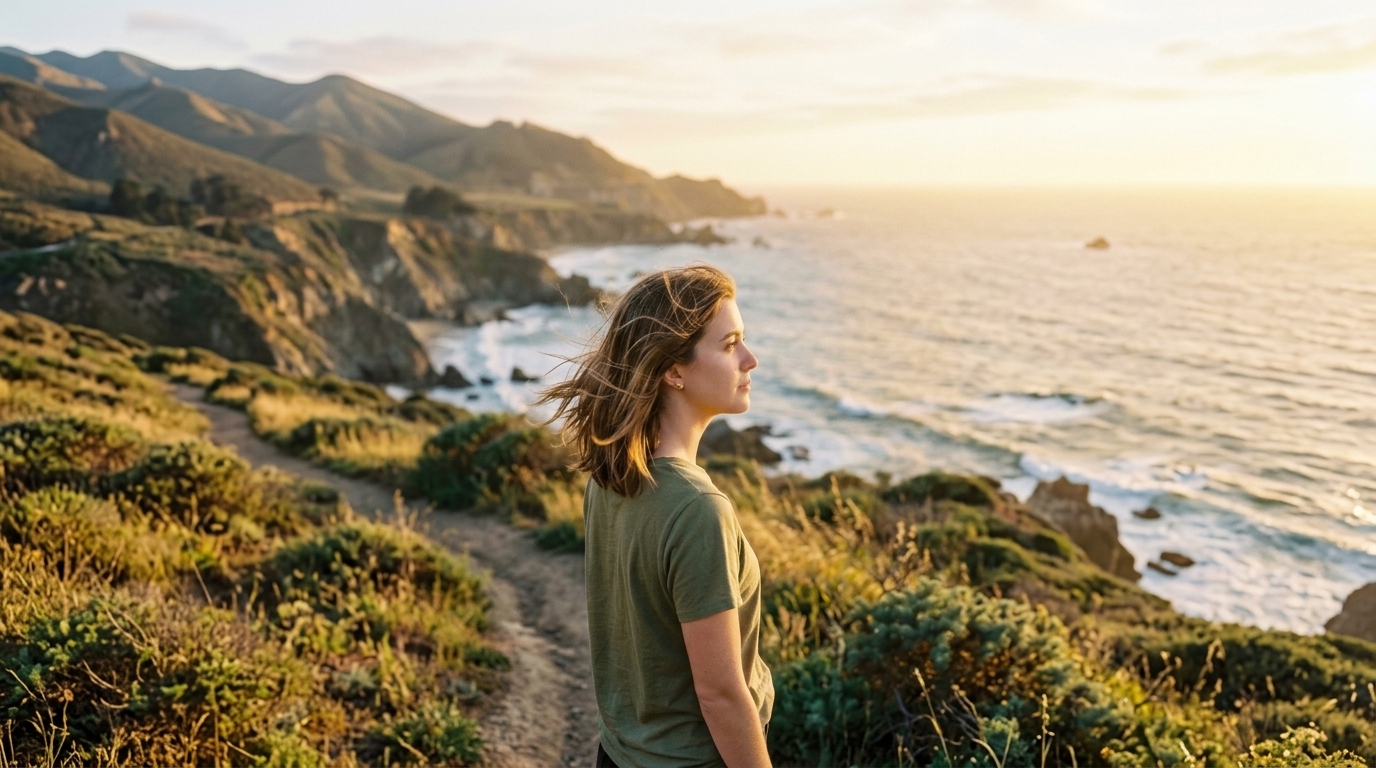 04 · Character
PromptPhotograph of a young woman with shoulder-length brown hair in an olive t-shirt, golden late-afternoon light, she turns her head and looks into the distance, breeze in her hair.
03 — Where it fits
Where Pruna positions P-H3-Image
Use it for photographs, film stills, editorial frames, and graphics with a short line of text.
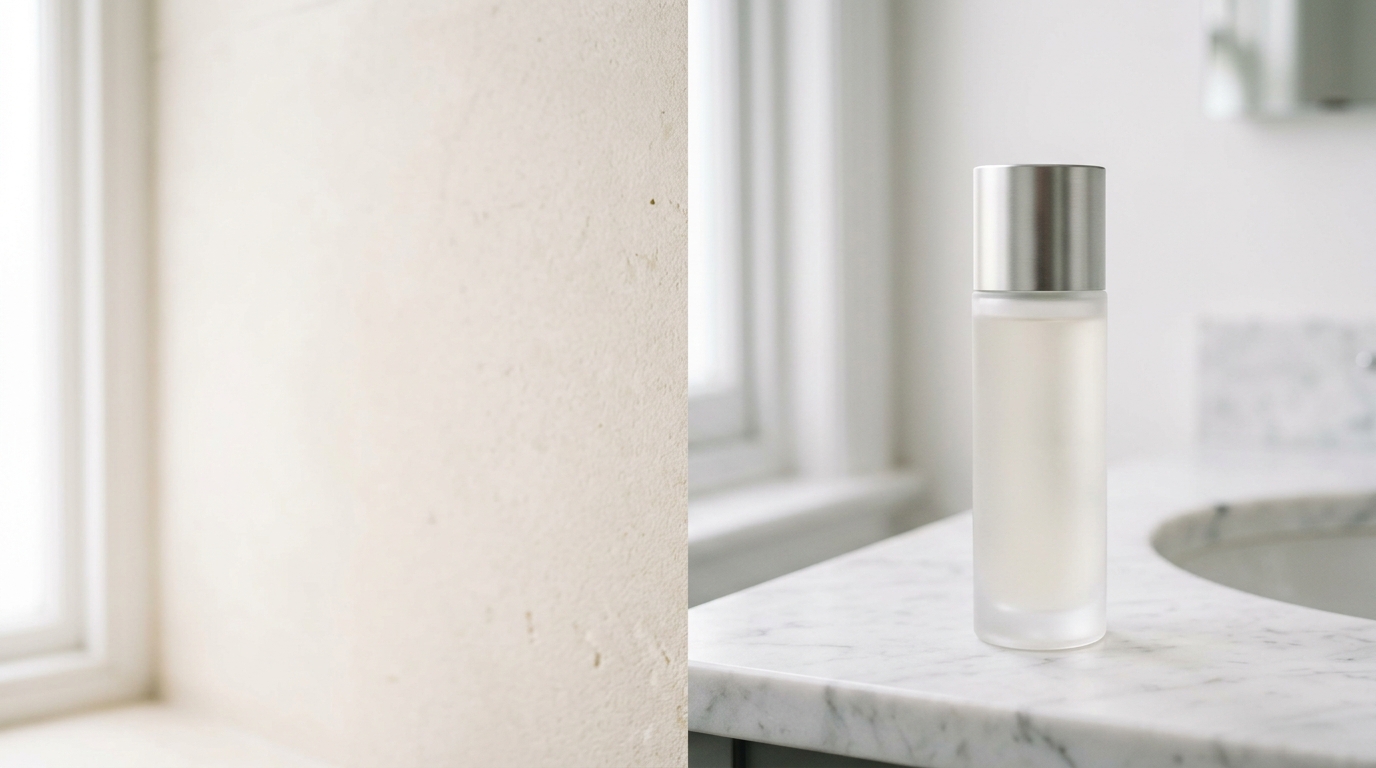
Photographs, film stills, and editorial frames
Pruna lists photorealism, film, and editorial looks as the model’s strongest range.
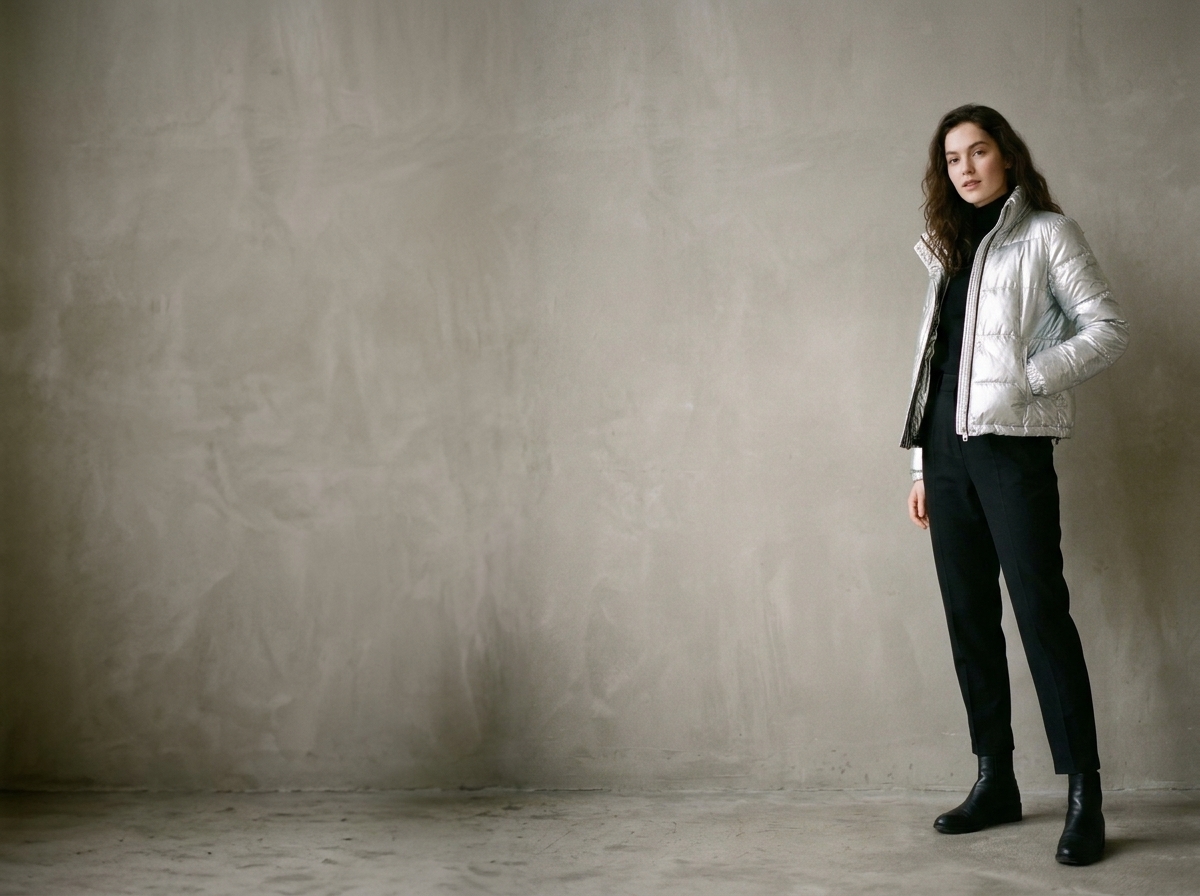
Graphic styles with a short line of text
Short quoted strings are the text case the card says works. Dense body copy is listed as unreliable.
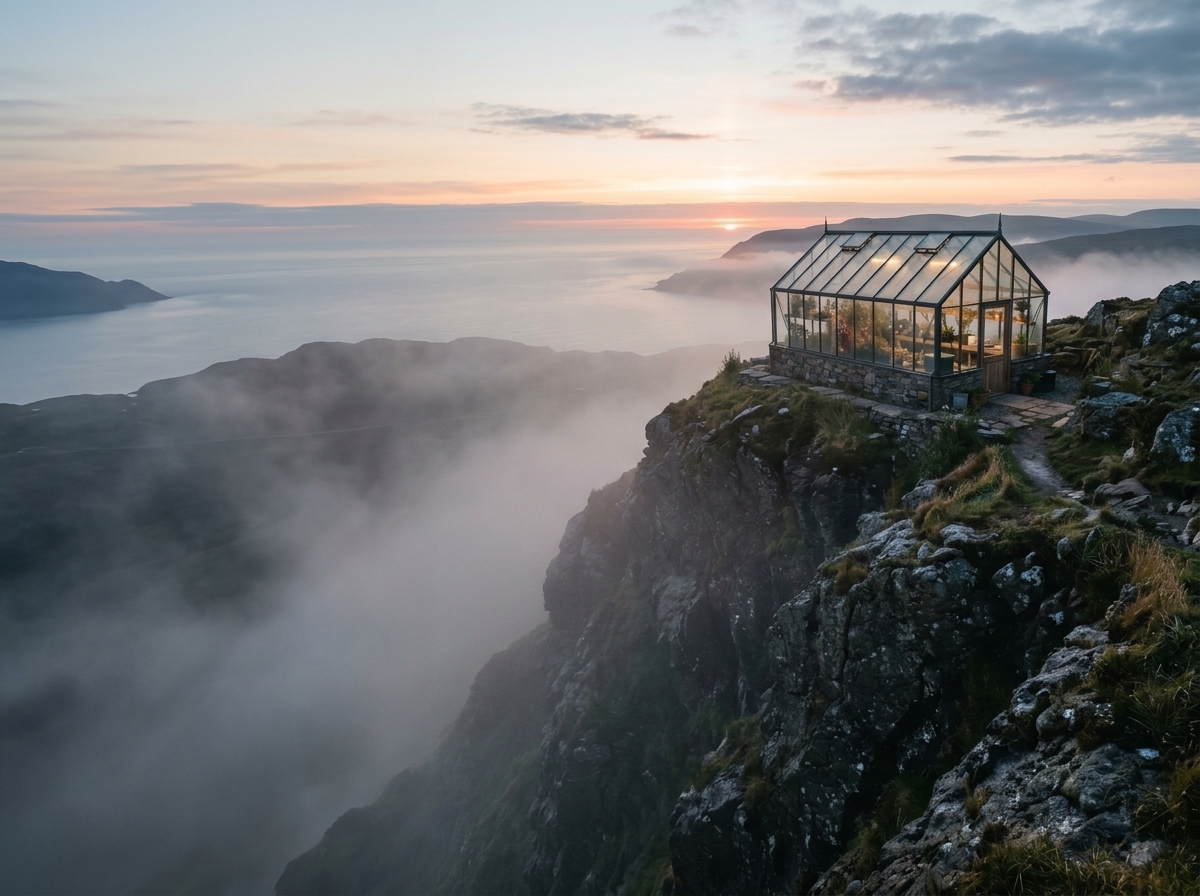
Multi-image edits, up to eight inputs
One pipeline covers text-to-image and edits that take 1 to 8 images.
Generate on ImgToVid
Write the still here and generate with P-H3-Image in Create. Membership and credits are checked there.
04 — Verdict
P-H3-Image strengths and trade-offs
Strengths
- 8-step sampling with no CFG, aimed at 8 MP text-to-image (default 2912×2912)
- The same pipeline edits with 1 to 8 input images, at 4 MP or 8 MP
- Prompt upsampler based on Qwen3.5-9B is included and on by default
- Strongest, per the card, at photorealism, film and editorial looks, and short quoted text
Trade-offs
- Hands and small background figures can distort, and 2 MP or 4 MP shows more artifacts than 8 MP
- Small or dense text, such as body copy, is not reliable; very short or hype-heavy prompts weaken results
- It does not generate video or audio
05 — Side by side
P-H3-Image vs MiniMax H3 Image vs GPT Image 2.5
P-H3-Image and MiniMax H3 Image figures are from their public model cards. GPT Image 2.5 is another image model on ImgToVid.
06 — How it works
Start a still on ImgToVid
Step 1
Describe one still
Name the subject, the light, and the frame. For an edit, say what to change and what to keep.
Step 2
Use the generator on this page
It opens Create with P-H3-Image. The prompt and the settings go with you.
Step 3
Generate in Create
Membership and credits are checked there before P-H3-Image runs.
07 — FAQ
P-H3-Image FAQ
What is P-H3-Image?
P-H3-Image is Pruna AI’s open text-to-image and image-editing model, based on MiniMax-H3. It is not the MiniMax-H3-Image checkpoint and it does not generate video.
What resolution should I plan for?
The model card says P-H3-Image works best at 8 megapixels. The default size listed is 2912×2912. Edits can be 4 MP or 8 MP. Lower sizes show more artifacts in faces, hands, and small details.
How many images can an edit use?
The card lists image editing with 1 to 8 input images, on the same pipeline as text-to-image.
Does it render text well?
Short quoted strings are the case the card says works. Small or dense text, such as body copy, turns unreliable.
Can I generate P-H3-Image on ImgToVid?
Yes. Write a prompt on this page and generate with P-H3-Image in Create.
Can I use the results commercially?
Commercial use of anything you generate on ImgToVid depends on your plan. Check Pricing and our Terms before you publish, and make sure prompts and uploads do not infringe someone else’s rights.
08 — Explore more
Other AI image models



Generate with P-H3-Image on ImgToVid
Write a prompt, add reference images when the edit needs them, and generate in Create.
Start with P-H3-Image