Seedream 5.0 Lite AI Image Generator
On ImgToVid, Seedream 5.0 is Seedream 5.0 Lite: text-to-image or an edit at 2K, 3K or 4K, up to four stills per run, and an edit can take up to fifteen references. It is not the Seedream brand hub’s family landing, and it is not Seedream 5.0 Pro’s 1K/2K one-still table. Keep Lite selected and generate in Create.
01 — Capabilities
Lite: 2K, 3K, 4K — up to 4 stills, edit up to 15 refs
Seedream 5.0 Lite is the 4K pass on this family. Pro uses the same prompt box; the table is what changes.
01
2K, 3K and 4K — Lite has no 1K row
Set the resolution for the job. Up to four images per run. A 1K still is Pro, not this page.
02
Frames including 21:9; no 1:8
1:1, 2:3, 3:2, 3:4, 4:3, 9:16, 16:9, 21:9 and auto. This series does not offer 1:8 or 8:1.
03
Edits with up to 15 references
Fifteen on Lite. Pro’s edit table is ten. Text-only stills start from the prompt alone.
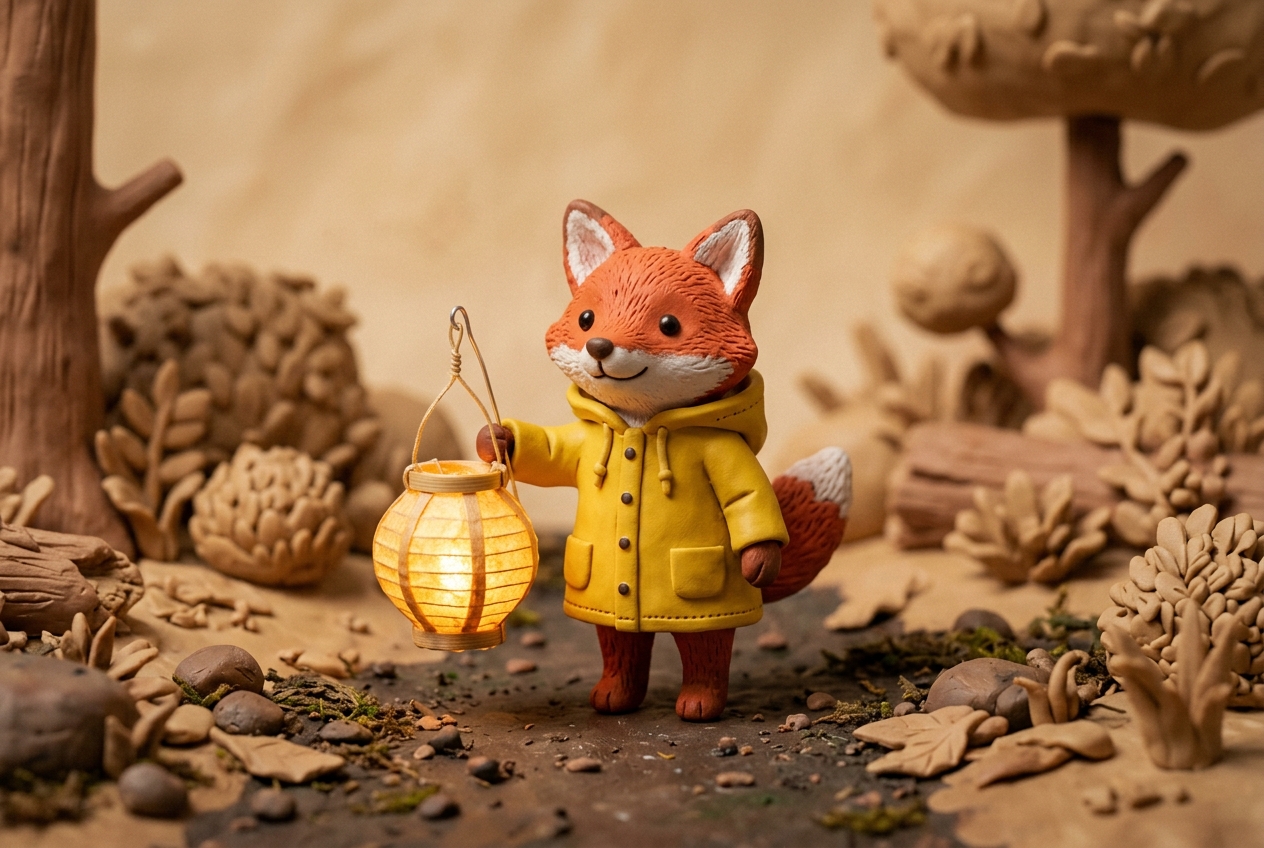
04
Not Pro’s 1K/2K one-still table
Seedream 5.0 Pro is 1K or 2K, one still per run, no 3K or 4K. The Seedream hub opens Lite too, as a family landing. This page is the Lite table. This button runs Seedream 5.0 Lite in Create.
02 — Prompt to output
A prompt, then the still
Each still ships with the prompt that made it. Open one in Create and change it.
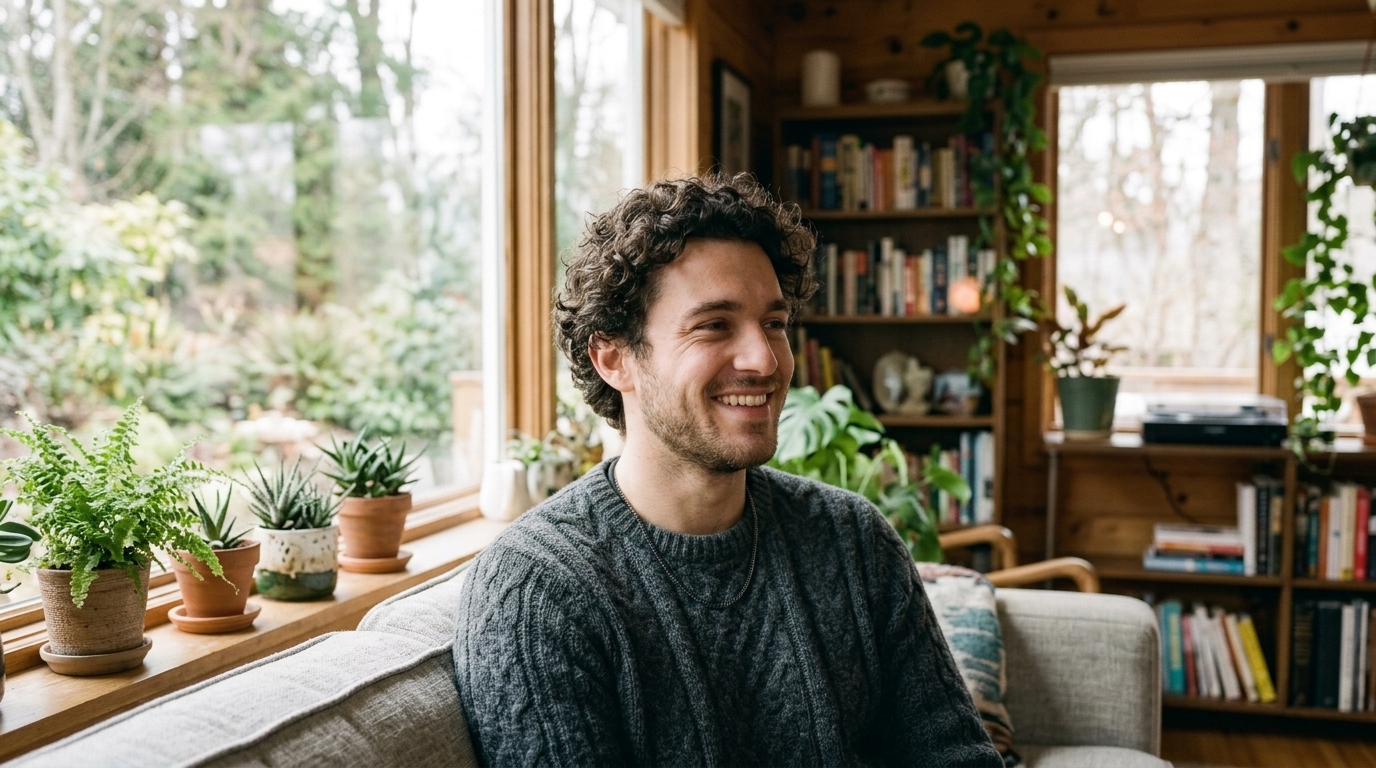 01 · Portrait
PromptClose photographic portrait of a young man with curly hair wearing a grey knit sweater, soft window light, he glances aside and smiles warmly, shallow depth of field.
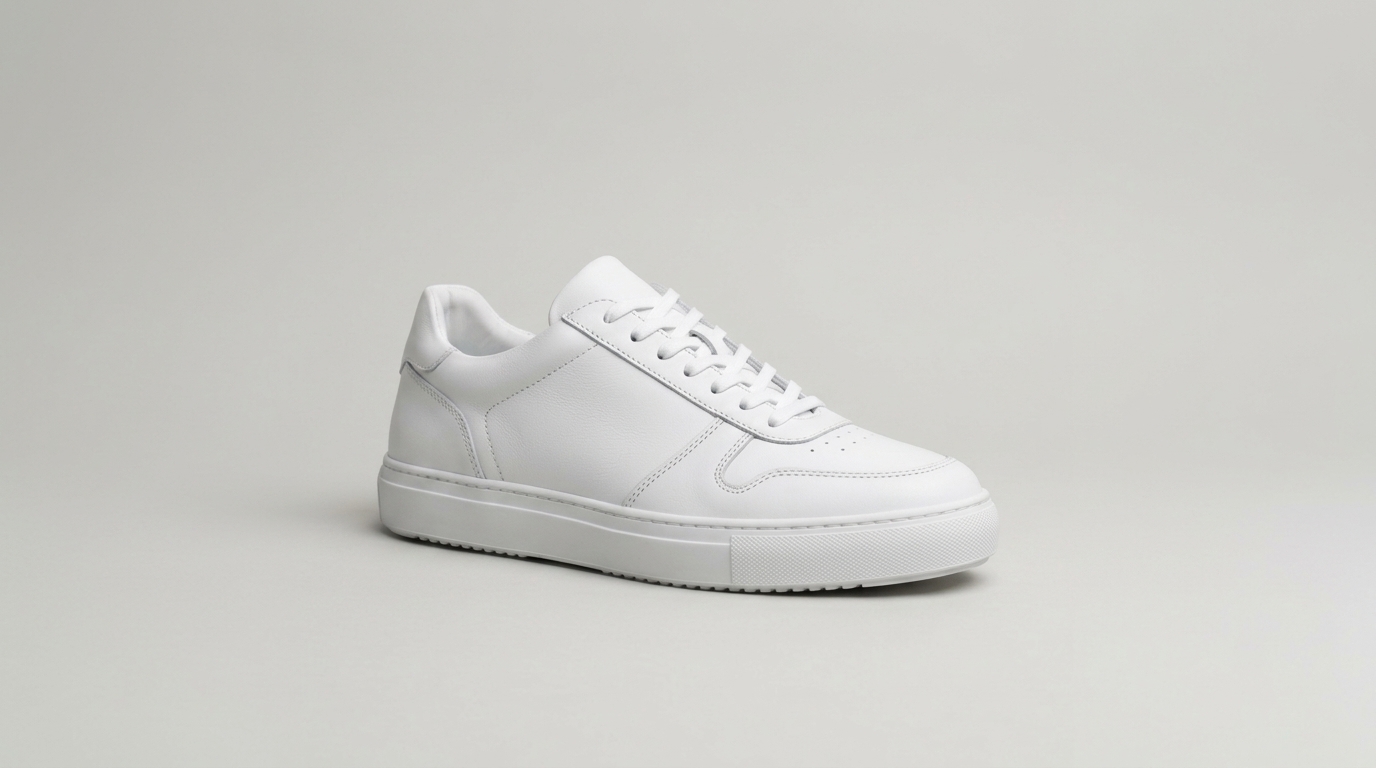 02 · Product
PromptA clean white leather sneaker on a pale grey seamless studio backdrop, soft diffused light, three-quarter view, crisp stitching, minimal commercial photograph.
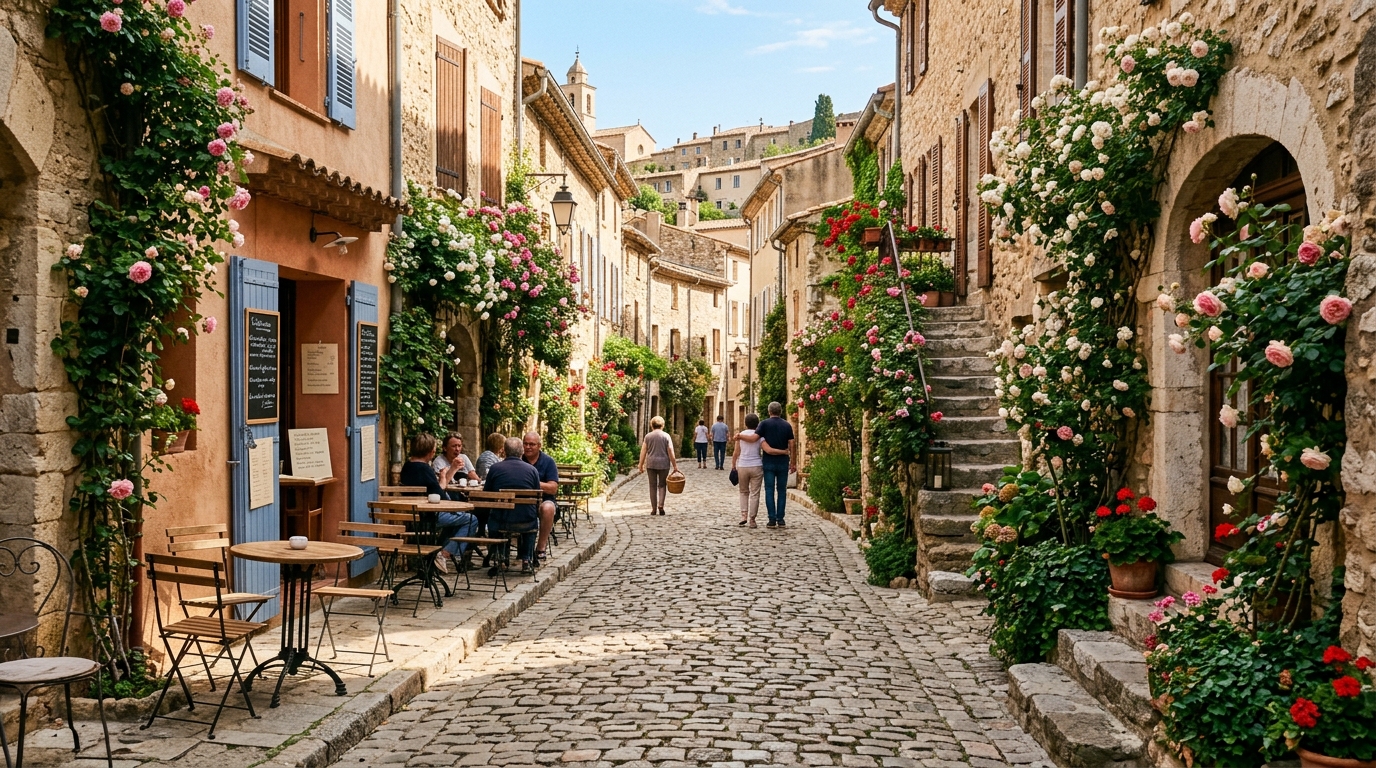 03 · Street
PromptPhotographic view down a cobblestone lane in an old European village, climbing roses on stone walls, café tables in morning sun, a few people strolling in the distance.
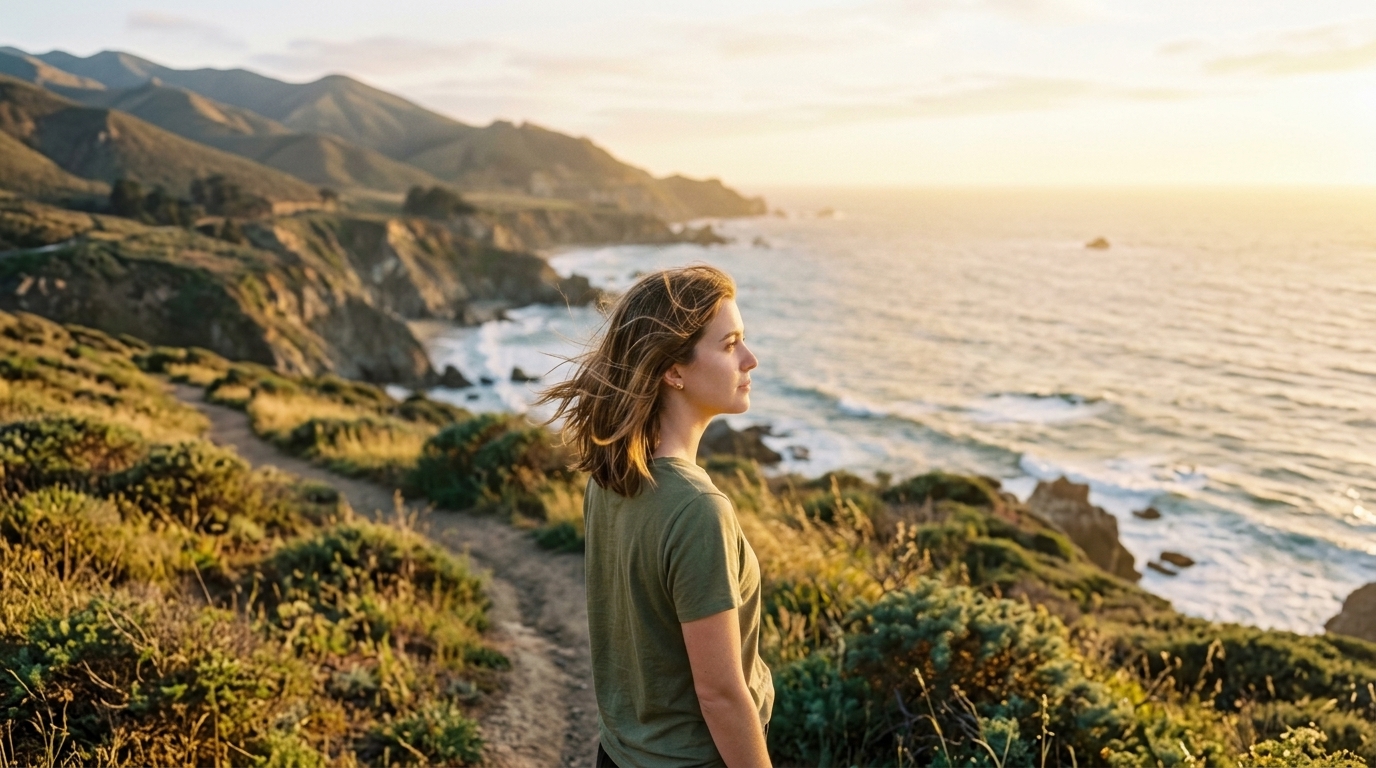 04 · Character
PromptPhotograph of a young woman with shoulder-length brown hair in an olive t-shirt, golden late-afternoon light, she turns her head and looks into the distance, breeze in her hair.
03 — Where it fits
Jobs that need Lite’s 4K and four-still run
A 4K still, several variations in one generate, or an edit that keeps up to fifteen references — not Pro’s one 1K/2K still.
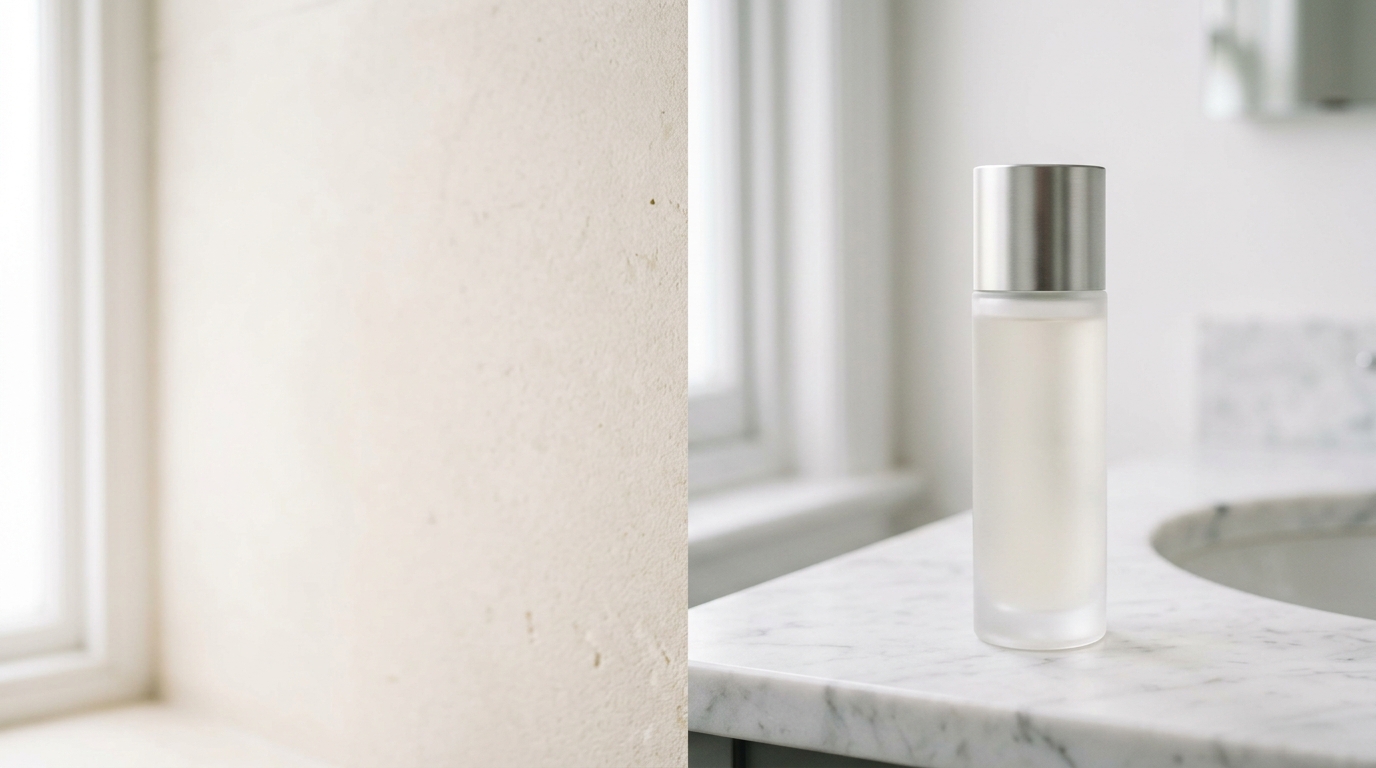
A 4K campaign still
Lite is the 4K row on this family. Pro stops at 2K.
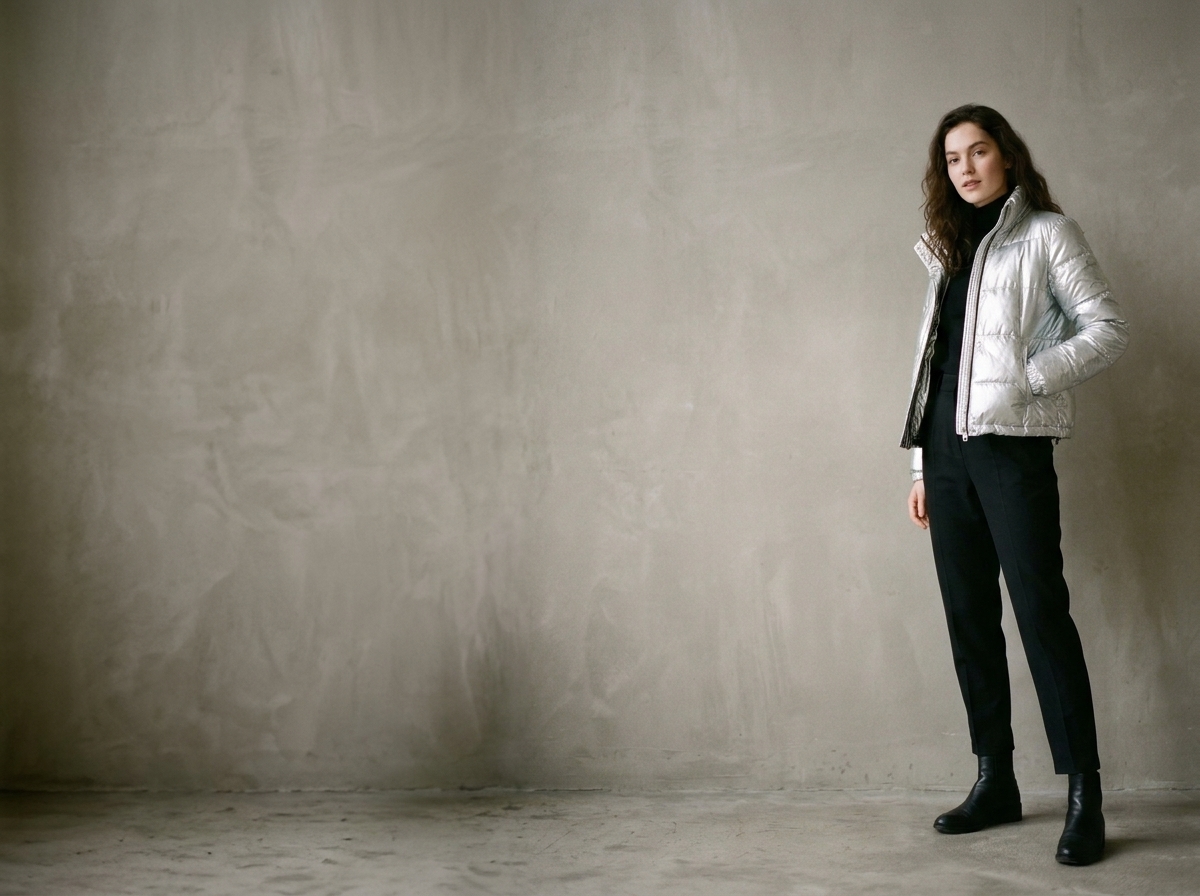
A 21:9 or 9:16 frame
Those ratios are on Lite. Place the subject so type can sit in a corner.
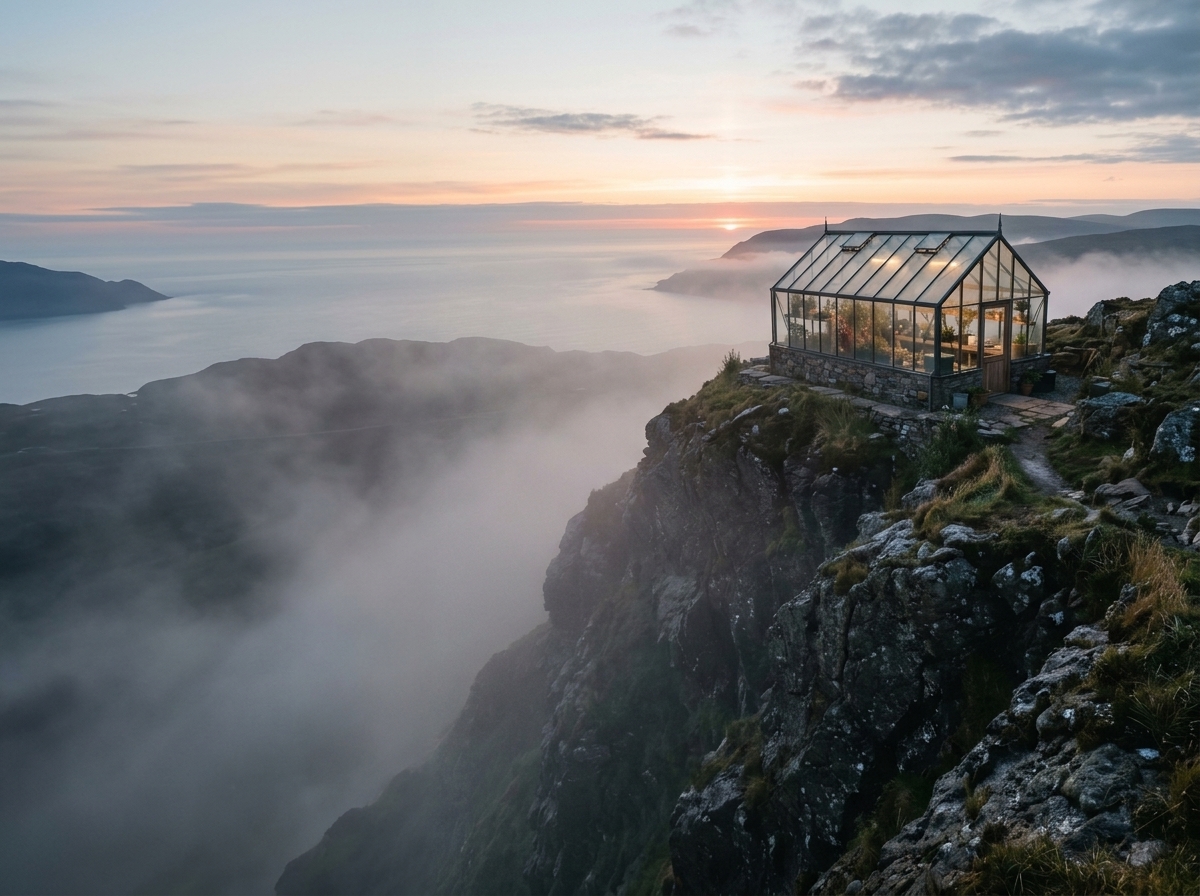
Up to four variations in one run
Pro has no count picker — one still. Lite goes to four.
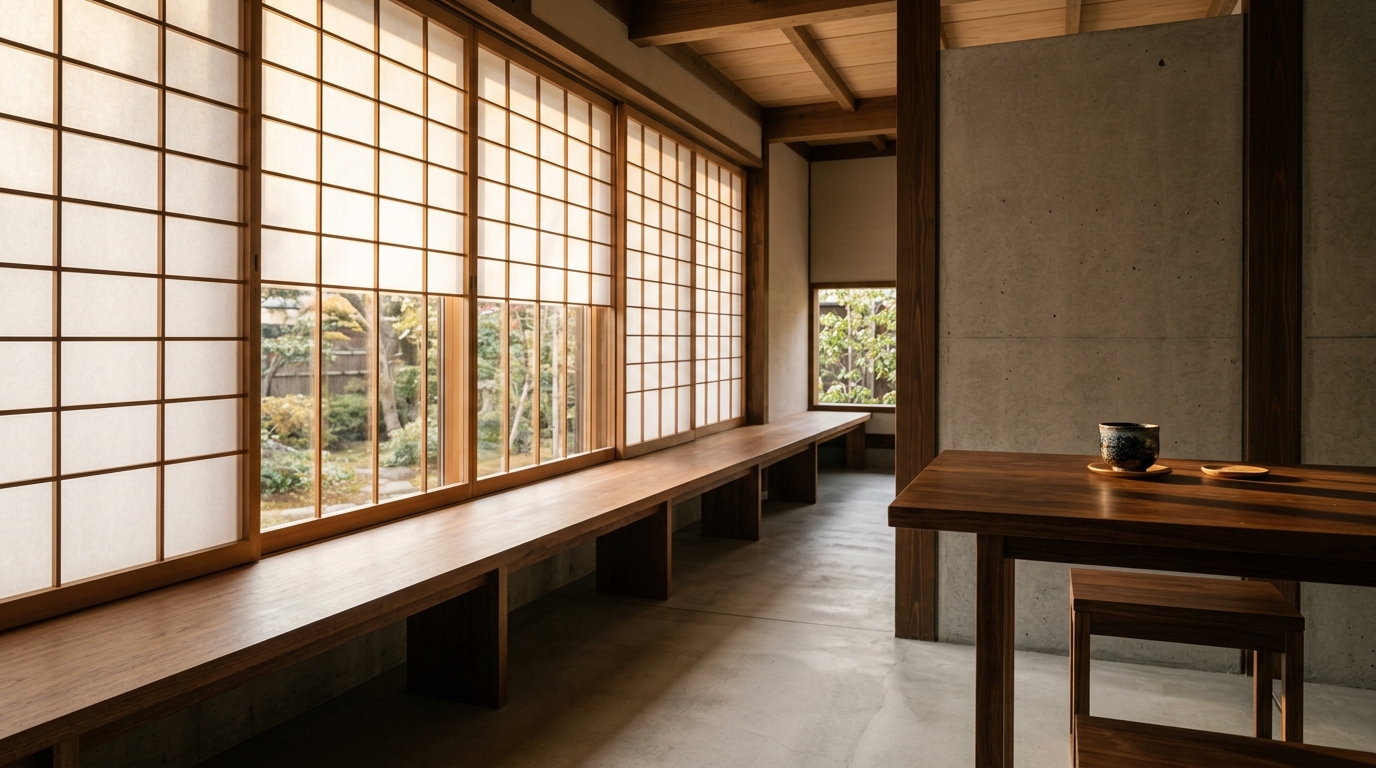
An edit with a large reference set
Up to fifteen on Lite. Pro’s edit is ten.
04 — Verdict
What Seedream 5.0 Lite is good at
Strengths
- 2K, 3K and 4K live from this page
- Up to four stills per run; edits from as many as fifteen references
- 21:9 named on the same table as 9:16 and 1:1
- Live on ImgToVid from this page
Trade-offs
- No 1K on Lite — use Pro for that floor
- No 1:8 or 8:1 on this family
- Pro is not a higher-resolution row; Pro is 1K/2K and one still
05 — Side by side
Seedream 5.0 Lite vs Nano Banana 2 vs GPT Image 2.5
Three image models you can open on ImgToVid, on the numbers that change a job.
06 — How it works
Three steps to a Seedream 5.0 Lite still
Step 1
Keep Seedream 5.0 Lite selected
This page is the Lite table. Switch to 5.0 Pro from the family below when the brief wants 1K or 2K and one still.
Step 2
Write the still
Name the subject, the light and the frame. Upload up to fifteen references when you are editing.
Step 3
Generate in Create
Set ratio and resolution (2K, 3K or 4K), then generate. Your prompt and settings carry straight into Create.
07 — Versions
The Seedream 5.0 versions on ImgToVid
Same prompt box in Create. The table is what changes.

08 — FAQ
Seedream 5.0 Lite questions
What is Seedream 5.0 on this site?
On ImgToVid, Seedream 5.0 is Seedream 5.0 Lite: text-to-image and image editing at 2K, 3K or 4K, up to four stills per run, and an edit can take up to fifteen reference images.
How is 5.0 Lite different from Seedream 5.0 Pro?
Lite is the 4K pass: 2K, 3K or 4K, up to four stills, fifteen-reference edits. Pro is 1K or 2K, one still, ten-reference edits — no 3K or 4K. Switch from the family below.
Can I edit my own image?
Yes. Upload one or more stills and describe the change. An edit accepts up to fifteen images on Lite.
Which frames and resolutions can I use?
Resolutions are 2K, 3K and 4K. Ratios are 1:1, 2:3, 3:2, 3:4, 4:3, 9:16, 16:9, 21:9 and auto. This family does not offer 1:8, 8:1 or 1K on Lite.
Can I use the images commercially?
Commercial use depends on your ImgToVid plan, so check Pricing and our Terms before publishing. Either way, make sure your prompts and uploads don’t infringe on anyone else’s rights.
09 — Explore more
Other AI image models




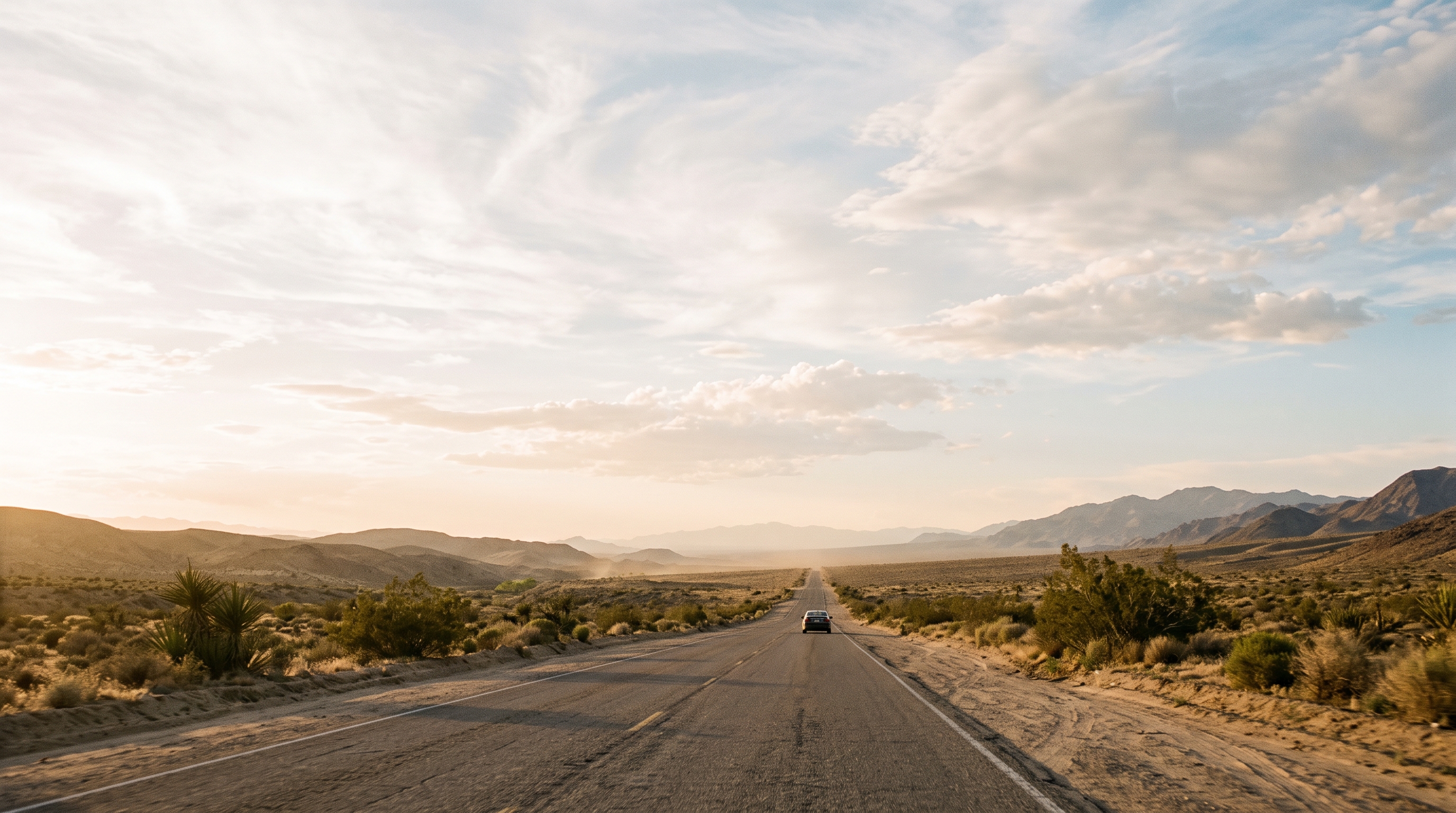
Write the still the way you would brief it
Keep Seedream 5.0 Lite, set 2K, 3K or 4K, and generate in Create. The prompt you write here is the one that runs.
Start with Seedream 5.0 Lite