
Seedream 5.5 AI Image Generator
ByteDance Seedream 5.5 is built for production image work on ImgToVid: stable multi-round edits, native transparent PNG cutouts, natural skin and materials, and sharp small text in posters and UI mockups.
01 — Capabilities
Why creators pick Seedream 5.5 for image generation and editing
Four upgrades that matter in real workflows: edit stability, alpha cutouts, typography, and photographic realism.

01
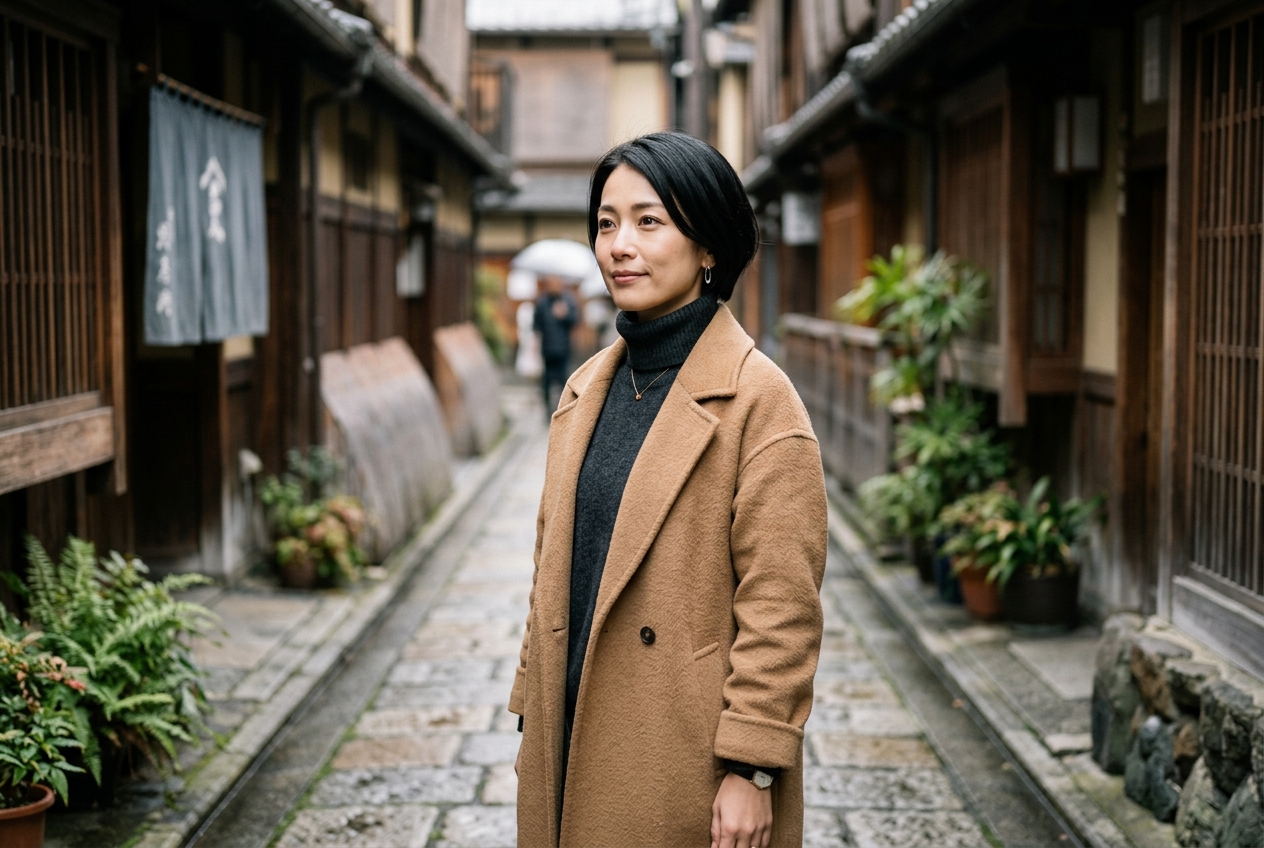
Stable edits across up to 100 rounds
Change outfits, props, lighting, or furniture step by step while untouched areas stay locked—so color drift and blur do not pile up across serial edits.
02
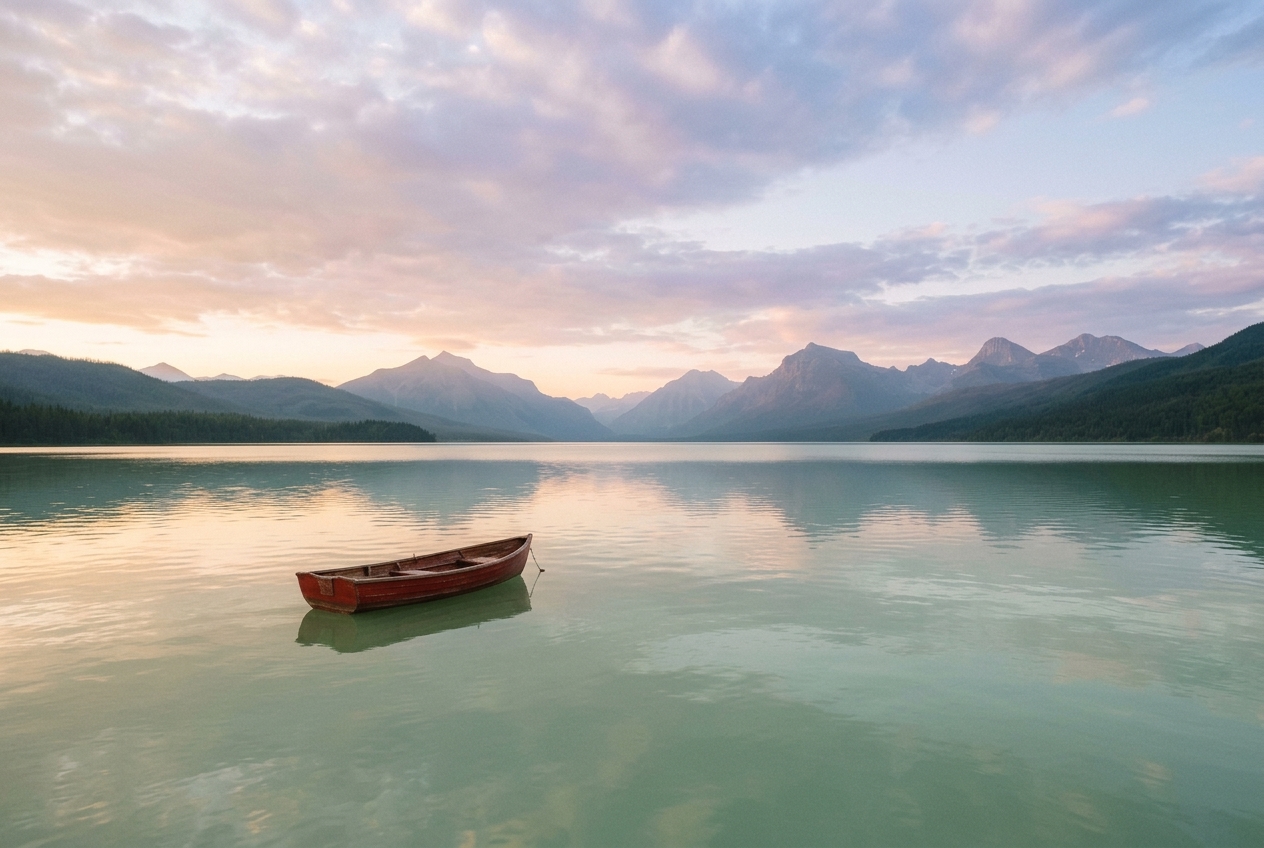
Native transparent PNG cutouts
Generate RGBA PNGs with a true alpha channel—fine hair, feathers, calligraphy, and die-cut stickers—ready for layouts without manual background removal.
03
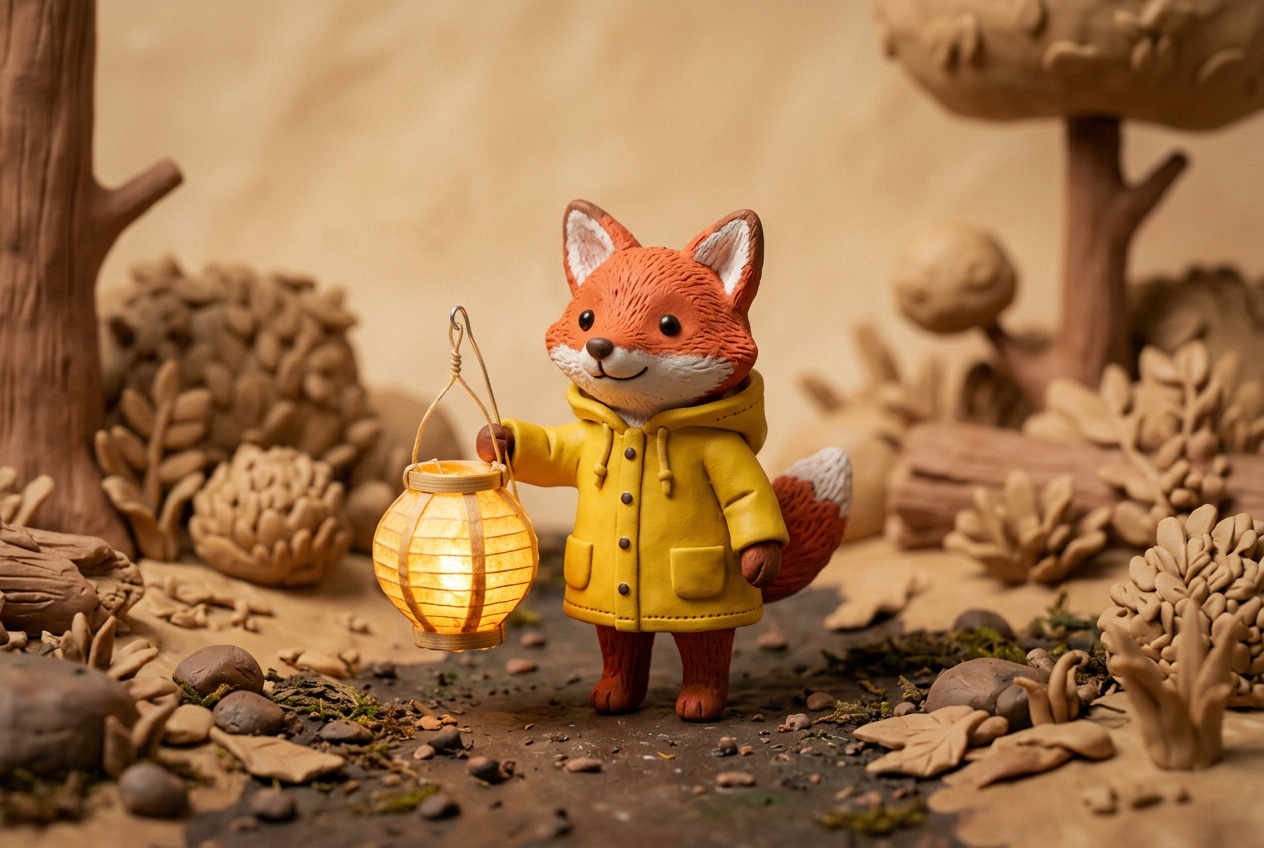
Crisp small text in posters and UI
Render multi-column posters, infographics, packaging labels, and UI screens in English and Chinese with sharp letterforms and far less garbled type.
04
Natural skin, light, and materials
Cuts the glossy overexposed AI look in favor of real skin texture, fabric weave, and grounded shadows preferred over Seedream 5.0 Pro in image-editing tests.
02 — Prompt to output
Seedream 5.5 example prompts and stills
Each sample includes the prompt that made it. Open one in Create and adapt it to your brief.
 01 · Portrait
PromptClose photographic portrait of a young man with curly hair wearing a grey knit sweater, soft window light, he glances aside and smiles warmly, shallow depth of field.
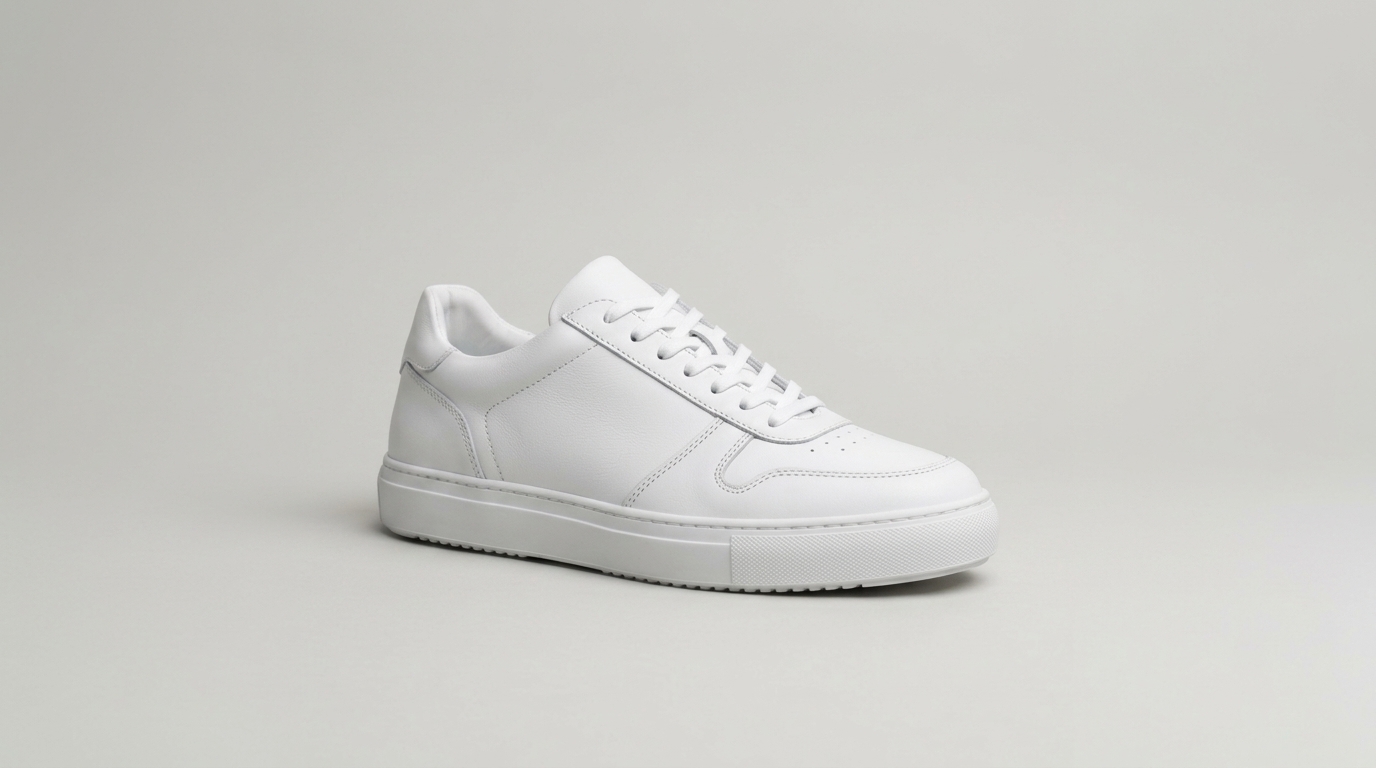 02 · Product
PromptA clean white leather sneaker on a pale grey seamless studio backdrop, soft diffused light, three-quarter view, crisp stitching, minimal commercial photograph.
 03 · Street
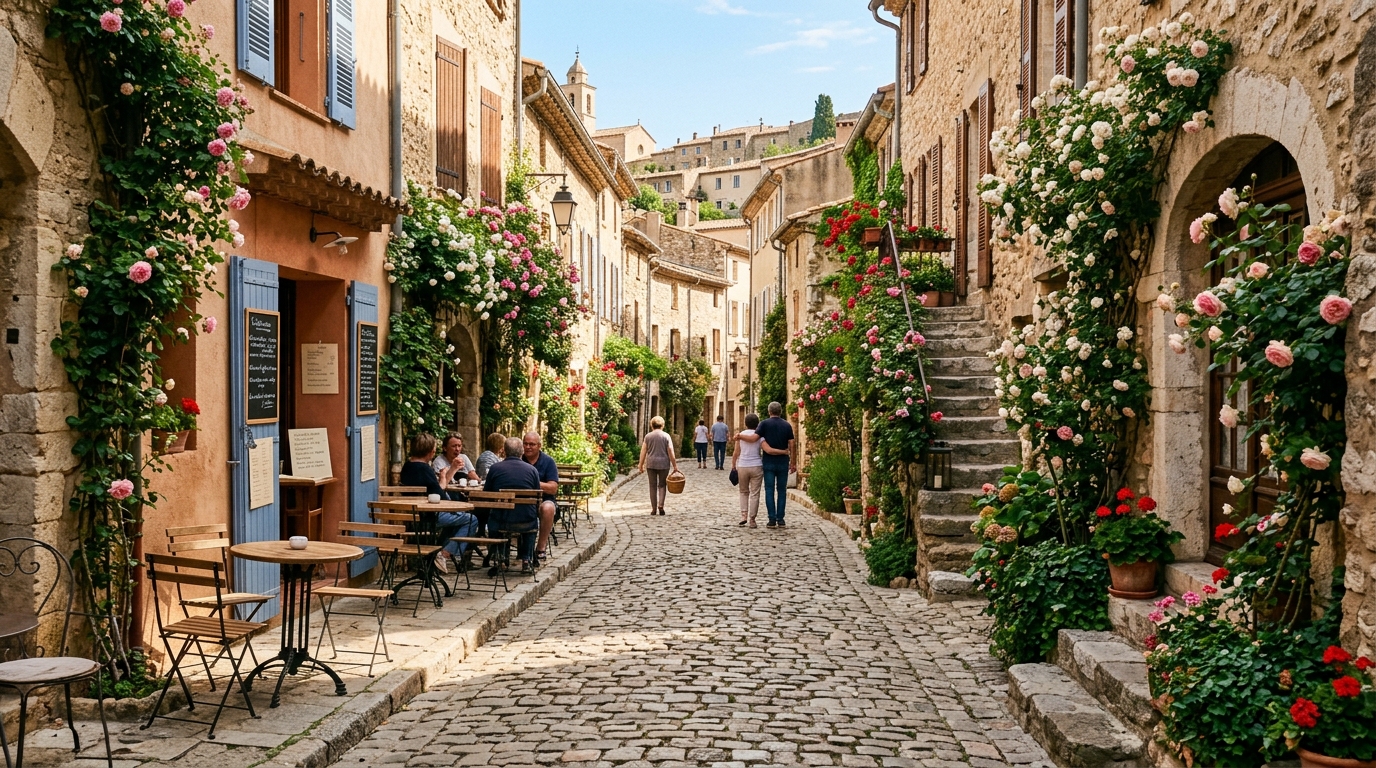
PromptPhotographic view down a cobblestone lane in an old European village, climbing roses on stone walls, café tables in morning sun, a few people strolling in the distance.
 04 · Character
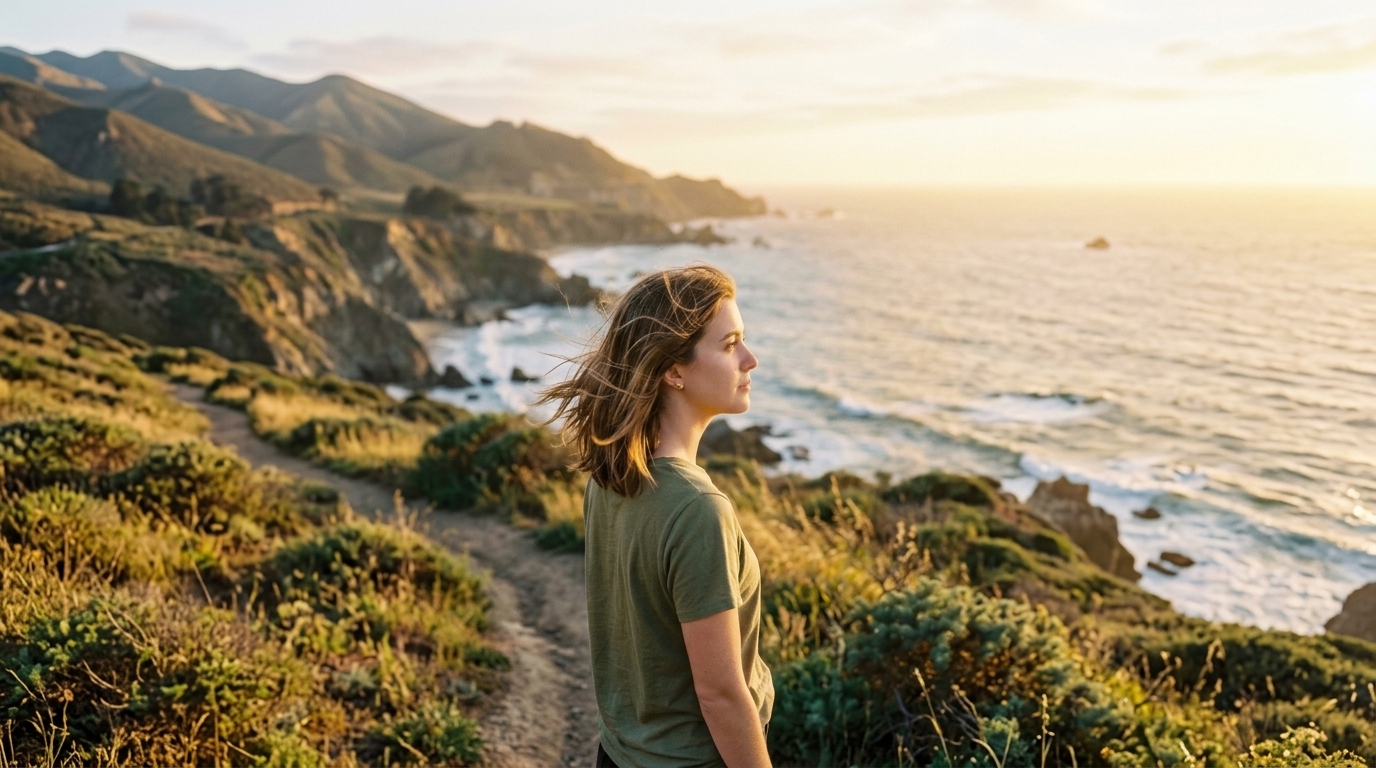
PromptPhotograph of a young woman with shoulder-length brown hair in an olive t-shirt, golden late-afternoon light, she turns her head and looks into the distance, breeze in her hair.
03 — Where it fits
Where Seedream 5.5 fits real production work
From e-commerce cutouts to film boards, Seedream 5.5 is aimed at jobs where identity, typography, and clean edges have to hold up.
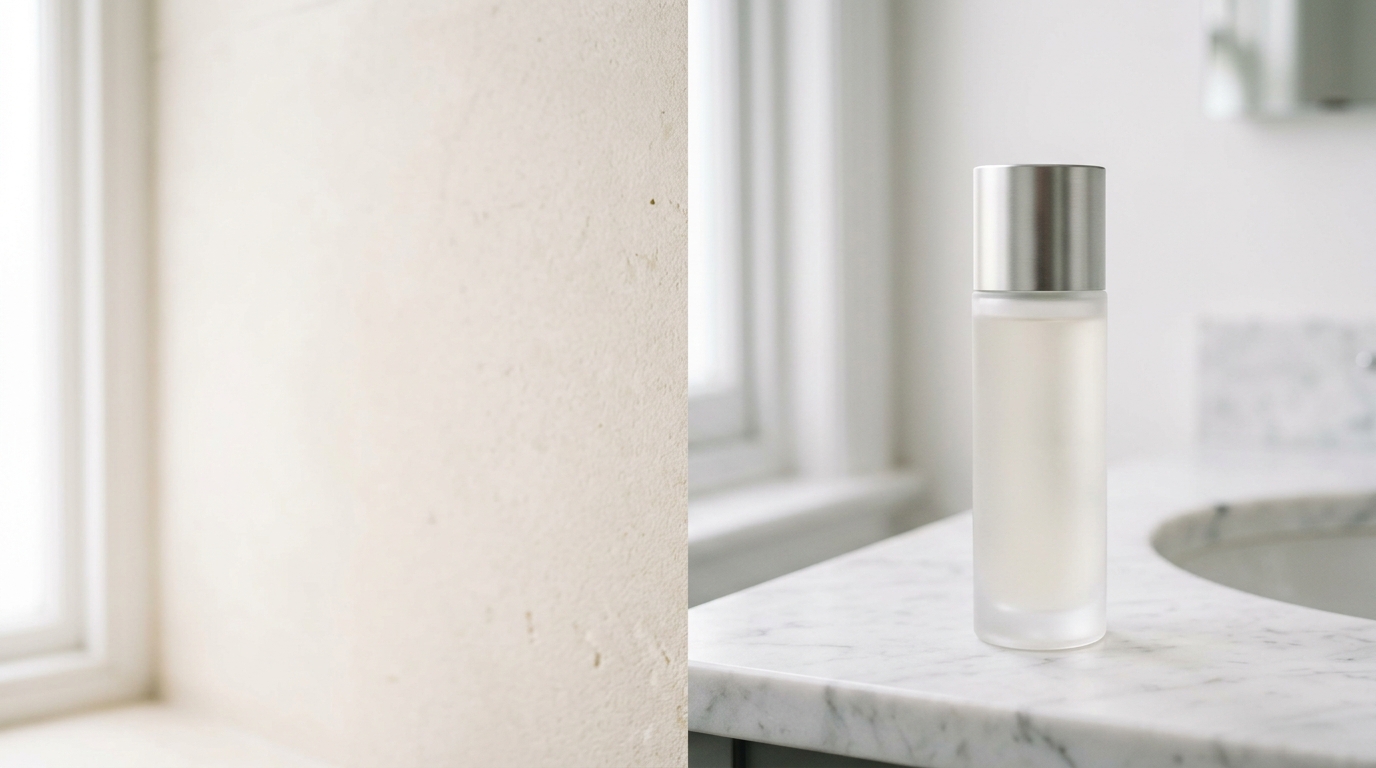
E-commerce cutouts and sticker packs
Output isolated product SKUs, mascot stickers, and decorative titles with clean alpha edges—no secondary matting or halo cleanup.
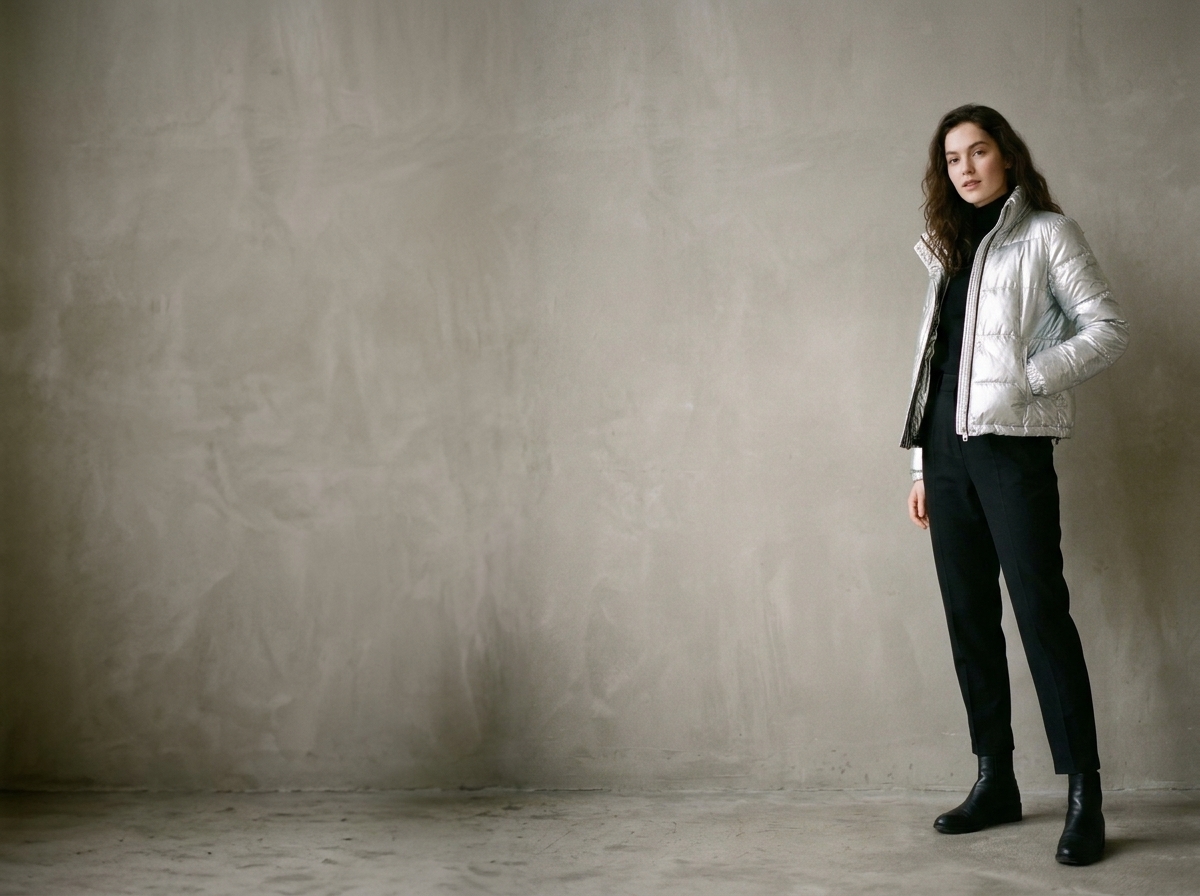
Multi-round portrait, wardrobe, and interiors
Swap glasses, jewelry, hairstyles, or room decor across many turns while keeping identity, moles, and room perspective intact.
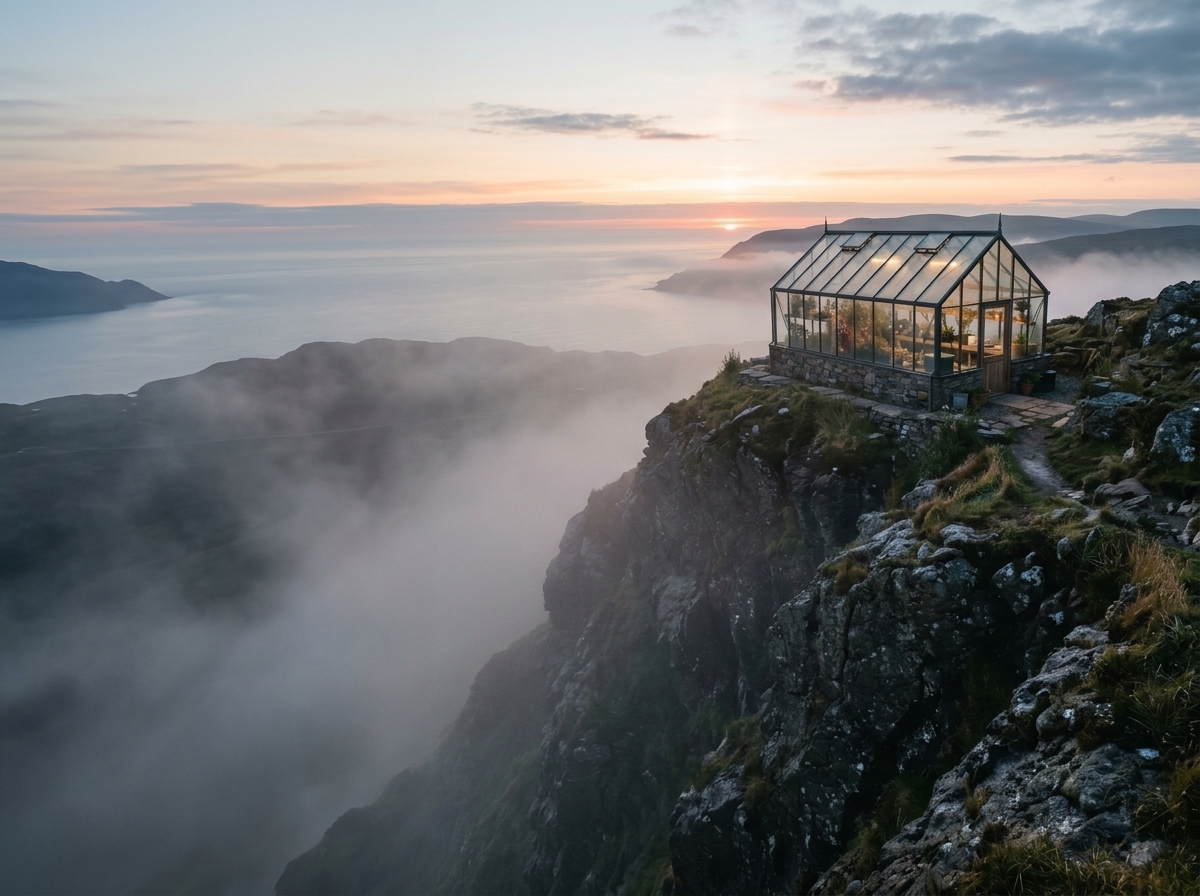
Posters, infographics, and UI mockups
Produce maps, menus, book covers, and chat-screen mockups where paragraphs of small Chinese or English text stay legible.
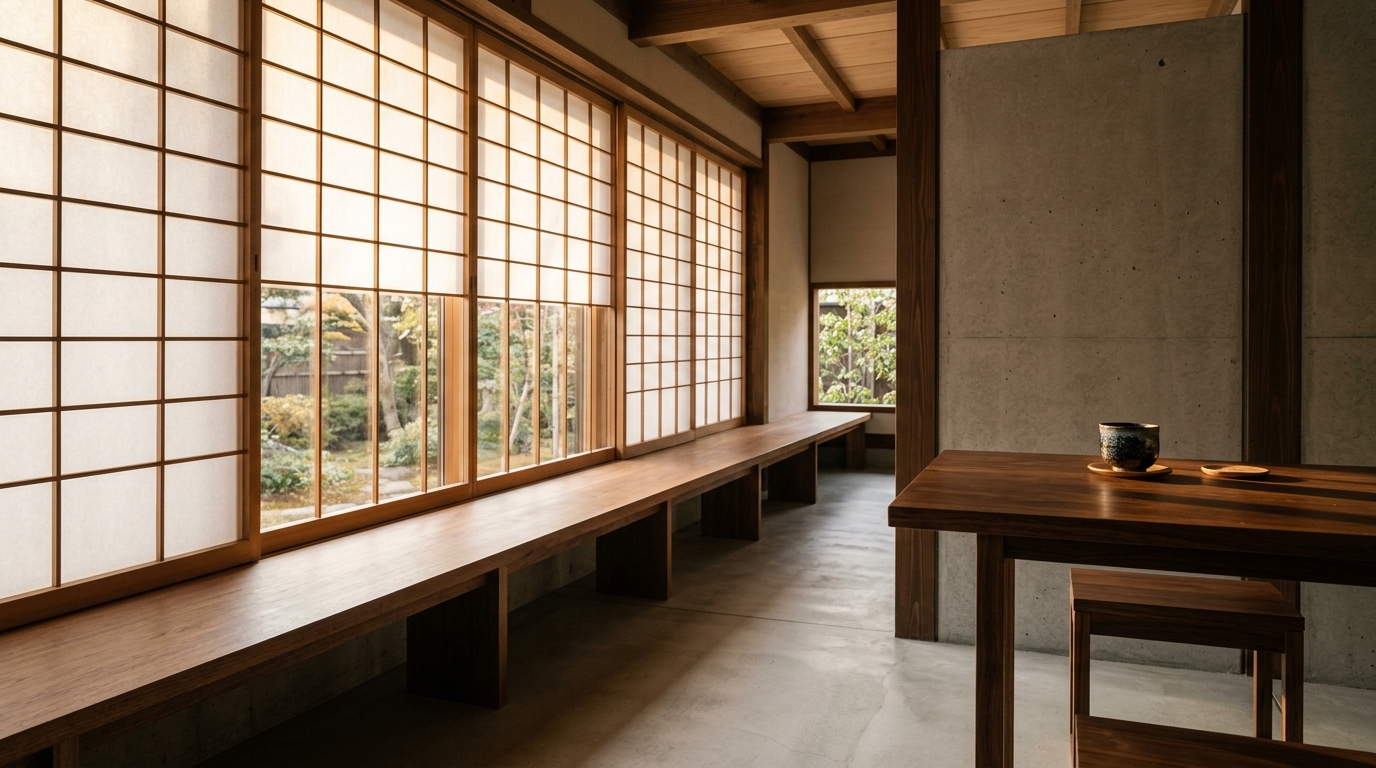
Film storyboards and editorial photography
Create widescreen 21:9 keyframes and macro portraits with natural grain, realistic skin detail, and controlled highlights.
04 — Verdict
Seedream 5.5 strengths and trade-offs
Strengths
- Strong multi-turn stability: unedited regions stay consistent across dozens of serial edits
- Native RGBA transparency handles tricky edges like feathers, fur, and brush calligraphy in one pass
- Much cleaner dense small-font text and more natural, de-glossed photographic skin than 5.0 Pro
- Supports 1K–4K output, 9 aspect ratios up to 21:9, and multi-reference editing on ImgToVid
Trade-offs
- Complex refractive transparency—clear glass, water bubbles, acrylic—can still keep a faint grey fill
- Fine anatomy (thumb length, leg-to-skirt transitions) and tiny props like thin wire-frame glasses can occasionally warp
- Works best when you change one element per turn with an explicit “keep everything else unchanged” instruction
05 — Side by side
Seedream 5.5 vs Seedream 5.0 Pro vs Nano Banana 2
How Seedream 5.5 compares with ByteDance’s previous 5.0 Pro and Google’s Nano Banana 2 on the specs that matter.
06 — How it works
How to generate and edit with Seedream 5.5
Step 1
Describe the scene or one clear edit
For new images, name the subject, lighting, and whether you want a transparent background. For edits, say “only change X to Y and keep everything else unchanged.”
Step 2
Upload references when identity matters
Attach your source photo or reference images to lock character identity, product shape, or typography layout.
Step 3
Set ratio and resolution in Create
Pick aspect ratio (1:1, 9:16, 16:9, 21:9, and more) and resolution, then generate in the ImgToVid Create workspace.
07 — Versions
Seedream models on ImgToVid
Stay on Seedream 5.5 for this page, or switch tiers in Create when you need a different resolution or batch size.

08 — FAQ
Seedream 5.5 FAQ
What is new in ByteDance Seedream 5.5?
Seedream 5.5 focuses on three upgrades over 5.0: more stable multi-round editing, native RGBA transparent backgrounds, and cleaner small text with more natural skin and materials.
How do I get the best multi-round edits?
Change one detail per turn with phrasing like “Only change the jacket to brown leather; keep the face, lighting, and background completely unchanged.” Put on-image text in quotation marks to keep signs and badges sharp.
What works best with transparent backgrounds?
Stickers, character cutouts, hair and feathers, logos, and calligraphy usually come out with clean alpha edges. Complex refractive objects like clear glass cups or water bubbles may still show a slight grey tint.
Which resolutions and aspect ratios does ImgToVid support?
You can generate across common ratios including 1:1, 9:16, 16:9, and 21:9, with resolutions from 1K and 2K up to 3K and 4K, plus multi-reference inputs.
Can I use the images commercially?
Commercial use depends on your ImgToVid plan—check Pricing and our Terms before publishing. Make sure your prompts and uploads do not infringe on anyone else’s rights.
09 — Explore more
Other AI image models



Try Seedream 5.5 image generation on ImgToVid
Write a prompt, add references if you need them, and generate photorealistic stills or transparent PNG assets in Create. Then turn those stills into a clip with image to video on ImgToVid.
Start with Seedream 5.5