Kling AI Video Generator
Kling is Kuaishou’s line of video models. Kling 4.0 launched on October 15, 2026, aimed at fast motion and deliberate camera moves. A single generation runs from 3 to 30 seconds. The details below are from Kling’s own 4.0 guide.
01 — Capabilities
Keyframes or a stack of references, not both
The 4.0 guide splits creation into two entries. You pick one per task. They cannot be combined.
01
3 to 30 seconds, in one pass
Duration steps by one second and defaults to 10. That length is native, not a chain of extensions. The guide marks extension out to two minutes as coming soon.
02
Up to 10 keyframes
Keyframe mode takes images only, placed along the timeline so specific poses and scene changes have to appear. Use it when those moments are already decided.
03
Up to 15 references, with a cap on each type
Omni reference mixes images, videos, elements and voice, at most 15 assets in one task: up to 10 images and 5 videos. If you do not say what each file is for, the guide says the model will guess.
04
Stereo, lip sync, and type in frame
The guide lists stereo audio, lip sync, and speech in Chinese, English, Japanese, Korean, Spanish, Portuguese, German, French and Hindi, plus several dialects. It also claims readable text and logos while the camera moves. 10-bit HDR is marked coming soon.
02 — Prompt to output
Same scenes, written as shots
The prompts match the clips on the cards. “Use this prompt” opens Create. Kling is not connected on ImgToVid; this generator runs Seedance 2.5.
- 01 · Portrait
PromptGrey knit sweater, curly hair, window light from one side. The man looks away and then smiles as the camera eases closer. Shallow focus.
- 02 · Product
PromptOne white leather sneaker on a pale grey studio floor. Soft light, slow orbit, stitching visible, no extra props.
- 03 · Street
PromptCobblestones, stone walls with climbing roses, café tables in morning light, an old European lane. Slow dolly forward. People only in the distance.
- 04 · Character
PromptOlive t-shirt, shoulder-length brown hair, warm late-afternoon light. She turns her head and looks off-frame. A breeze moves her hair. Slight handheld.
03 — Where it fits
Where a 30-second pass changes the job
Kling 4.0’s own guide points at motion, camera direction and swapping assets inside a reference. Shorter models make you cut those jobs apart.
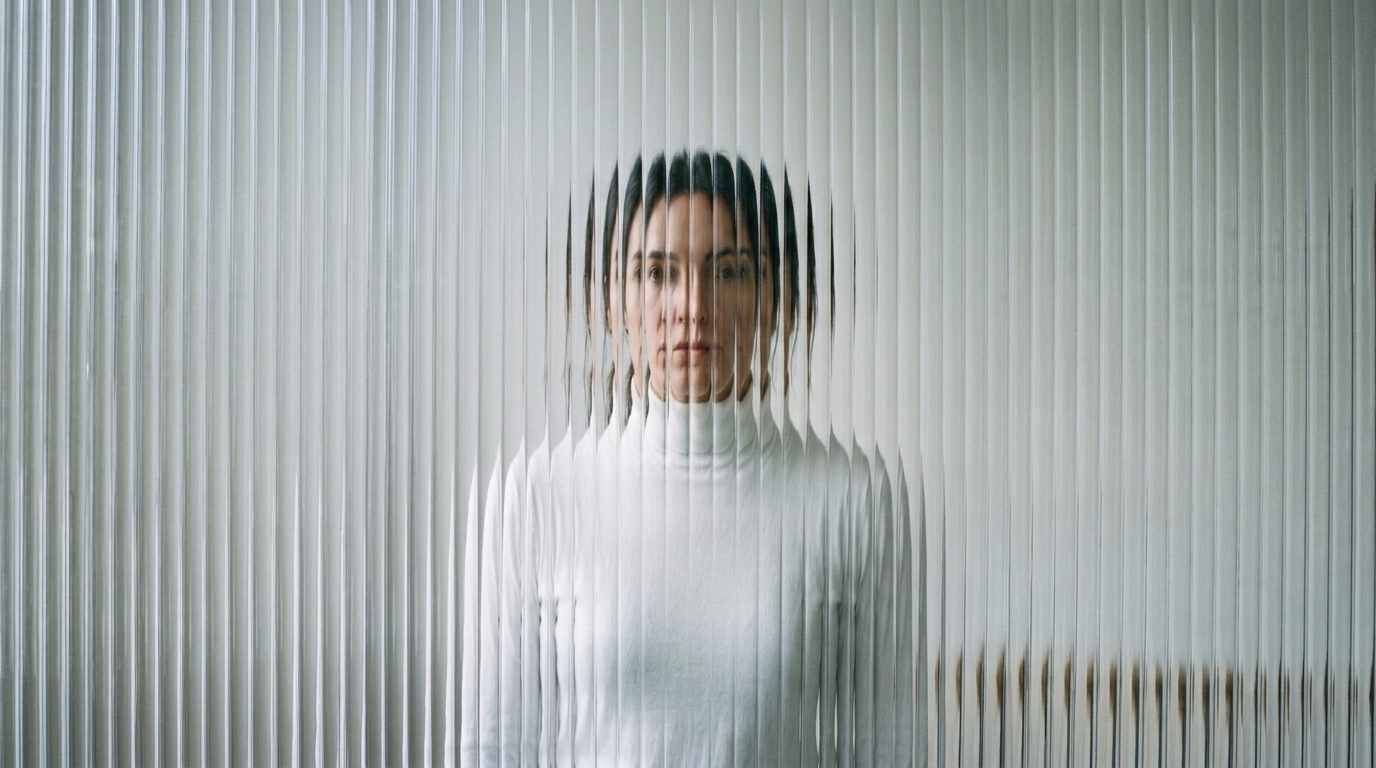
Action that needs room
A run, a turn and a landing can sit inside 10–30 seconds without an extension step. The guide calls out high-speed action and tracking or orbit shots as the target.
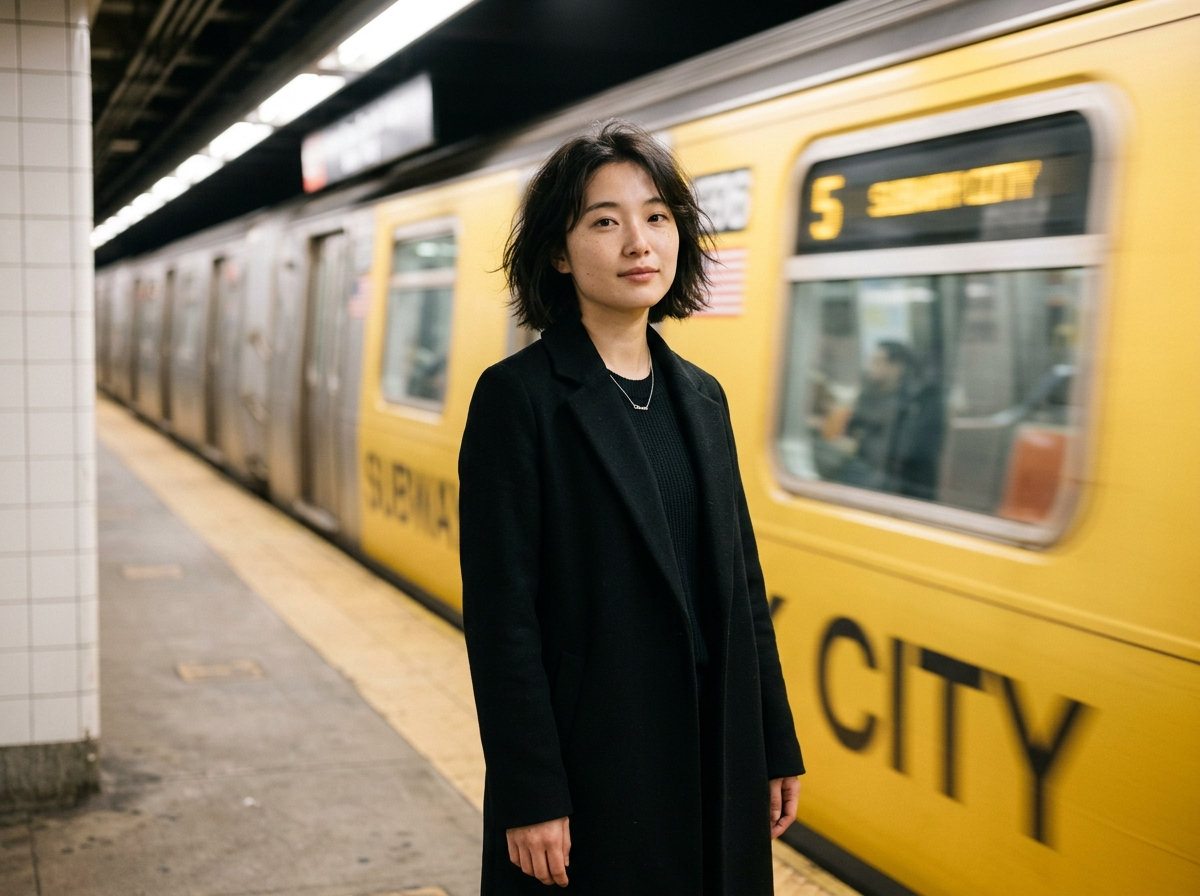
One beat of a product film
A single generation can hold a product move and a line, instead of three clips you have to hide the joins on.

Replace the subject, keep the pacing
Omni reference can take the timing and framing of a source video and swap the product or person. The guide is explicit that unlabeled files get inferred.

A line in more than one language
Listed speech covers nine languages and a set of Chinese dialects and English accents, with lip sync. That is a dialogue shot, not a subtitle pass.
04 — Verdict
What Kling 4.0 adds, and what is still marked later
Strengths
- 3–30 seconds in a single generation
- Up to 10 keyframes, or up to 15 mixed references
- Stereo audio and lip sync across a long language list
- 21:9 as well as 16:9, 1:1 and 9:16
Trade-offs
- Keyframes and Omni reference cannot be used in the same task
- 10-bit HDR and extension to two minutes are marked coming soon in Kling’s own guide
- References without a stated role are inferred, which the guide says is less predictable
- Kling is not available on ImgToVid
05 — Side by side
Kling 4.0, Veo 3.1 and Sora 2
Length and steering are where these three stop being interchangeable. Sora’s column describes the API before it shut down on September 24, 2026.
06 — How it works
Draft the shot on ImgToVid
Step 1
Pick the kind of control you wanted
Keyframes if the poses are already drawn. References if you have footage or a face to keep. Kling cannot take both at once, and neither path runs on this site yet.
Step 2
Write it for Seedance 2.5
The generator on this page is Seedance 2.5. Name the subject, the action and the camera in one prompt. Do not expect Kling’s 15-asset reference stack.
Step 3
Continue in Create
The prompt and the settings carry over. Membership and credits are checked in Create, not on this page.
07 — FAQ
Kling, without the spec-sheet fog
What is Kling?
Kling is Kuaishou’s AI video model family. Kling 4.0 launched on October 15, 2026. Earlier in 2026, Kling 3.0 was announced with clips up to 15 seconds and native multilingual audio. 4.0 is the current flagship described in Kling’s guide.
How long is a Kling 4.0 clip?
3 to 30 seconds in one generation, adjustable in 1-second steps, with a default of 10 seconds. Extension toward two minutes is labeled coming soon, so it is not part of the default.
What is the difference between keyframes and Omni reference?
Keyframes take up to 10 images and pin moments on a timeline. Omni reference takes a mix of up to 15 images, videos, elements and voice samples. Kling’s guide says the two entries cannot be combined in one task.
Does the guide promise 4K and HDR?
The spec table lists 720p, 1080p and 4K as generation modes, plus 21:9. The overview marks 10-bit HDR as coming soon. Read those as separate claims.
Can I use Kling on ImgToVid?
No. This page’s generator runs Seedance 2.5 so you can draft a shot. Kling is marked coming soon.
Can I use the results commercially?
Clips you generate on ImgToVid follow your plan. Check Pricing and our Terms before publishing, and do not upload references you do not have the rights to use.
08 — Explore more
Other video models


Kling 4.0 is not wired up here
Draft the shot on Seedance 2.5. Your prompt is carried into Create, where generation actually runs.
Draft in Create