PixVerse AI Video Generator
PixVerse is a video model family with several generations on one API. V6 and C1 take a prompt and return a clip from 1 to 15 seconds, at 360p through 1080p. Native audio is an opt-in switch on recent versions. The limits below are from PixVerse’s platform docs.
01 — Capabilities
Version, length and resolution have to match
The same endpoint serves V4 through V6 and C1. Duration, quality and audio are not the same on every model id. The docs reject combinations the chosen model cannot run.
01
1 to 15 seconds on V6 and C1
V6 and C1 accept any integer from 1 to 15 seconds. V5.5 and V5.6 take 5, 8 or 10. Older models take 5 or 8. 10 seconds at 1080p is documented as unsupported.
02
Audio is a switch, default off
generate_audio_switch is listed for V5.5, V5.6, V6 and C1. Leave it false and the clip is silent. Earlier model ids in the same enum do not get that switch.
03
Many aspect ratios, some only on V6 and C1
16:9, 9:16, 4:3, 3:4 and 1:1 are listed for the family. 2:3, 3:2 and 21:9 are called out as C1/V6 options. Pick the ratio the model actually accepts.
04
Multi-clip on V5.5 and V6 only
generate_multi_clip_switch can break one prompt into several shots. The docs say it is not supported on other models, and not with a template. V5.6 rejects that flag.
02 — Prompt to output
Prompts that match the clips above
Each prompt describes the picture on its card. “Use this prompt” sends that text to Create. The generator on this page runs Seedance 2.5, not PixVerse.
- 01 · Portrait
PromptClose-up of a young man with curly hair in a grey knit sweater, soft window light. He glances away, then smiles. Slow push-in, shallow depth of field.
- 02 · Product
PromptA white leather sneaker on a pale grey studio backdrop, soft diffused light. The camera orbits slowly. Stitching stays sharp, the look stays minimal.
- 03 · Street
PromptA slow dolly down a cobblestone lane in an old European village. Climbing roses on stone walls, café tables in morning sun, a few people walking in the distance.
- 04 · Character
PromptA young woman with shoulder-length brown hair in an olive t-shirt, late-afternoon gold light. She turns her head and looks off. Breeze in her hair, a handheld feel.
03 — Where it fits
Jobs that fit a versioned API
PixVerse is useful when the shot needs a specific ratio or a short multi-clip. The version string decides what you actually get.
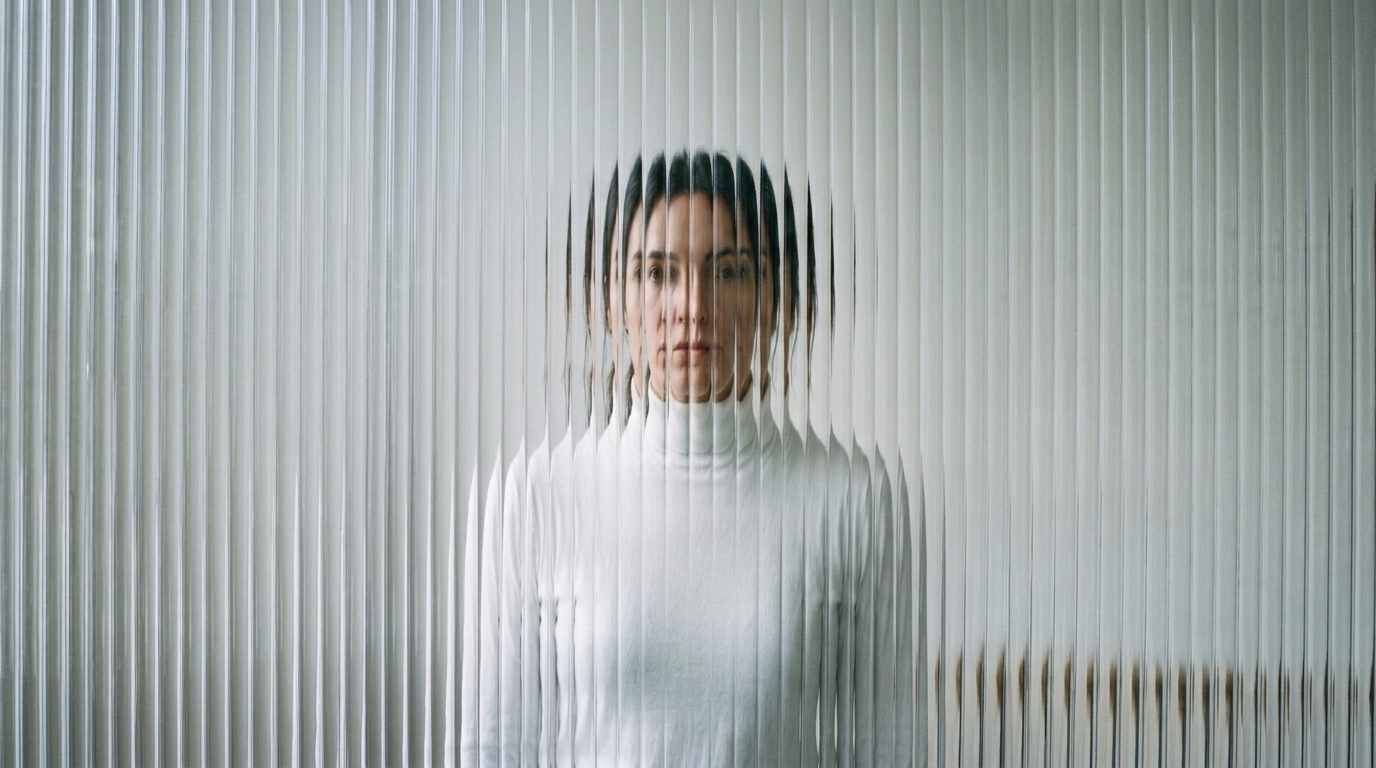
A ratio the other models do not list
Square, 4:3 and, on V6 and C1, 21:9 sit in the documented enum. Veo’s public list is only 16:9 and 9:16.
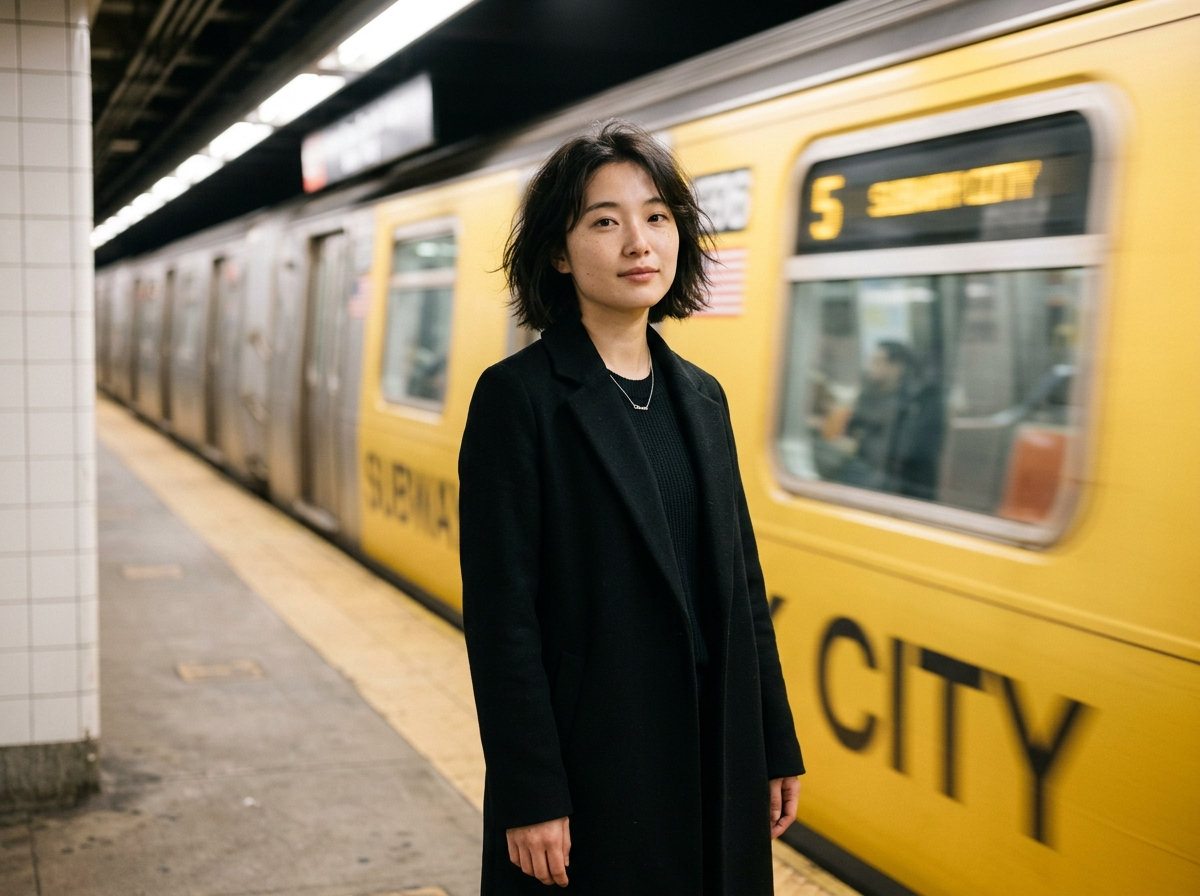
A few shots in one generation
On V5.5 or V6, multi-clip can hold more than one beat without you cutting joins. Other ids in the same API reject that flag.
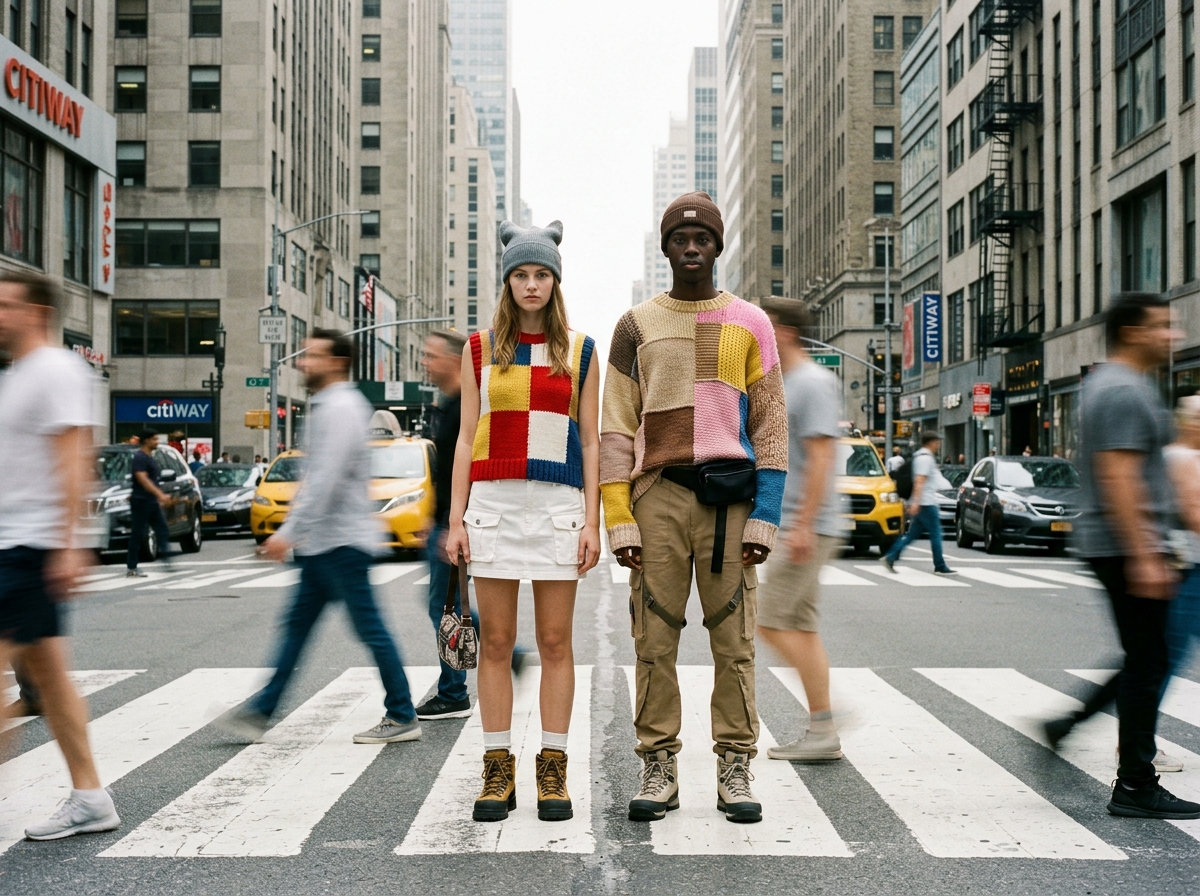
First frame to last frame
PixVerse documents a transition endpoint that interpolates between two stills. Use it when both ends of the move are already drawn.
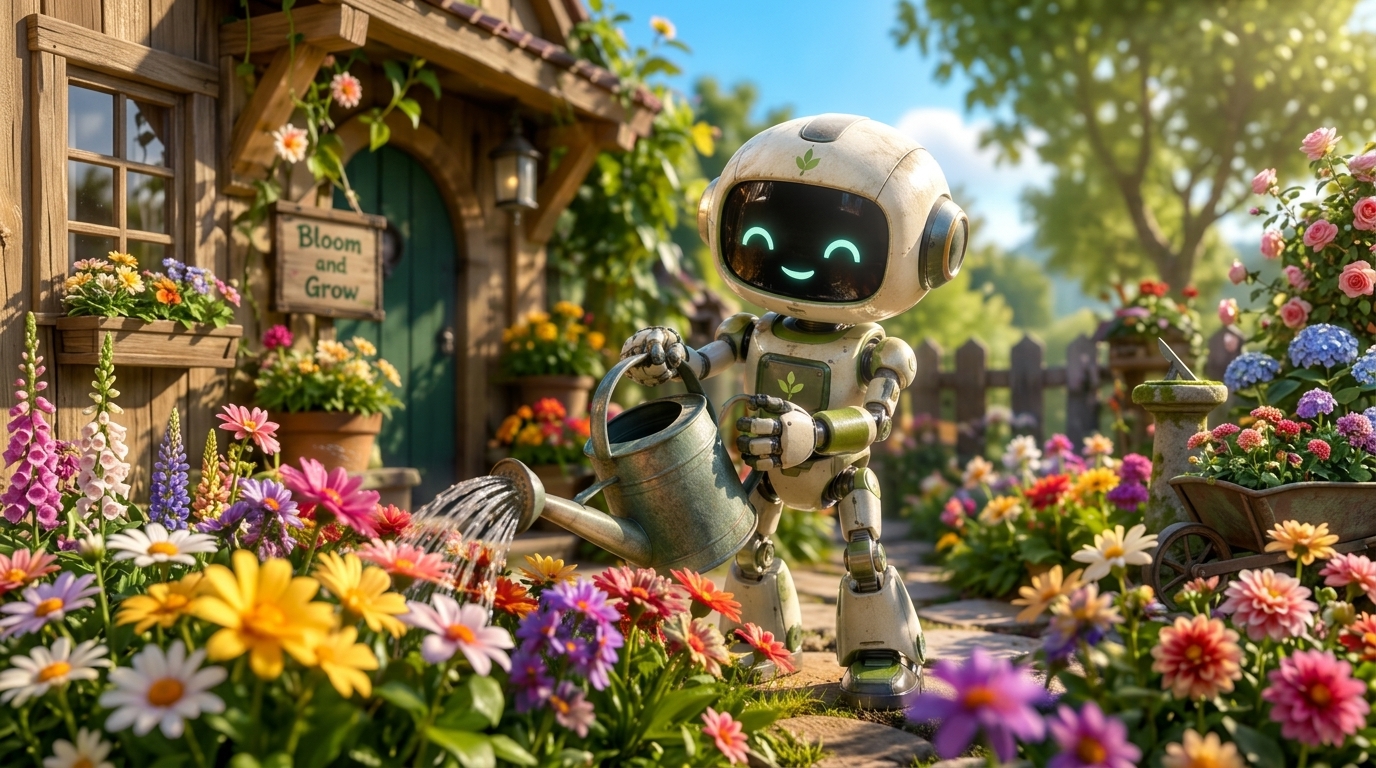
A silent draft, then audio if the model allows it
Audio defaults to off. Turn it on only on V5.5, V5.6, V6 or C1. Do not assume V4 has a soundtrack.
04 — Verdict
What PixVerse’s API actually lists
Strengths
- 1–15 seconds on V6 and C1, in 1-second steps
- Optional native audio on V5.5, V5.6, V6 and C1
- Aspect ratios including 1:1, 4:3 and, on V6/C1, 21:9
- Multi-clip generation on V5.5 and V6
Trade-offs
- Duration, quality and audio depend on the model id; mismatched requests fail
- 10 seconds at 1080p is documented as unsupported
- Audio is off unless you set the switch, and older versions do not have it
- PixVerse is not available on ImgToVid
05 — Side by side
PixVerse V6, Veo 3.1 and Kling 4.0
Length, ratios and whether sound is on by default are where these three stop lining up. PixVerse numbers below are from the current text-to-video spec.
06 — How it works
Start a clip on ImgToVid
Step 1
Describe one shot
Subject, action, camera. If you wanted PixVerse’s aspect list or multi-clip flag, write the framing in the prompt instead. PixVerse will not be the model that runs it.
Step 2
Use the generator on this page
It runs Seedance 2.5, because PixVerse is not offered here. The prompt and the settings carry into Create.
Step 3
Generate in Create
Membership and credits are checked there. Coming back to this page does not switch the model over to PixVerse.
07 — FAQ
PixVerse, in plain terms
What is PixVerse?
PixVerse is an AI video generator with several model versions on one API, including V4, V4.5, V5, V5-fast, V5.5, V5.6, V6 and C1. V6 is the example the current text-to-video docs lead with.
How long is a PixVerse clip?
On V6 and C1, 1 to 15 seconds. On V5.5 and V5.6, 5, 8 or 10 seconds. Older models: 5 or 8 seconds. Do not pair 10 seconds with 1080p; the docs mark that combination unsupported.
Does PixVerse generate audio?
On V5.5, V5.6, V6 and C1, yes, if you set generate_audio_switch to true. The default is false, so a request without that flag is silent.
Which aspect ratios can I use?
The enum lists 16:9, 9:16, 4:3, 3:4 and 1:1. 2:3, 3:2 and 21:9 are documented as C1/V6 options.
Can I generate PixVerse videos on ImgToVid?
No. The generator on this page runs Seedance 2.5 so you can draft a shot. PixVerse itself is marked coming soon.
Can I use the results commercially?
Commercial use of anything you generate on ImgToVid depends on your plan. Check Pricing and our Terms before you publish, and make sure prompts and uploads do not infringe someone else’s rights.
08 — Explore more
Other video models


PixVerse is not the button on this page
You can still draft the shot. The generator runs Seedance 2.5, and the prompt goes with you into Create.
Draft in Create