Sora AI Video Generator
Sora is OpenAI’s video model. Sora 2, announced on September 30, 2025, was built to keep physics intact and to place a recorded person, animal or object into a new shot. The app and website closed on April 26, 2026. The Videos API shut down on September 24, 2026.
01 — Capabilities
What Sora 2 was built to do
The notes below are from OpenAI’s launch post and the March 2026 API prompting guide. They describe a system you can no longer call.
01
A miss stays a miss
OpenAI’s launch argument was physical failure. If a basketball misses, it rebounds, instead of the scene warping so the prompt “succeeds.” That was the point of Sora 2, not a side effect.
02
Dialogue and effects in the same pass
Sora 2 generated speech, sound effects and ambience with the picture. The launch post treats that as part of the model, not a soundtrack added later.
03
A character required a recording
A short video-and-audio recording could insert a real person, animal or object, likeness and voice included. You chose who could use your character and could revoke it. The API allowed up to two saved characters in one generation.
04
Length was an API field
Writing “make it longer” did nothing. The March 2026 guide lists 4, 8, 12, 16 or 20 seconds, and says shorter clips follow instructions more reliably. Extensions used the whole clip as context, up to six times.
02 — Prompt to output
The pictures are examples, not Sora output
These prompts describe the clips on the cards. They open in Create on Seedance 2.5. Sora will not render them: OpenAI has shut the product and the API down.
- 01 · Portrait
PromptA young man with curly hair in a grey knit sweater, lit by a window. He glances off-camera and smiles. The camera pushes in slowly and the background falls soft.
- 02 · Product
PromptWhite leather sneaker, pale grey seamless backdrop, soft light. Camera orbits. The stitching reads clearly. Nothing else in the frame.
- 03 · Street
PromptCobblestone lane, old European village, climbing roses on stone, café tables in morning sun. The camera dollies slowly. A few people walk far ahead.
- 04 · Character
PromptYoung woman, shoulder-length brown hair, olive t-shirt, late-afternoon sun. She turns and looks away. Hair moves in a breeze. Handheld camera.
03 — Where it fits
Why people still search for Sora
The useful question in 2026 is not “which button runs Sora.” It is what the old workflow assumed, and what of that still exists.
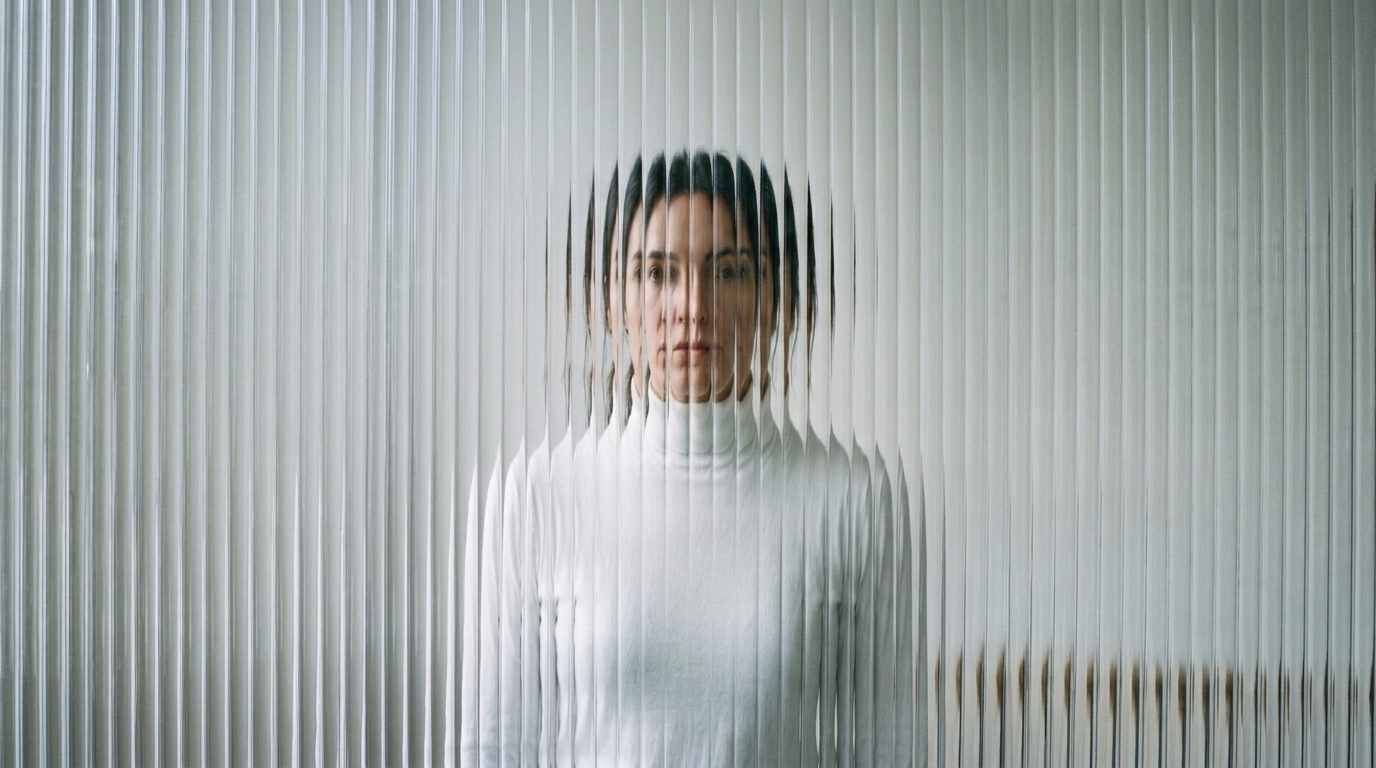
Check whether a pipeline still runs
If a product called sora-2 or sora-2-pro, OpenAI’s deprecation list shut those model ids down on September 24, 2026, with no replacement listed.
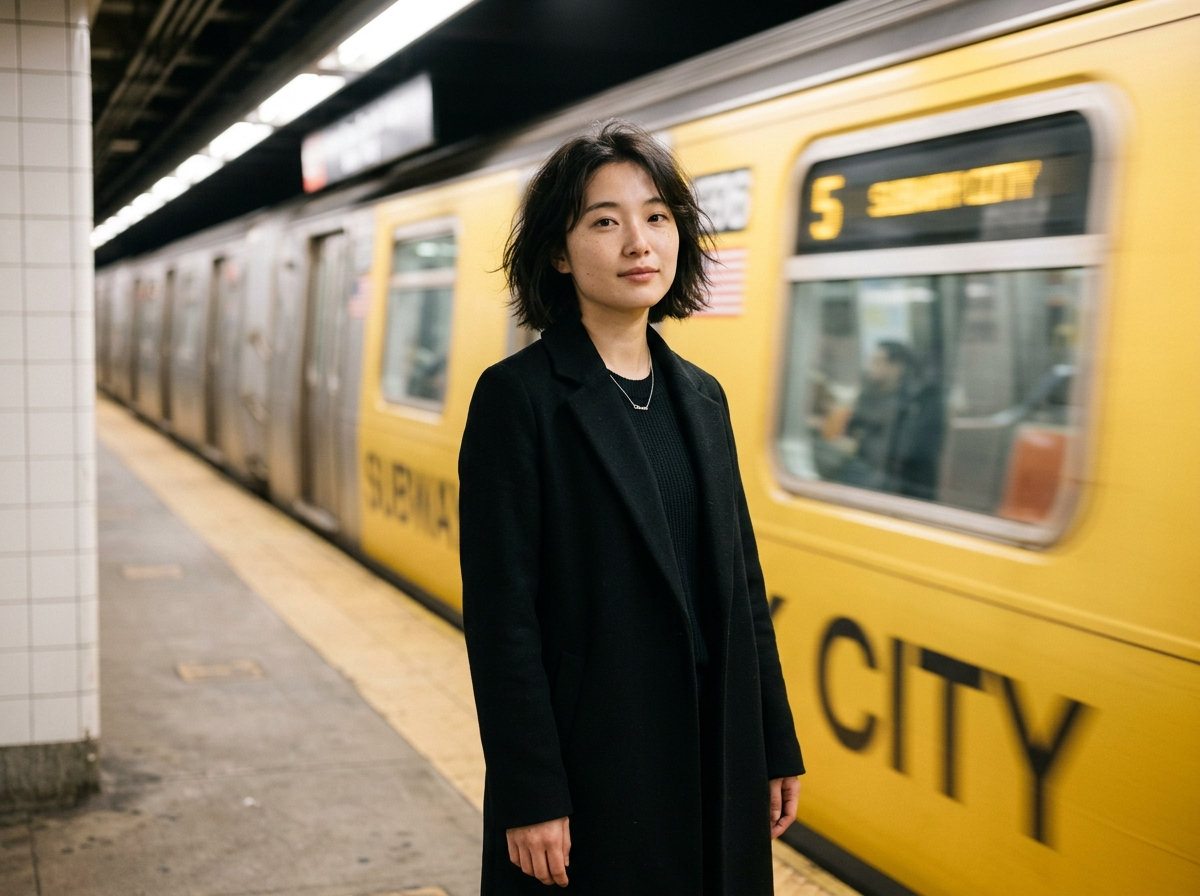
Read a physics prompt correctly
Sora 2 was aimed at actions that can fail: a missed shot, a landing, weight. A style-only prompt never used the part OpenAI said was new.
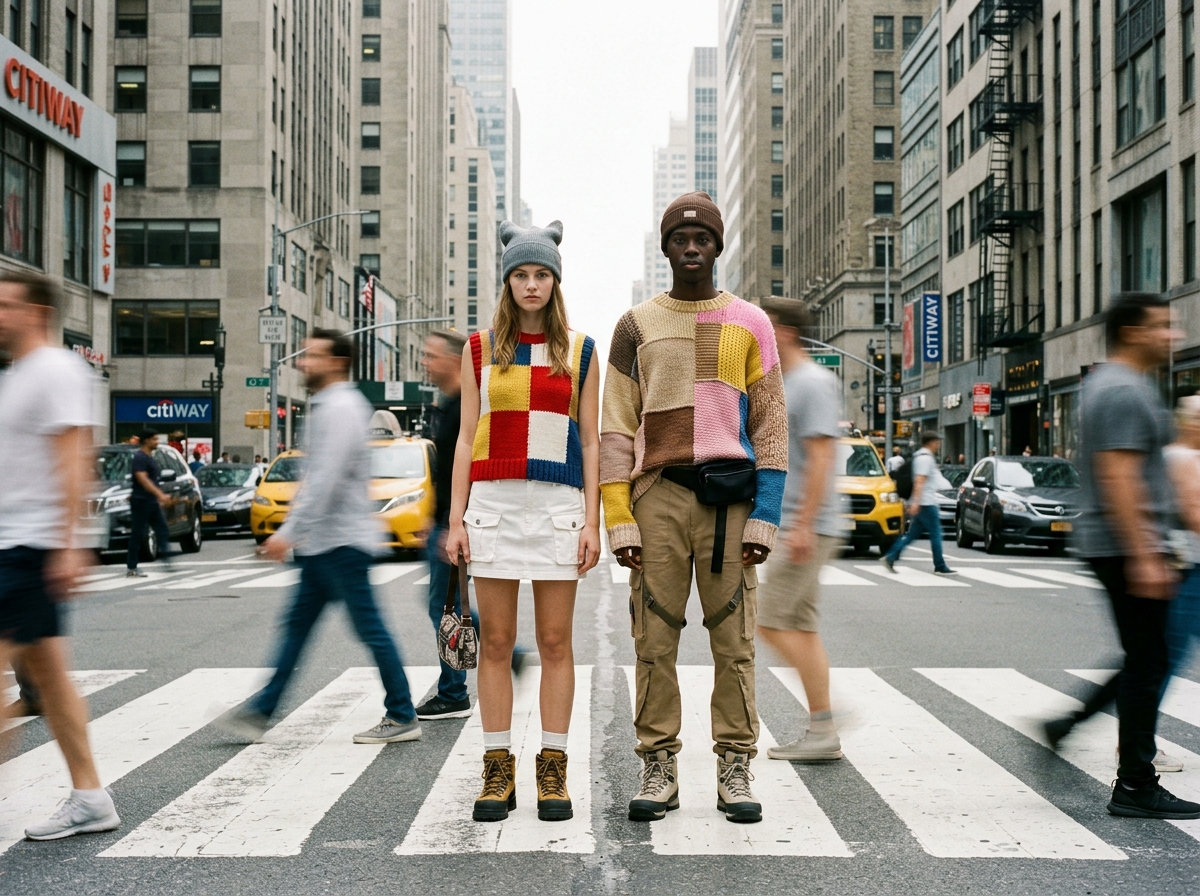
Likeness you may still have on disk
Characters were consented recordings. Old exports are a consent and storage question for your own archive, not a feature you can turn back on here.
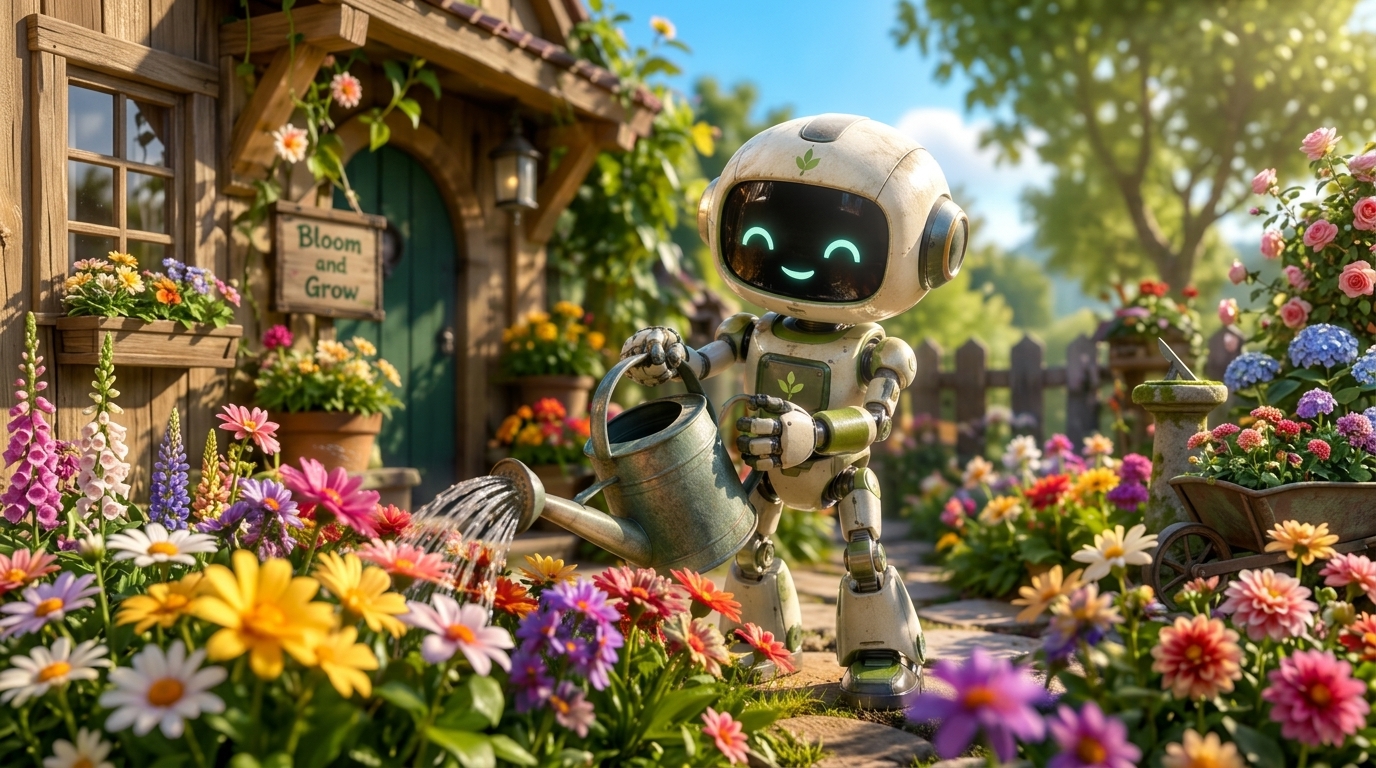
Boards cut for 4–20 second clips
Storyboards timed to those durations do not map onto Veo’s 8-second cap or Kling’s 30-second one without a new cut. The timing was part of the model.
04 — Verdict
Strengths that no longer have a switch
Strengths
- More willing to show a failed action than to warp the shot so the prompt wins
- Speech and effects generated with the picture
- Characters from a recording the person controlled, including voice
- Documented clips of 4–20 seconds, plus extensions
Trade-offs
- The Sora app and website closed on April 26, 2026
- The Videos API, sora-2 and sora-2-pro shut down on September 24, 2026, with no replacement listed
- A likeness feature is only as safe as the recording and the consent around it
- Sora is not available on ImgToVid
05 — Side by side
Sora 2 next to models that still ship
The Sora column is historical. Veo 3.1 and Kling 4.0 are still documented as available from their makers. None of the three run on ImgToVid.
06 — How it works
If you still need a clip
Step 1
Do not wait on Sora
OpenAI’s help center dates the app shutdown to April 26, 2026, and the API shutdown to September 24, 2026. There is no Sora button left to press.
Step 2
Draft here on Seedance 2.5
The generator on this page is Seedance 2.5. It will not reproduce Sora’s characters or physics. It will take the prompt into Create.
Step 3
Generate in Create
Membership and credits are checked in Create. Export of old Sora files, if a window is still open, is an OpenAI account task, not an ImgToVid one.
07 — FAQ
Sora after the shutdown
What is Sora?
Sora is OpenAI’s video model. The original research model was announced in February 2024. Sora 2, announced on September 30, 2025, added more convincing physics, synchronized audio, and a characters feature that inserted a recorded likeness.
Can I still use Sora?
No. OpenAI says the Sora web and app experiences were discontinued on April 26, 2026. The Videos API and the sora-2 and sora-2-pro model ids were shut down on September 24, 2026. OpenAI’s deprecation table lists no replacement.
What happened to videos I already made?
OpenAI’s help center told people to export Sora creations and warned that data associated with Sora would be deleted after any final export window. Check that article for whether a window is still open. ImgToVid cannot see your OpenAI account.
How long were Sora 2 clips?
The March 2026 prompting guide lists 4, 8, 12, 16 and 20 seconds. It also describes extensions that reuse the full clip as context, up to six times. Shorter clips were described as more reliable.
Can ImgToVid run Sora?
No. This page’s generator runs Seedance 2.5 so you can draft a different clip. Sora is marked coming soon because the directory still lists the model, not because a Sora endpoint is live here.
Can I use the results commercially?
Anything you generate on ImgToVid follows your ImgToVid plan. Check Pricing and our Terms. Old Sora exports were governed by OpenAI’s terms at the time you made them, which this page cannot restate for your account.
08 — Explore more
Models you can read about next


Sora will not render this prompt
The app and the API are shut down. If you still need a clip, draft it on Seedance 2.5 and continue in Create.
Draft in Create