ByteDance DreamActor AI Video Generator
DreamActor is ByteDance Intelligent Creation’s motion-control line. Official BytePlus docs for DreamActor M2.0 take one still and a template video: the subject copies motion, expression, and lips from that clip. The driving video is listed at up to 30 seconds. ImgToVid does not run DreamActor. The generator on this page opens Talking Avatar — OmniHuman 1.5: one still plus a voice track, at least 3 seconds.
01 — Capabilities
Image plus a driving video — not a text one-shot
Public DreamActor pages sell motion transfer. This site’s live button is a different ByteDance job: a talking still.
01
BytePlus M2.0: still + template video
Official API: JPEG/PNG still (480×480 to 1920×1080, 4.7 MB max) and an MP4/MOV/WebM driver (200×200 to 2048×1440). People, animation, and pets are listed. Overly abstract subjects may fail.
02
Driving clip listed at 30 seconds
BytePlus caps the template video at 30 seconds. Product copy bills $0.05 per second. The output can drop a one-second opening transition. That is a driving-video cap, not an 8-second text generate.
03
Papers, then a hosted API
DreamActor-M1 (ICCV 2025) animates a human still with hybrid face and skeleton guidance. DreamActor-M2 (SIGGRAPH 2026) moves to pose-free RGB driving and non-human characters. The shipped BytePlus name is DreamActor M2.0.
04
This page runs Talking Avatar
OmniHuman 1.5 takes a first-frame photo and a voice track. Length follows the audio, at least 3 seconds. Credits are 20 per second of audio. It does not take a DreamActor driving video.
02 — Prompt to output
Prompts that match the clips above
Each prompt describes the picture on its card. “Use this prompt” still goes to Create. Talking Avatar needs a still and audio; it does not read this prompt as OmniHuman input.
- 01 · Portrait
PromptClose-up of a young man with curly hair in a grey knit sweater, soft window light. He glances away, then smiles. Slow push-in, shallow depth of field.
- 02 · Product
PromptA white leather sneaker on a pale grey studio backdrop, soft diffused light. The camera orbits slowly. Stitching stays sharp, the look stays minimal.
- 03 · Street
PromptA slow dolly down a cobblestone lane in an old European village. Climbing roses on stone walls, café tables in morning sun, a few people walking in the distance.
- 04 · Character
PromptA young woman with shoulder-length brown hair in an olive t-shirt, late-afternoon gold light. She turns her head and looks off. Breeze in her hair, a handheld feel.
03 — Where it fits
Jobs a motion-control model is selling
Public DreamActor copy points at a still that should copy a performance. This page’s live path is a still that should speak.
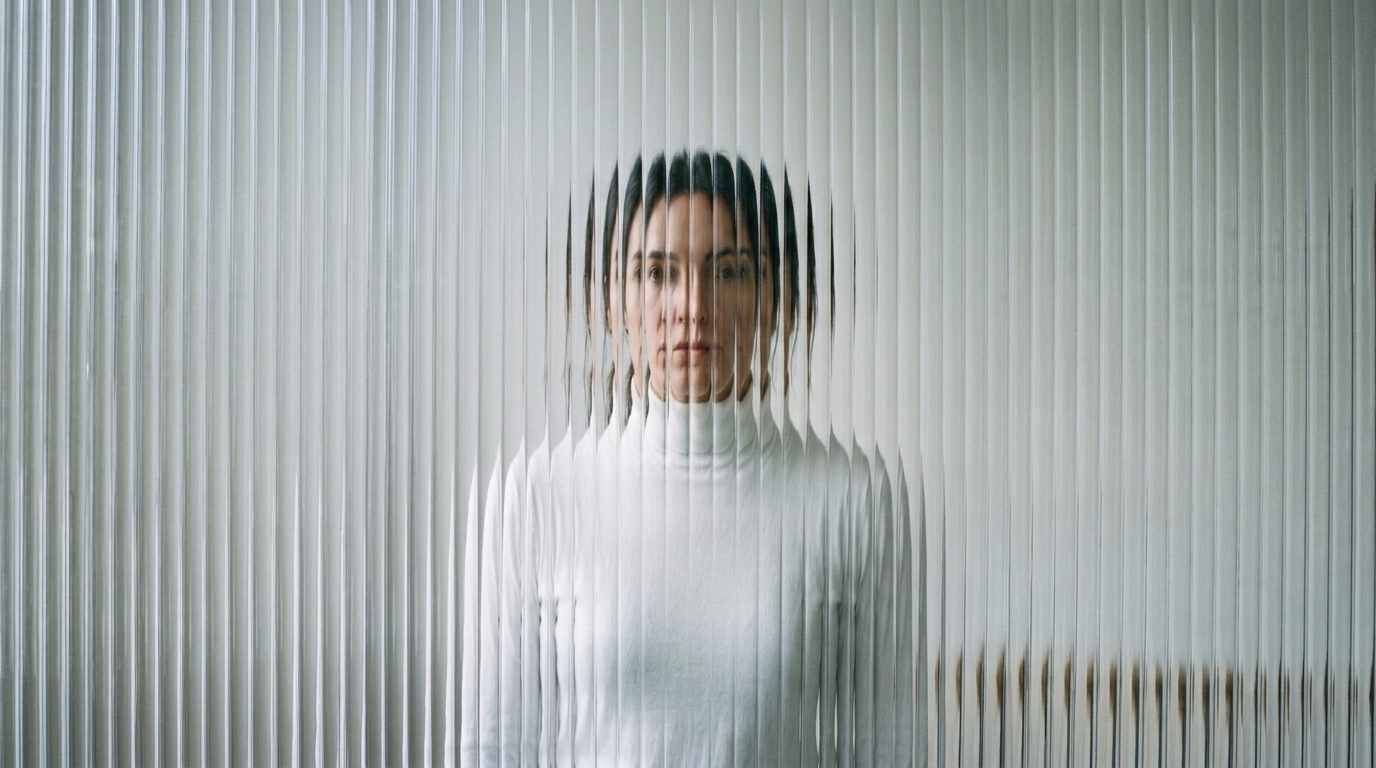
A still that should copy a performance
That is the BytePlus job: image plus a driving video up to 30 seconds. ImgToVid does not run that API.
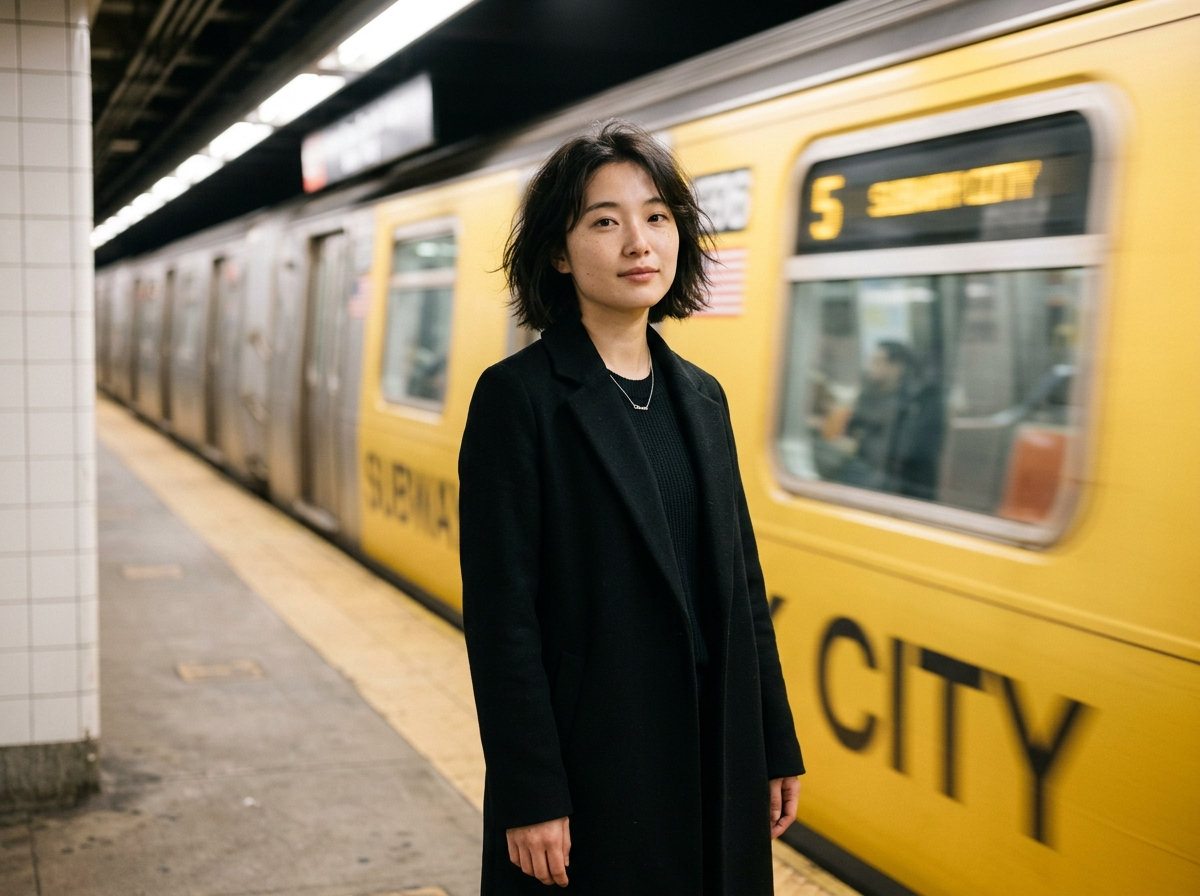
A portrait that has to talk
Use Talking Avatar on this page. Upload the photo and a line of at least 3 seconds. The mouth follows the track.
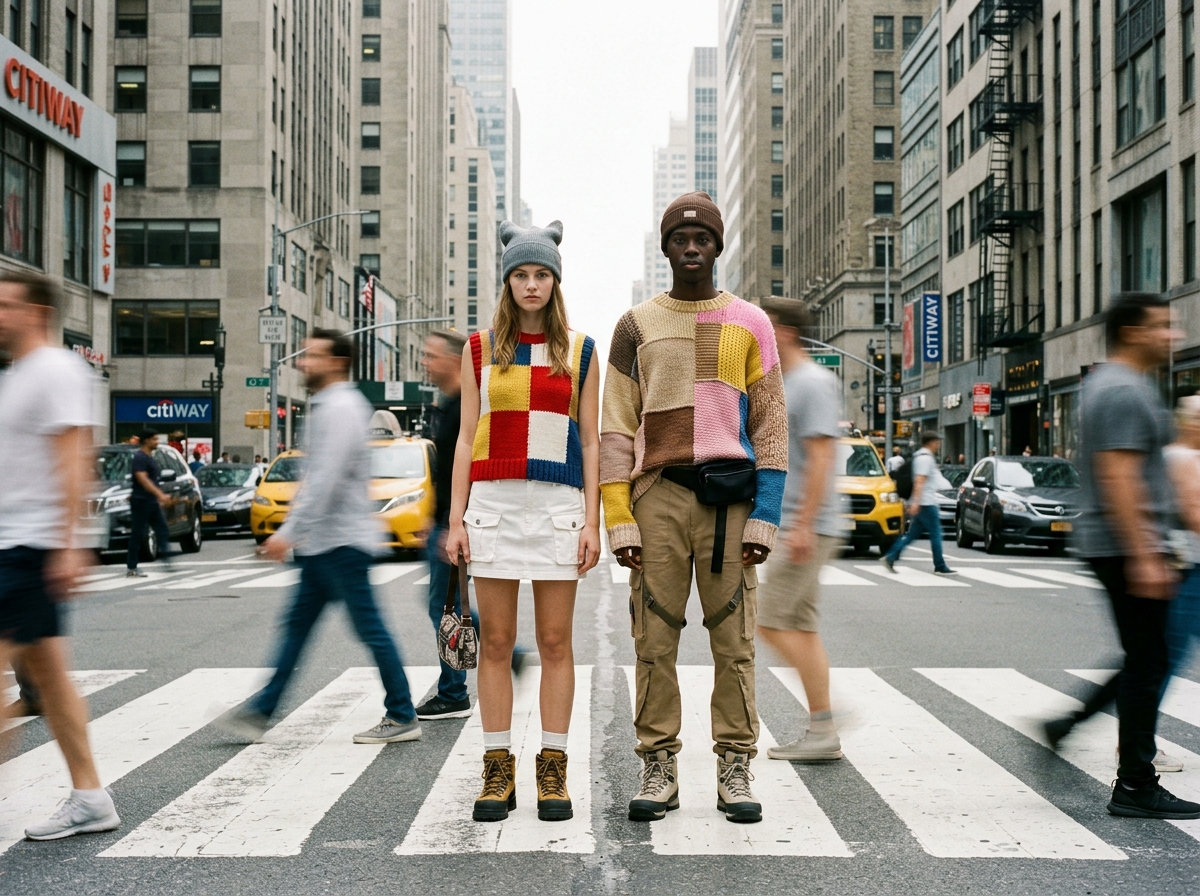
A pet, cartoon, or multi-person plate
M2.0 lists animation, pets, and multi-character driving. OmniHuman 1.5 on this site is a talking still, not that transfer.
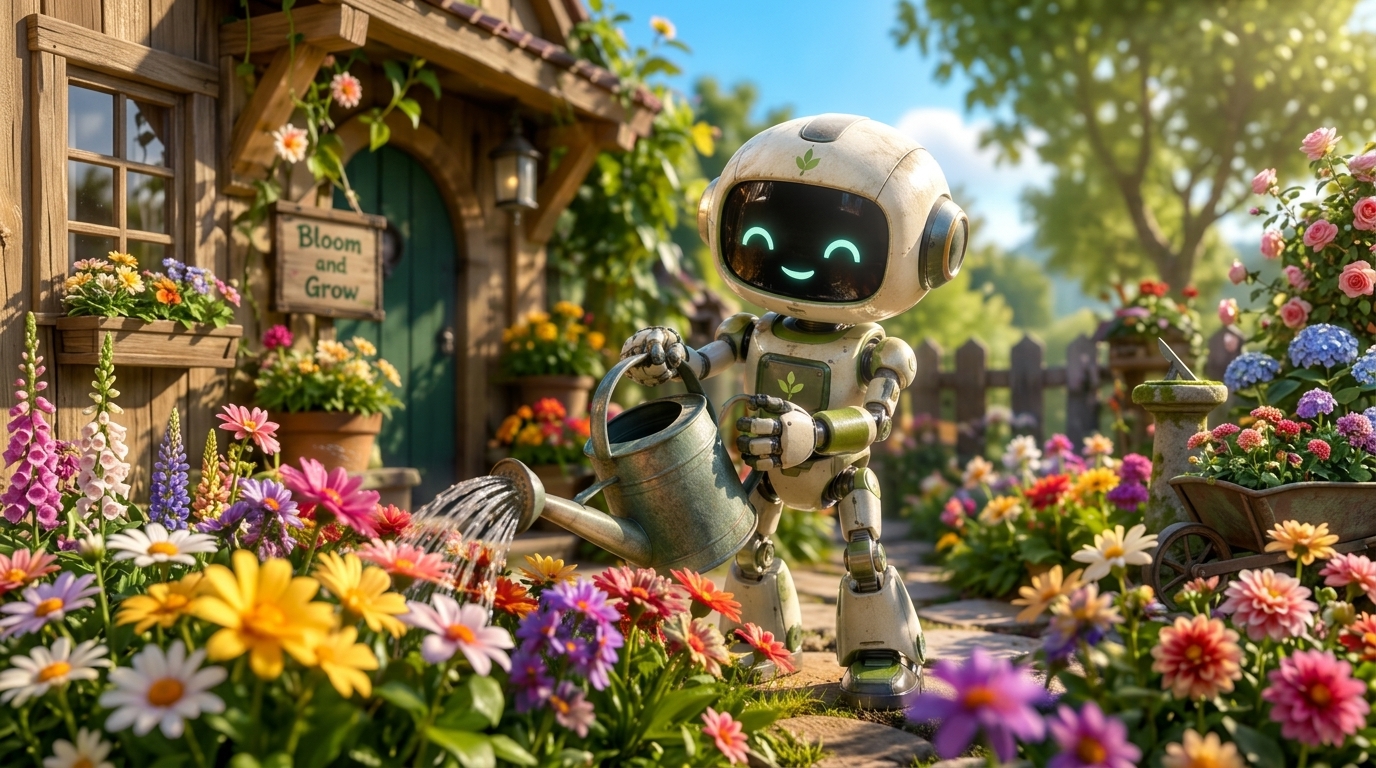
A prompt-only shot
DreamActor and Talking Avatar both need media. Write the shot on Seedance if you only have a sentence.
04 — Verdict
What DreamActor actually is
Strengths
- BytePlus M2.0: one still + a driving video up to 30s
- Official still 480×480–1920×1080; driver to 2048×1440
- This page can generate: Talking Avatar, OmniHuman 1.5
- Talking Avatar: still + audio ≥3s, 20 credits per second
Trade-offs
- DreamActor itself is not wired on ImgToVid
- M2.0 needs a driving video; this page needs a voice track
- No text-to-video prompt on either path
- Credits on the live path scale with audio length
05 — Side by side
DreamActor, Veo 3.1 and Kling 4.0
DreamActor is motion transfer. Veo 3.1 and Kling 4.0 numbers below are from those vendors’ public docs — they are one-shot generators.
06 — How it works
Start a talking still on ImgToVid
Step 1
Accept Talking Avatar
DreamActor will not be the model that runs. The generator starts on OmniHuman 1.5.
Step 2
Add a still and a voice track
Photo first, audio at least 3 seconds. A prompt alone will not start this series.
Step 3
Generate in Create
Membership and credits are checked there. Coming back here does not switch the run over to DreamActor M2.0.
07 — Versions
The series this page actually opens
One Create series. The directory name is DreamActor; the run is Talking Avatar.

08 — FAQ
DreamActor, in plain terms
What is ByteDance DreamActor?
DreamActor is ByteDance’s motion-control line. BytePlus DreamActor M2.0 takes one image and a template video up to 30 seconds so the subject copies that performance. Papers cover DreamActor-M1 and DreamActor-M2. ImgToVid does not host DreamActor.
Can I generate DreamActor on ImgToVid?
No. The generator on this page runs Talking Avatar (OmniHuman 1.5) so you can animate a still to audio. You need a photo and a voice track of at least 3 seconds.
How is this different from ByteDance Imitator?
Imitator is a separate directory name with no first-party spec sheet on this site; that page drafts on Seedance 2.5. DreamActor’s public API is image-plus-driving-video. This page opens Talking Avatar.
Does it generate audio?
DreamActor M2.0 copies lips from the driving video; BytePlus does not sell a separate soundtrack table. Talking Avatar on this page does not invent audio — you upload the track.
How long is a DreamActor clip?
BytePlus lists the driving video at up to 30 seconds. On this page, Talking Avatar length follows your audio and starts at 3 seconds.
Can I use the results commercially?
Commercial use of anything you generate on ImgToVid depends on your plan. Check Pricing and our Terms before you publish, and make sure prompts and uploads do not infringe someone else’s rights.
09 — Explore more
Other video models





The button is Talking Avatar
Add a still and a voice track, keep Talking Avatar selected, and generate in Create. There is no DreamActor M2.0 switch on this site.
Start with Talking Avatar