Seedance 2.5 Flash AI Video Generator
Create Cinematic AI Videos with Speed and Creativity
Bring your ideas to life with Seedance 2.5 Flash. Transform text prompts and images into engaging AI-generated videos with expressive motion, cinematic visuals, and flexible creative control.
01 — Technology
Powered by ByteDance Seedance Technology
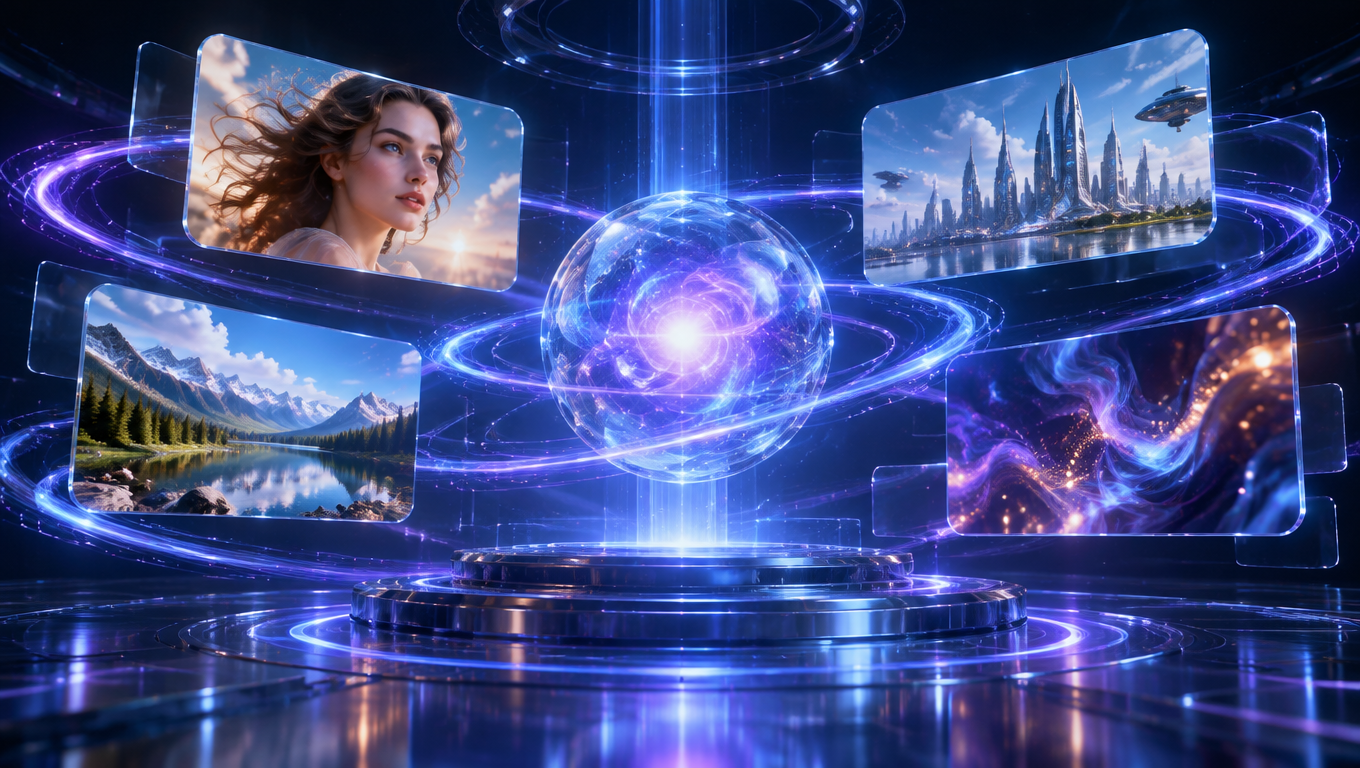
Seedance 2.5 Flash brings advanced AI video generation technology into a more efficient creative workflow. Built for creators who want to turn ideas into compelling visual content, it makes it easier to explore scenes, experiment with motion, and develop visual stories from simple inputs.
Whether you're starting with a written description or an existing image, Seedance 2.5 Flash helps turn creative concepts into video content.
02 — Capabilities
What Makes Seedance 2.5 Flash Different?
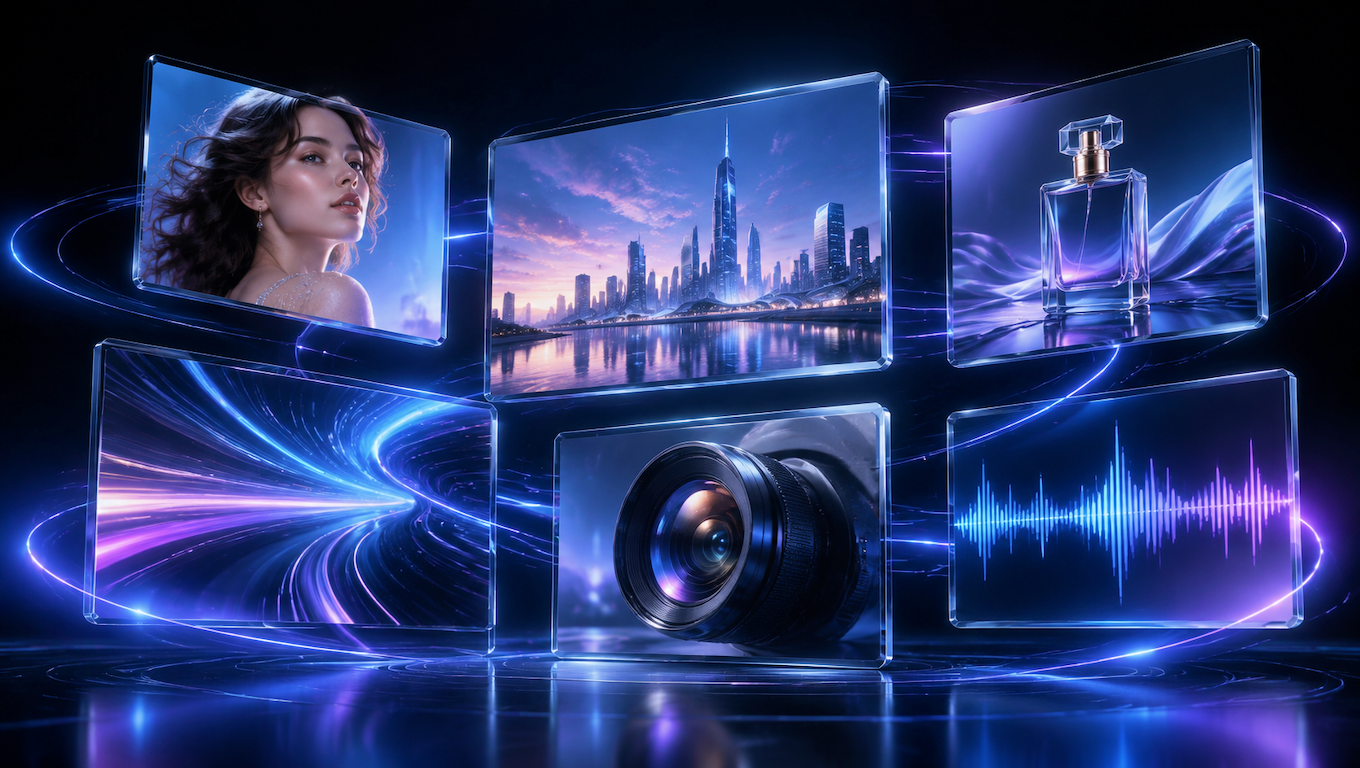
A flexible AI video creation experience that helps you move from inspiration to finished visuals.
Text-to-Video Creation
Turn written ideas into visual scenes. Describe your subject, environment, atmosphere, and camera perspective to guide video generation.
Image-to-Video Animation
Start with an image and bring it to life with movement, atmosphere, and cinematic visual storytelling.
Flexible Creative Direction
Use prompts and available reference inputs to guide the visual direction of your generated content.
Cinematic Visual Expression
Explore dynamic compositions, expressive motion, and visually engaging scenes for different creative projects.
Efficient Creative Workflow
Experiment with ideas and create variations without building every scene manually.
Audio and Multimodal Possibilities
Explore supported audio and reference-input capabilities through the available generation workflow. Specific input options depend on the model endpoint being used.
Workflow
Turn Text Prompts into Cinematic Videos
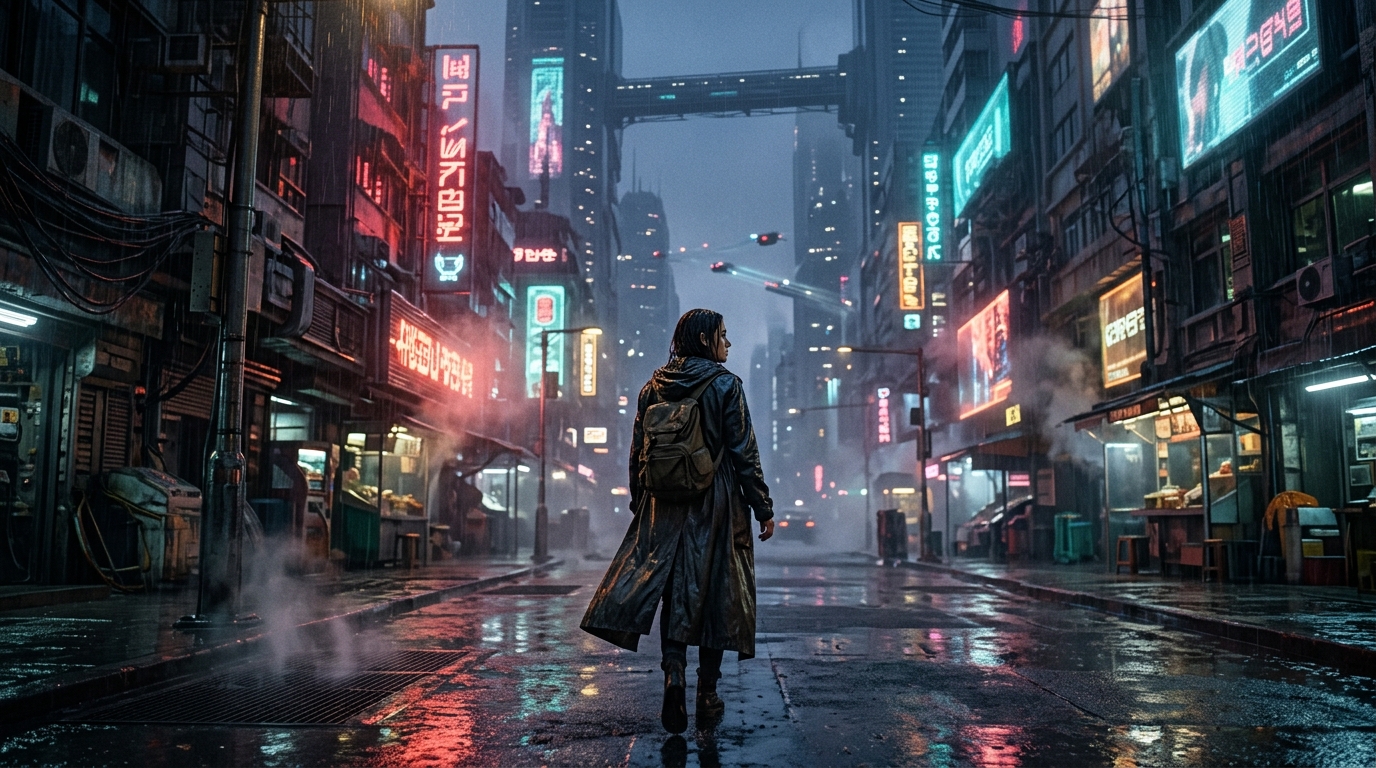
Have an idea for a scene? Start with a simple description and let Seedance 2.5 Flash turn your words into visual content.
Describe the subject, setting, lighting, atmosphere, and action you want to see. The more clearly you communicate your creative direction, the easier it is to explore the visual result you're looking for.
From futuristic cityscapes to emotional character scenes, transform written concepts into engaging video creations.
Workflow
Bring Your Images to Life with AI
A single image can be the starting point for an entirely new visual story.
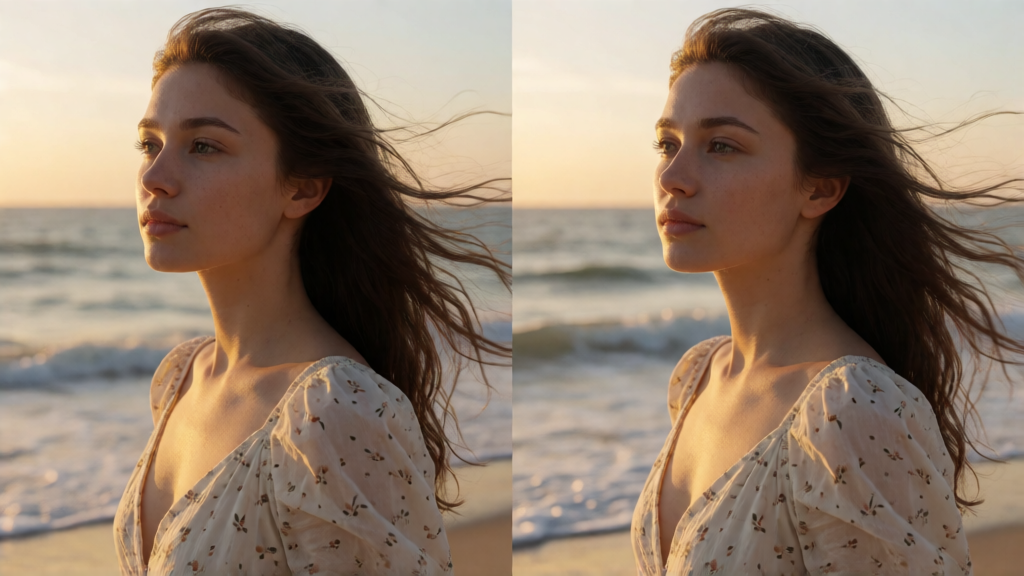
Upload an image and describe how you want the scene to move. Seedance 2.5 Flash helps transform static visuals into dynamic video content while using your image as the visual starting point.
Create subtle character movements, atmospheric environmental motion, and cinematic scenes from your existing images.
Workflow
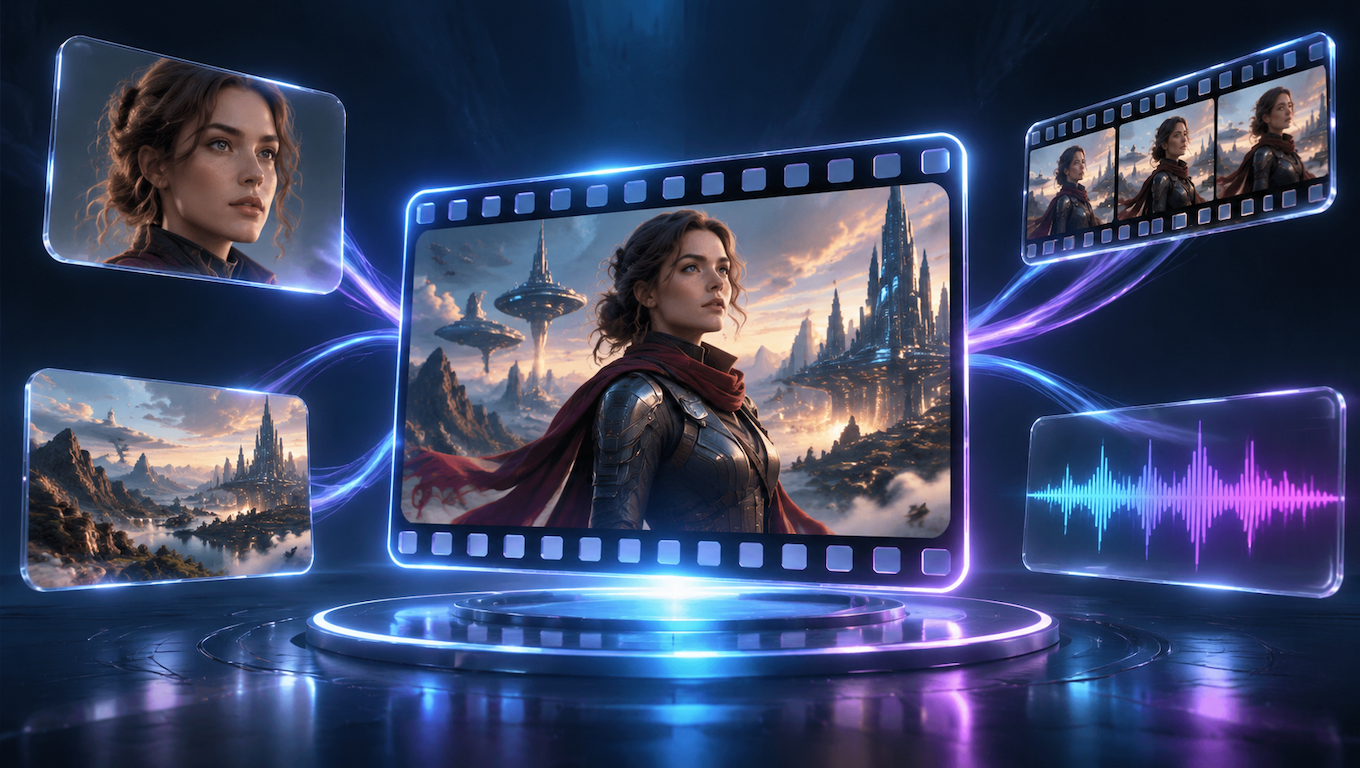
More Creative Control with Multimodal References
Video creation doesn't always start with a text prompt alone. Reference images, visual materials, and other supported inputs can help communicate the direction of your creative idea.
Use available reference capabilities to explore character appearance, visual environments, and creative consistency across your workflow.
Depending on the selected model endpoint, supported inputs may also include audio-related references and other multimodal elements.
04 — Use cases
Explore the Possibilities of Seedance 2.5 Flash
From cinematic storytelling to commercial visuals, Seedance 2.5 Flash gives creators a flexible way to explore different video styles and creative directions.
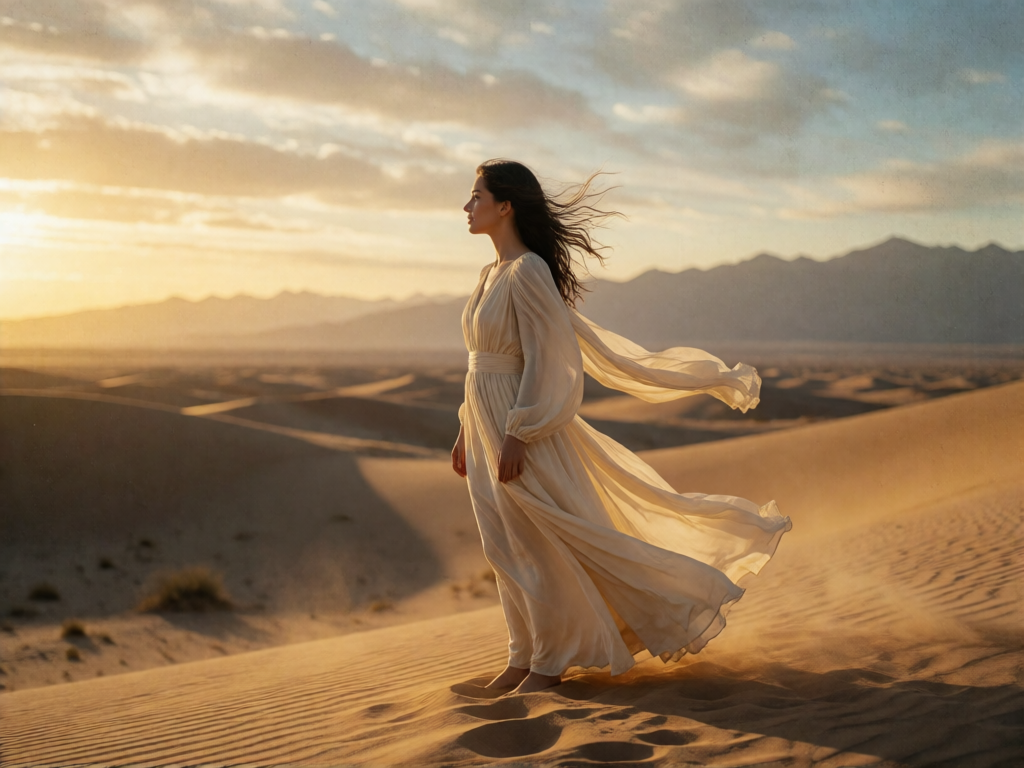
Cinematic Storytelling
Create atmospheric scenes, emotional moments, and cinematic visual stories. Explore dramatic lighting, expressive characters, and immersive environments.

Product Advertising
Create eye-catching product visuals with dramatic lighting, elegant compositions, and dynamic motion. Turn product concepts into engaging advertising content.

Social Media Content
Create short-form visual content for social platforms. Experiment with different styles, scenes, and creative concepts.
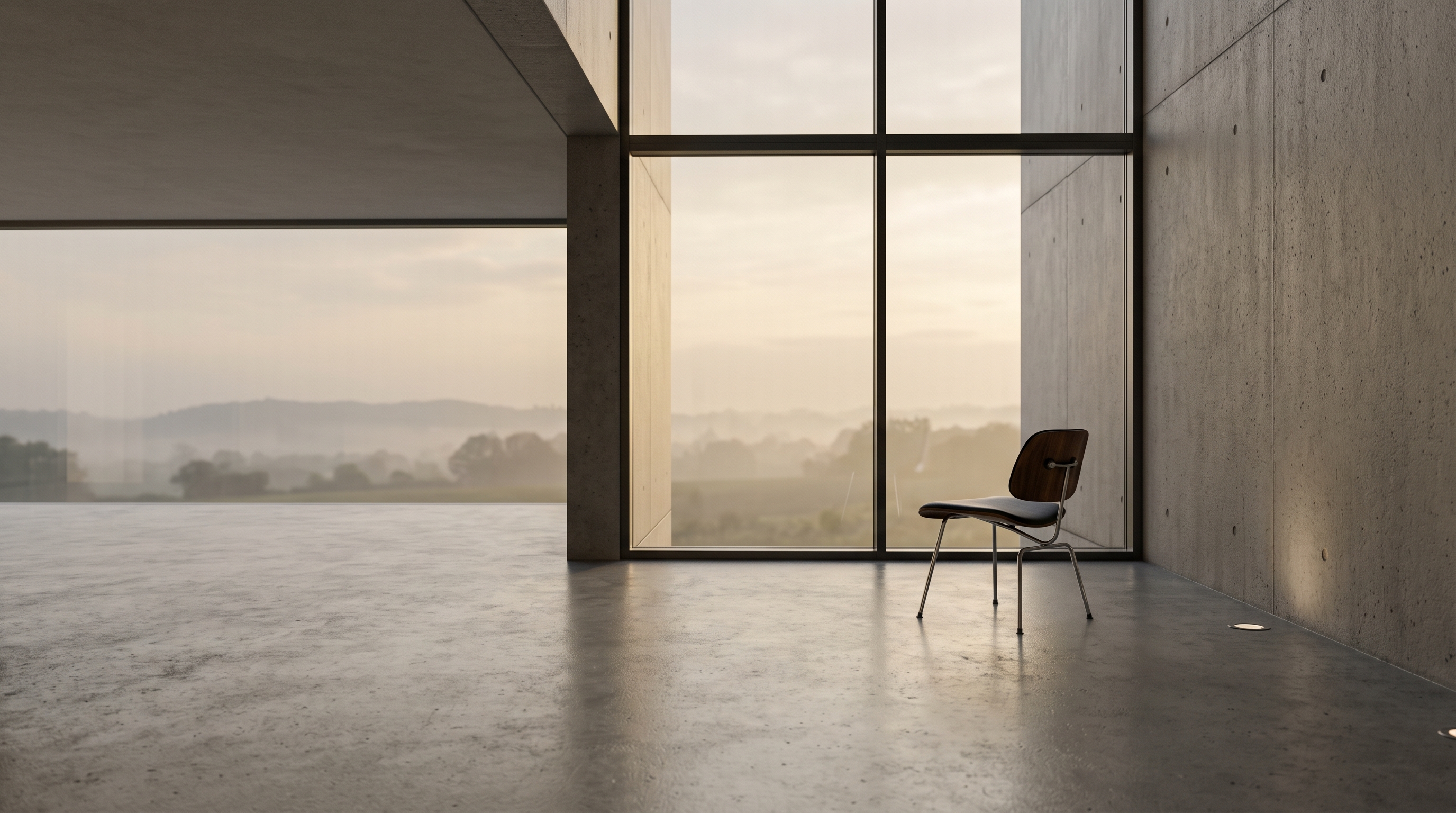
Creative Experiments
Explore imaginative worlds, unusual visual combinations, and original ideas. Use AI video generation to experiment beyond traditional production workflows.
05 — Creators
Made for Different Types of Creators
Whether you're creating for work, sharing ideas, or experimenting with AI-generated visuals, Seedance 2.5 Flash offers a flexible starting point for different creative needs.
Content Creators
Explore new ways to produce engaging visual content for social media, video channels, and digital communities.
Filmmakers & Storytellers
Develop visual concepts, explore scenes, and experiment with cinematic storytelling.
Designers & Artists
Bring static artwork and visual concepts into motion through AI-assisted video creation.
Marketing Professionals
Explore product visuals, campaign concepts, and creative video ideas for digital marketing.
06 — Compare
Seedance 2.5 Flash vs. Seedance 2.5: Which Should You Choose?
Both versions belong to the Seedance 2.5 model family, but they serve different creative priorities. Your ideal choice depends on the workflow, output requirements, and generation experience you need.
Choose Seedance 2.5 Flash when you want an efficient way to explore video ideas and create visual content. Consider Seedance 2.5 when your project requires capabilities available through the standard model.
Always check the current model endpoint documentation for exact supported features and generation parameters.
07 — How it works
Create Your First AI Video in a Few Simple Steps
Getting started with Seedance 2.5 Flash is straightforward. Follow these steps to turn your ideas into AI-generated videos.
Step 1
Open the Seedance 2.5 Flash Generator
Visit the generator and select Seedance 2.5 Flash as your video generation model.
Step 2
Choose Your Input
Start with a text prompt or upload an image, depending on the creation workflow you want to use.
Step 3
Describe Your Idea
Write a prompt describing the subject, scene, movement, atmosphere, and visual style.
Step 4
Configure Your Settings
Choose from the available generation settings supported by the selected model endpoint.
Step 5
Generate and Explore
Start generation, review the result, and refine your prompt or settings to explore different creative directions.
08 — FAQ
Frequently Asked Questions
What is Seedance 2.5 Flash?
Seedance 2.5 Flash is an AI video generation model in the Seedance 2.5 family. It provides an efficient workflow for turning creative prompts and supported visual inputs into AI-generated videos.
Can I use Seedance 2.5 Flash for text-to-video generation?
Yes. You can describe a scene using a text prompt and use the text-to-video workflow to generate visual content.
Can Seedance 2.5 Flash animate images?
Yes. The image-to-video workflow allows you to use an image as the starting point for video generation and describe the motion or visual direction you want.
Does Seedance 2.5 Flash support audio generation?
Audio-related capabilities depend on the model endpoint and integration being used. Check the available generation settings and documentation for the exact audio features supported.
Can I use reference images?
Reference-image support depends on the selected endpoint and its input requirements. Check the current model documentation for supported reference inputs.
How can I get better results?
Write clear prompts that describe the subject, action, environment, lighting, camera perspective, and visual style. For image-to-video generation, choose a clear starting image and describe the movement you want to introduce.
Where can I learn more about Seedance 2.5 Flash?
You can explore the official ByteDance Seedance introduction.
09 — Explore more
Explore More AI Video Models


Bring Your Ideas to Life with Seedance 2.5 Flash
From simple text prompts to expressive visual scenes, explore a faster and more flexible way to create AI videos. Start experimenting with your ideas and discover what you can create.
Your next creative idea starts here.