Seedance AI Video Generator
ByteDance’s Seedance turns a sentence, a still or a set of references into multi-shot video with steady characters, deliberate camera moves and matching sound. Pick a version and start creating.
01 — Capabilities
Built to follow direction, not just prompts
Seedance reads the whole instruction — subject, action, lens and mood — and keeps it consistent from the first frame to the last.
01
Reads prompts like a shot list
Describe who is in frame, what they do and how the camera behaves. Seedance keeps every part of the instruction instead of picking one and guessing the rest.
02
Camera moves with intent
Push-ins, orbits, tracking shots and handheld drift come out smooth and motivated, so a clip feels framed by a director rather than generated.
03
Multi-shot, one identity
Cut between angles inside a single generation while faces, wardrobe and props stay the same — the backbone of short stories and product spots.
04
Any look, any frame
Photoreal, anime, ink wash or clay. Render in 16:9, 9:16, 1:1, 4:3, 3:4 or 21:9, or let adaptive framing follow your source image.
02 — Prompt to output
From a line of text to a finished shot
Each shot comes with a prompt you can start from. Open one in Create and make it yours.
- 01 · Portrait
PromptClose-up of a young man with curly hair in a grey knit sweater, soft window light, he glances away and breaks into a warm smile, slow push-in, shallow depth of field.
- 02 · Product
PromptA clean white leather sneaker on a pale grey studio backdrop, soft diffused light, the camera orbits slowly around it, crisp detail on the stitching, minimal commercial look.
- 03 · Street
PromptSlow dolly down a cobblestone lane in an old European village, climbing roses on stone walls, café tables in the morning sun, a few people strolling in the distance.
- 04 · Character
PromptA young woman with shoulder-length brown hair in an olive t-shirt, golden late-afternoon light, she turns her head and looks off into the distance, breeze in her hair, handheld feel.
03 — Where it fits
Where Seedance fits best
Short-form work where consistency and camera language matter more than raw length.
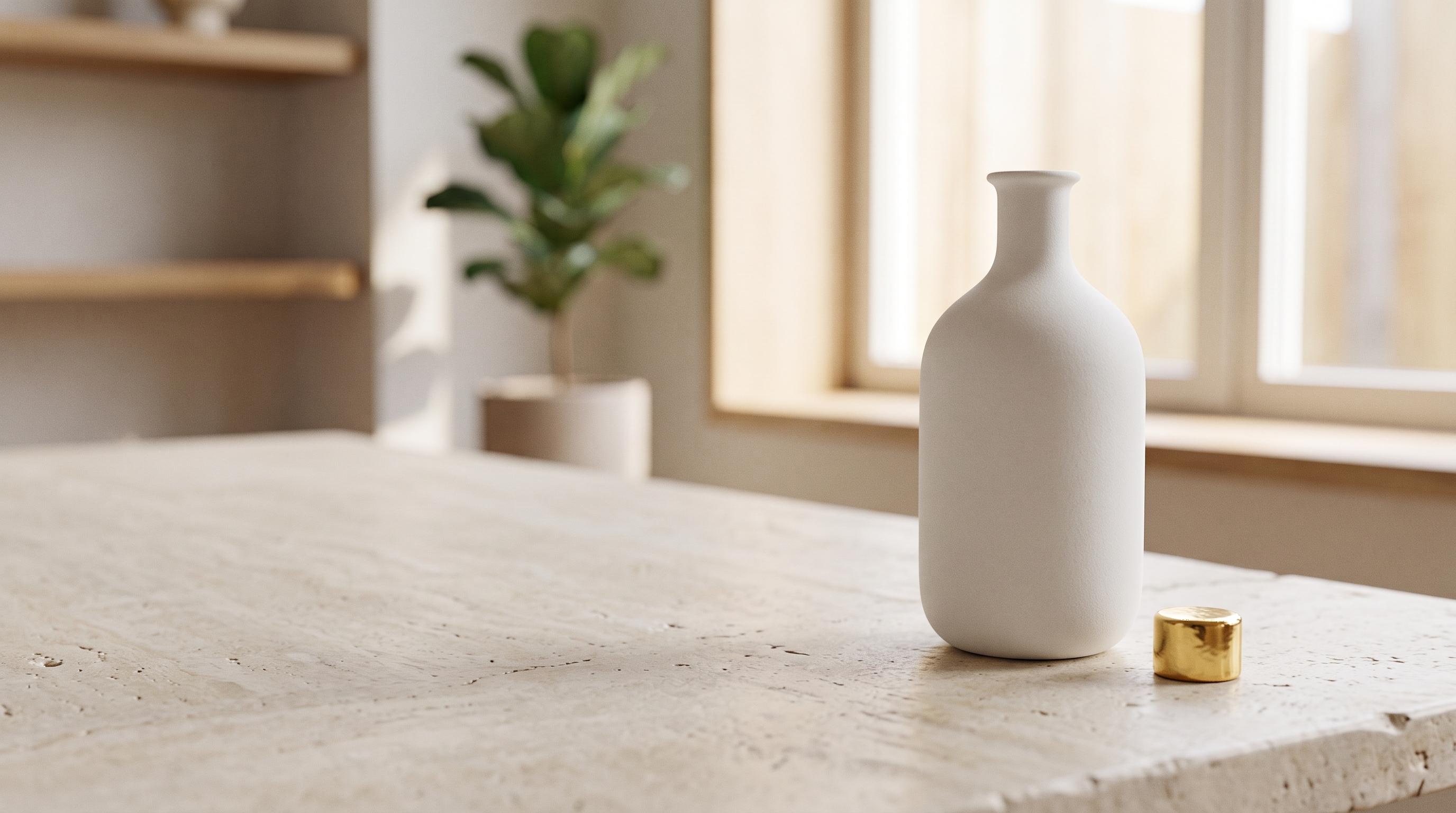
Ads & product films
Hero shots, unboxings and loopable product reveals that hold up on a landing page or a 6-second pre-roll.
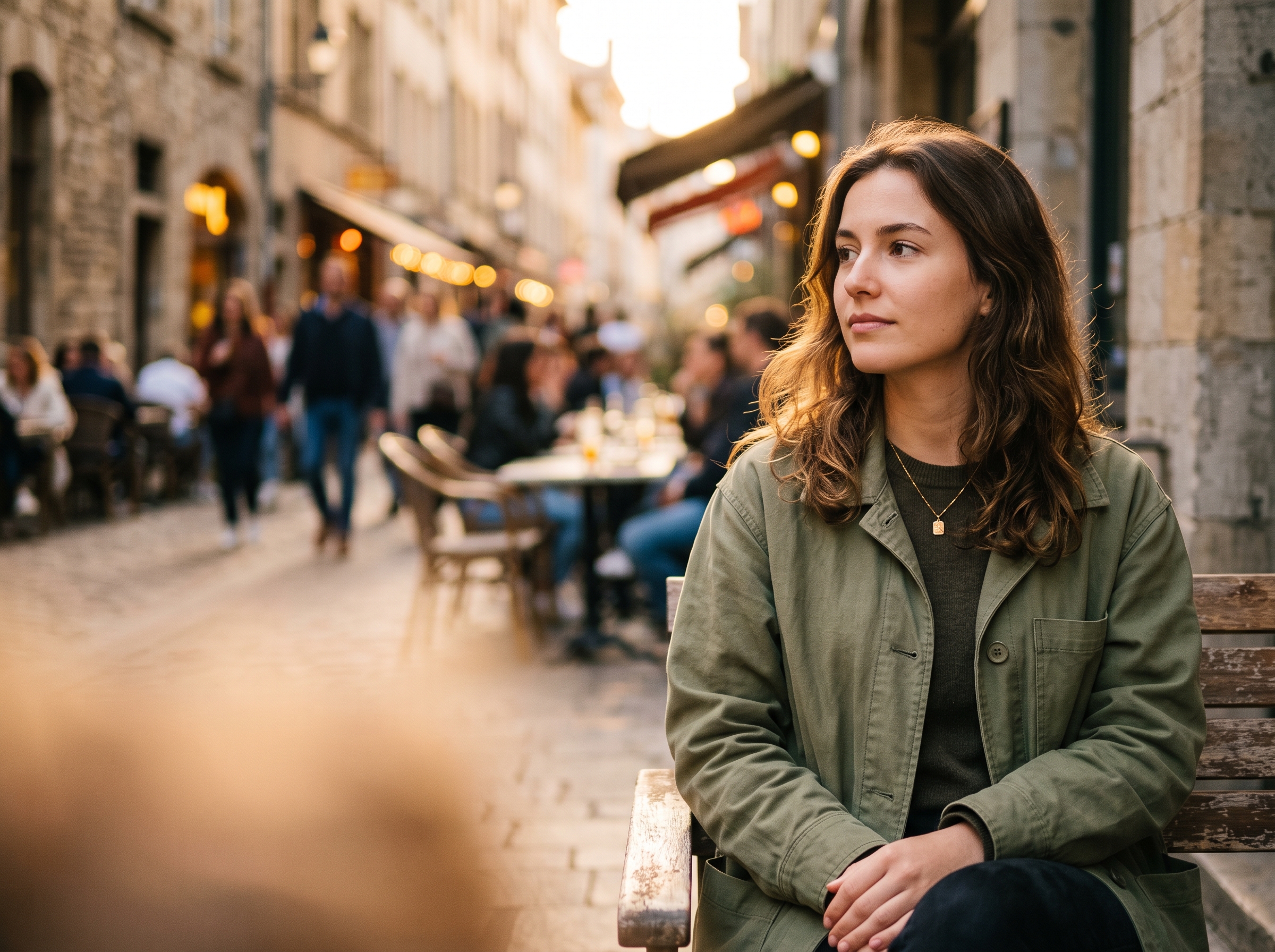
Social shorts
Vertical 9:16 clips with sound already in place — ready for Reels, TikTok and Shorts without a timeline.
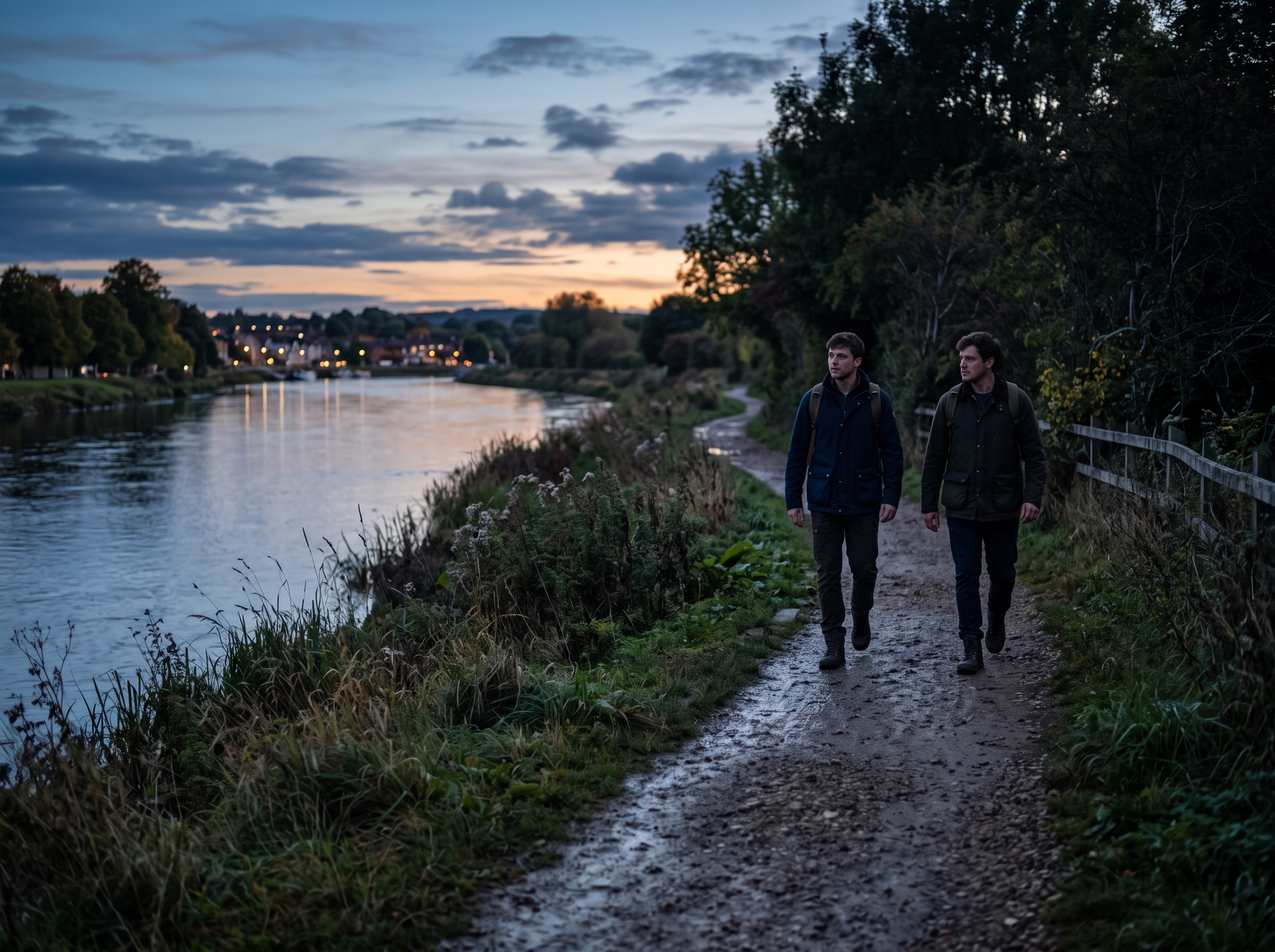
Story & music videos
Multi-shot sequences that keep the same character across cuts, for teasers, lyric videos and narrative beats.
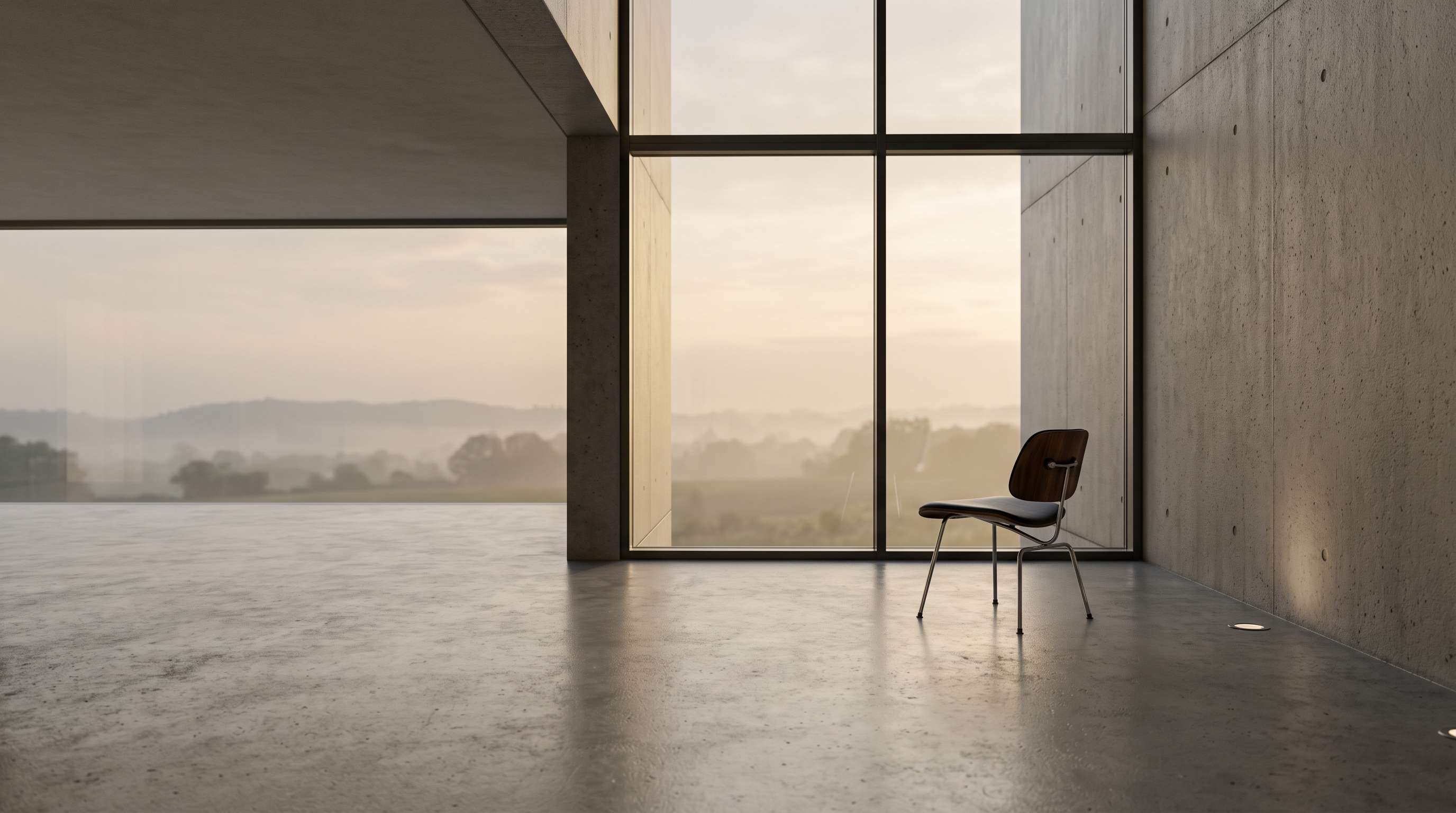
Concept & previs
Turn storyboards and reference boards into moving previews before anyone books a camera.
04 — Verdict
What makes Seedance stand out
Strengths
- Follows long, multi-part prompts without dropping details
- Steady characters and objects across shots in one clip
- Native audio and clips up to 30 seconds on Seedance 2.5
- Four versions, from 4K quality to fast, low-cost drafts
Trade-offs
- 4K output is limited to Seedance 2; 2.5 tops out at 720p
- Vague prompts give generic motion — it rewards specific direction
- Fine text and logos inside the frame can still drift
05 — Side by side
Seedance vs Veo vs Kling
How the three most requested video models line up for everyday creative work.
06 — How it works
Three steps to your first Seedance clip
Step 1
Pick a version
Start with Seedance 2.5 for length and audio, Seedance 2 for 4K, or Fast and Mini for quick drafts.
Step 2
Write the shot
Describe subject, action, camera and mood. Add a first frame, a last frame or reference images when you need control.
Step 3
Generate & refine
Set ratio, length and resolution, then generate in Create. Tweak the prompt and run again until it lands.
07 — Versions
Explore the Seedance family
Every version runs in Create with the same prompt box — switch any time.

08 — FAQ
Seedance questions, answered
What is Seedance?
Seedance is ByteDance’s family of AI video models. It generates video from text, a single image, first and last frames, or a set of reference images and videos, with optional synchronized audio.
Which Seedance version should I use?
Use Seedance 2.5 for clips up to 30 seconds with audio, Seedance 2 when you need up to 4K, Seedance 2 Fast for quick iterations and Seedance 2 Mini for high volume at a lower cost.
Can Seedance animate my own image?
Yes. Upload an image as the first frame and describe the motion. Add a last frame as well and Seedance will plan the movement between the two.
Does Seedance support reference images and video?
Yes. Reference to video accepts up to 9 images and an optional reference video, so you can keep a character, product or style consistent.
Can I use Seedance videos commercially?
Commercial use depends on your ImgToVid plan, so check Pricing and our Terms before publishing. Either way, make sure your prompts and uploads don’t infringe on anyone else’s rights.
09 — Explore more
Other AI video models


Your next shot starts with one sentence
Write it, pick a Seedance version and generate in seconds. Your settings carry straight into Create.
Start with Seedance